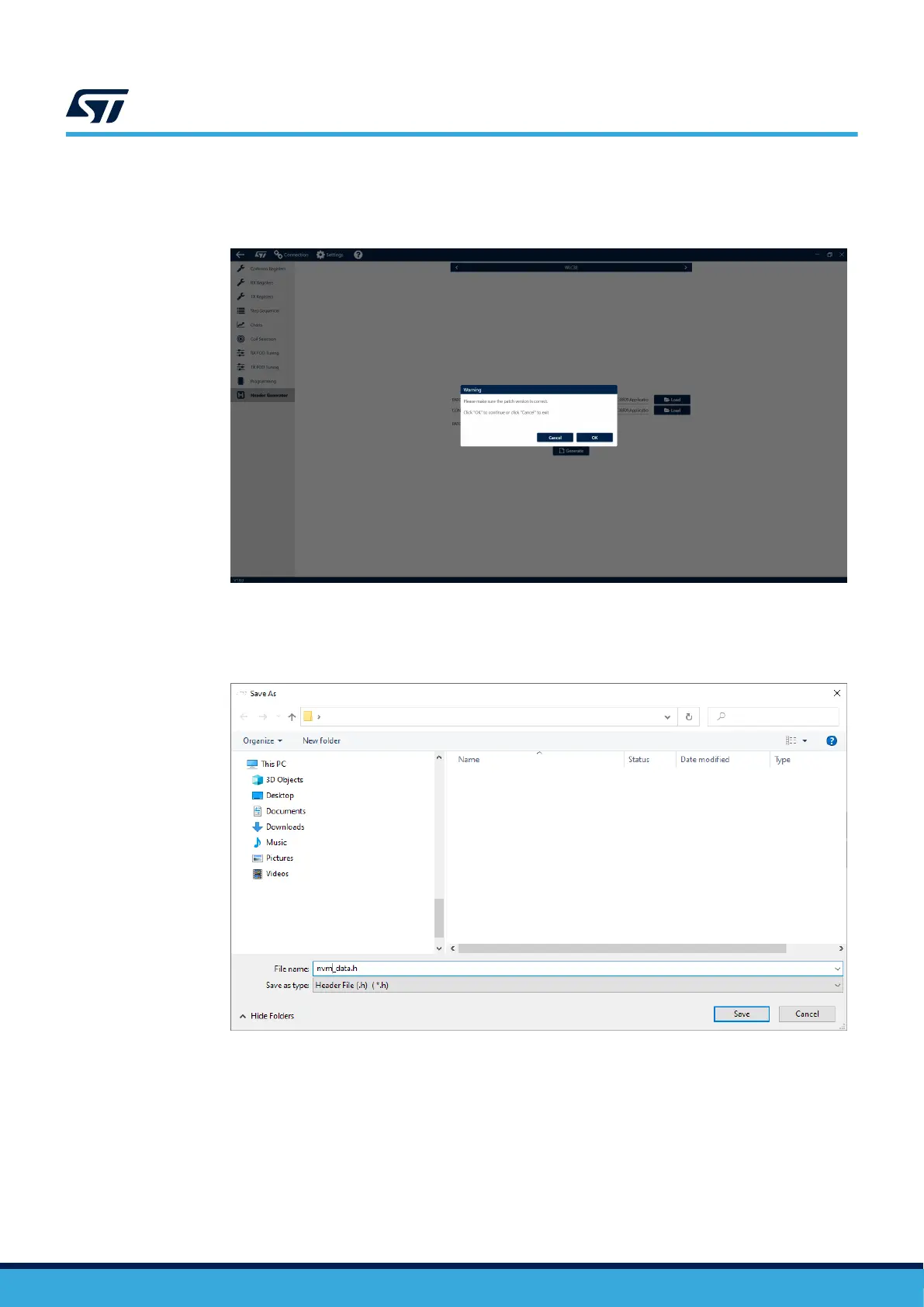
Step 2. Continue by selecting the patch and configuration files and press [Generate].
A pop-up window will appear, asking to confirm you have selected the correct Patch version.
Figure 11. Confirmation of patch version
Step 3. Choose a save destination.
After choosing a location, the Header file will be saved as a .h file in the selected folder.
Figure 12. Header file save
UM3154
Header file generation
UM3154 - Rev 2
page 11/81


 To Next Page