Troubleshooting for Electric Beds
In addition, the last error code saved in the control unit can be called up and also deleted using the
handset.
Indication of error codes on the locking box. If no error code can be called up, there was either no
fault or the memory was deleted.
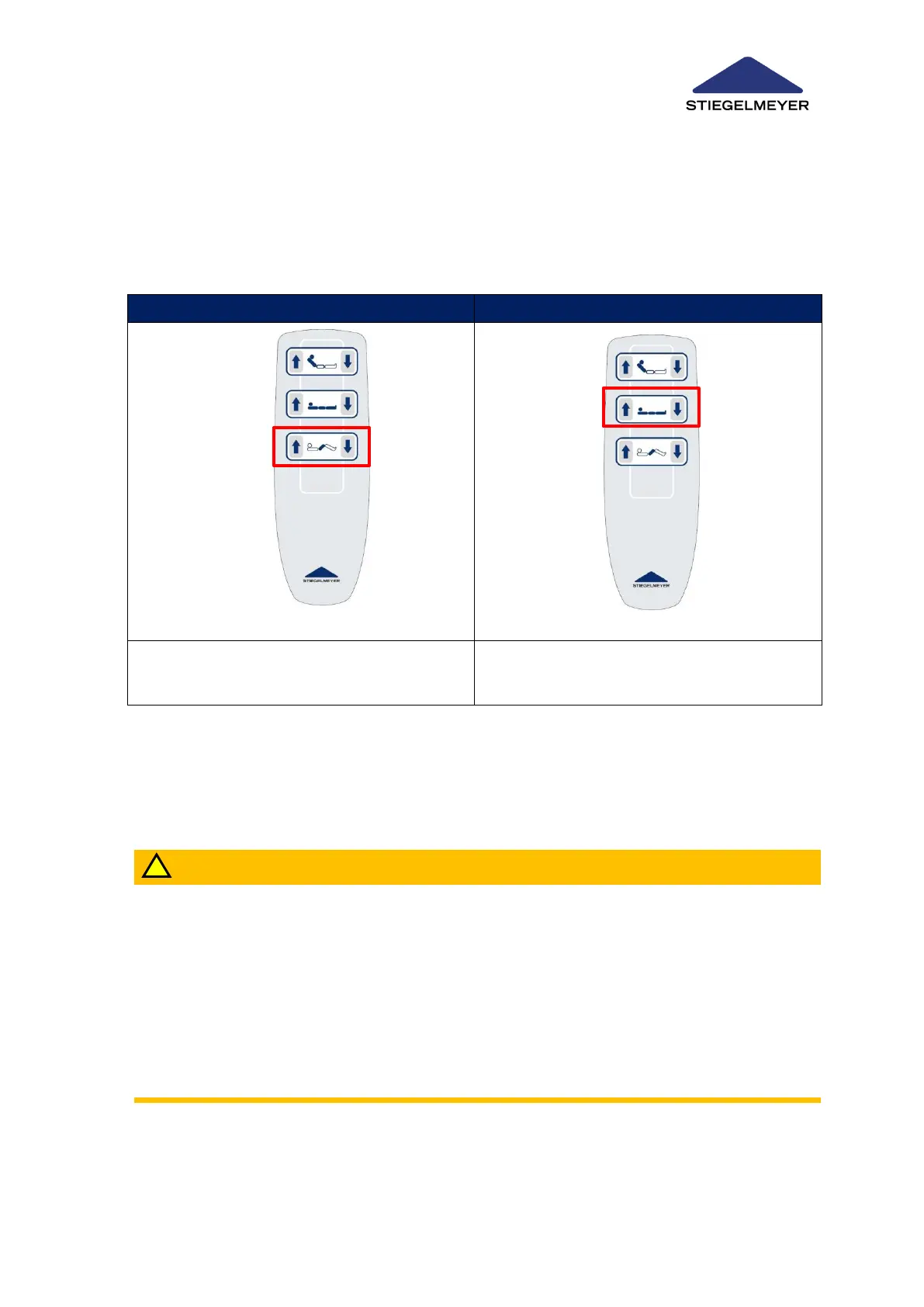
Press both buttons at the same time
Press both buttons at the same time for 5 sec-
onds until the procedure is confirmed with a
beep.
15.1.3 Unlocking the Control Unit – Reset (Version EM2 and EM3 only)
For safety reasons, if a serious error is detected by the control unit, the functions concerned are
electronically locked (see Faults and their Rectification » 94).
Risk of Injury
If the control unit automatically locks again within a short space of time, contact Stiegelmey-
er’s Customer Service to rectify the cause of the fault.
Ignoring this safety cut-out function, for instance, by repeatedly resetting the control unit
without rectifying the cause of the fault, may result in endangering the patient due to inad-
vertent actuation of the control unit.
If a handset fault is identified 3 times in a row and not rectified previously by replacing the
handset with a new one, the control unit is permanently locked. This can only be deactivated
by Stiegelmeyer’s service centre.



 To Next Page