EasyManua.ls Logo

Stiegelmeyer Seta pro - User Manual

Stiegelmeyer Seta pro
168 pages
Print Icon
To Next Page IconTo Next Page
Loading...
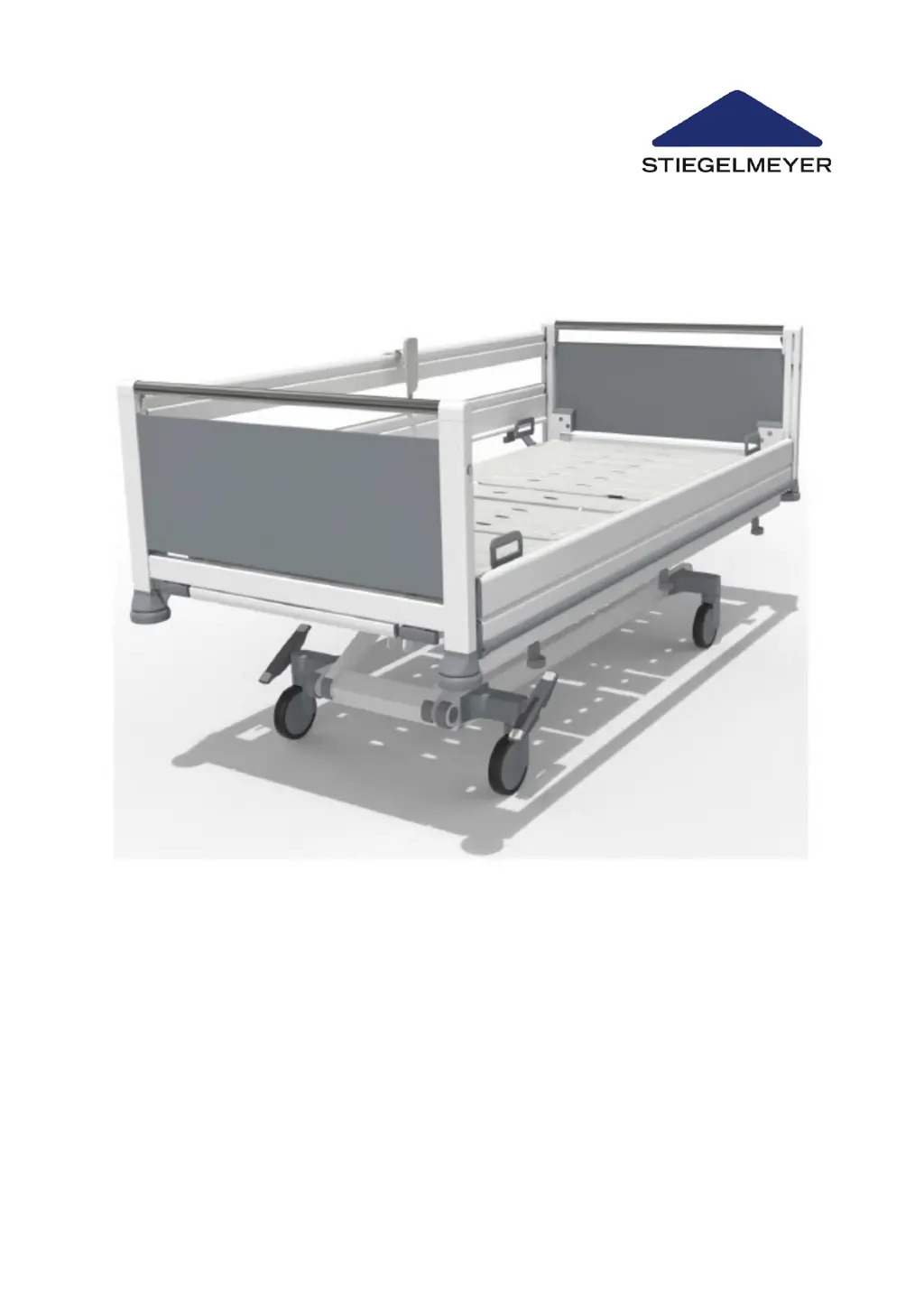
Seta pro
2020-11-12 | Version 00 | 288675
Instruction Manual
Model variant junior

Table of Contents

Questions and Answers

  • B
    Brandon KingAug 16, 2025
    How to troubleshoot Stiegelmeyer Seta pro Medical Equipment handset/LCD/drive system not working?
    • R
      rchapmanAug 17, 2025
      If the handset, LCD handset, or drive system on your Stiegelmeyer Medical Equipment isn't working, here's what you can check: * **Mains Cable:** Ensure the mains cable is properly plugged in and the mains power LED on the control unit is lit green. * **Power Supply:** Verify the socket is providing power and check the fuse box. * **Plug Connections:** Make sure all plugs are correctly inserted. * **Drive Lock:** Unlock the functions if the drives are locked. If these steps don't resolve the issue, the handset, mains cable, or control unit might be defective, and you should inform your operator about necessary repairs.
  • G
    gshafferAug 19, 2025
    Why is the mains control lamp not lighting up on my Stiegelmeyer Medical Equipment?
    • M
      Mr. James GillAug 19, 2025
      If the mains control lamp in the control unit of your Stiegelmeyer Medical Equipment isn't lighting up, it could be due to several reasons: * **Socket Issue:** The socket might not be receiving power. Try using a socket that you know is working. * **Damaged Cable:** The mains cable could be damaged and needs replacing. * **Defective Fuses:** The fuses in the control unit may be defective. In this case, inform your operator about any necessary repairs.
  • T
    Todd GarciaAug 22, 2025
    What to do if Stiegelmeyer Medical Equipment does not operate despite proper power supply?
    • A
      Angela CrawfordAug 22, 2025
      If your Stiegelmeyer Medical Equipment isn't working even with a proper power supply, consider the following: * **Overheating:** The control unit might have temporarily shut down due to overheating. Observe the duty cycle (2 minutes ON/18 minutes OFF) and allow the control unit to cool down for about 20 minutes before testing again. * **Defective Control Unit:** The control unit itself may be defective. In this case, inform your operator about any necessary repairs.
  • K
    kimberly76Aug 25, 2025
    Why does my Stiegelmeyer Seta pro Medical Equipment make a constant signal tone during adjustment?
    • S
      Stephanie HallAug 26, 2025
      If you hear a constant signal tone during adjustment of your Stiegelmeyer Medical Equipment, it means the battery capacity is low. Connect the bed to the mains supply to recharge the battery as soon as possible.
  • M
    marysanchezAug 27, 2025
    What to do if Stiegelmeyer Seta pro handset/LCD/foot pedal is not functioning?
    • K
      Karen PattersonAug 27, 2025
      If the handset, LCD handset, or foot pedal isn't functioning on your Stiegelmeyer Medical Equipment, ensure adjustments are enabled. If the problem persists: * **Handset Fault:** Replace the handset, as it may be faulty. * **Foot Pedal:** If using a foot pedal, ensure it has been separately enabled. Inform your operator to arrange for the necessary repairs.
  • J
    johnwestAug 30, 2025
    Why is battery-powered operation not possible on my Stiegelmeyer Seta pro Medical Equipment?
    • P
      Peter BrownAug 30, 2025
      If battery-powered operation isn't possible on your Stiegelmeyer Medical Equipment, check the following: * **Battery Charge:** Connect the bed to the mains supply for approximately 10-12 hours to charge the battery. * **Battery Insertion:** Verify the battery is properly inserted, checking the plug and cable routing. * **Battery Presence:** If there is no rechargeable battery, consider retrofitting one.
  • J
    Jose PenaSep 2, 2025
    Why does the drive on my Stiegelmeyer Seta pro Medical Equipment run briefly then stop?
    • M
      Megan KingSep 2, 2025
      If the drive on your Stiegelmeyer Medical Equipment runs briefly, stops, and can only be activated in the opposite direction, it could be due to: * **Overload:** The drive may be overloaded. Remove the overload by briefly operating the drive in the opposite direction, then retest. * **Motor Connection:** One or more motors might not be connected. Ensure all motors are properly connected.
  • A
    Adam GrahamSep 4, 2025
    Why is there no battery charge indicator on my Stiegelmeyer Seta pro?
    • L
      Louis SantosSep 5, 2025
      If your Stiegelmeyer Medical Equipment with a Li-ion battery shows no charge indicator or doesn't charge when connected to mains power (especially when the battery is empty), it might be that a completely empty battery is carefully prepared for a new charge. Leave the bed connected to the mains for up to 12 hours until charging starts and the battery charge indicator lights up.
  • K
    kathleen48Sep 7, 2025
    What causes the manual CPR release to fail on Stiegelmeyer Seta pro Medical Equipment?
    • L
      liujillSep 7, 2025
      If the manual CPR release of the back-rest on your Stiegelmeyer Medical Equipment isn't working, check the following: * **Bowden Cables:** The Bowden cables may be too loose or not attached. Readjust them at the release lever or secure them. * **Kinked Cable:** A Bowden cable might be kinked. In this case, inform your operator about any necessary repairs.
  • M
    Mr. Michael Johnson DVMSep 10, 2025
    Why is the control not functioning on my Stiegelmeyer Medical Equipment?
    • S
      Shawn SotoSep 10, 2025
      If the control on your Stiegelmeyer Medical Equipment isn't functioning and the locking LEDs are flashing, there's likely a problem with the control unit. For safety, all functions are locked. Try unlocking the control unit. If the fault reoccurs, inform your operator about any necessary repairs.

Summary

Safety Instructions for Hospital Beds

Operating the Bed Safely

General safety guidelines for operating the hospital bed, including electrical connections and adjustments.

Routine Bed Operation and Adjustments

Moving and Securing the Bed

Procedures for moving, immobilising, and using the steering lock on the hospital bed.

Maintenance, Replacement, and Initialisation

Replacing Electrical Components

Detailed procedures for replacing components like batteries, cables, handsets, and control units.

Troubleshooting Bed Faults

Fault Rectification Table

A comprehensive table listing problems, possible causes, and solutions for bed malfunctions.

LCD Handset Fault Displays

Interpreting and resolving fault messages displayed on the LCD handset.

Control Box Fault Messages and Resets

Understanding fault indicators on the control box and procedures for acknowledging faults.

Stiegelmeyer Seta pro Specifications

General IconGeneral
BrandStiegelmeyer
ModelSeta pro
CategoryMedical Equipment
LanguageEnglish

Related product manuals