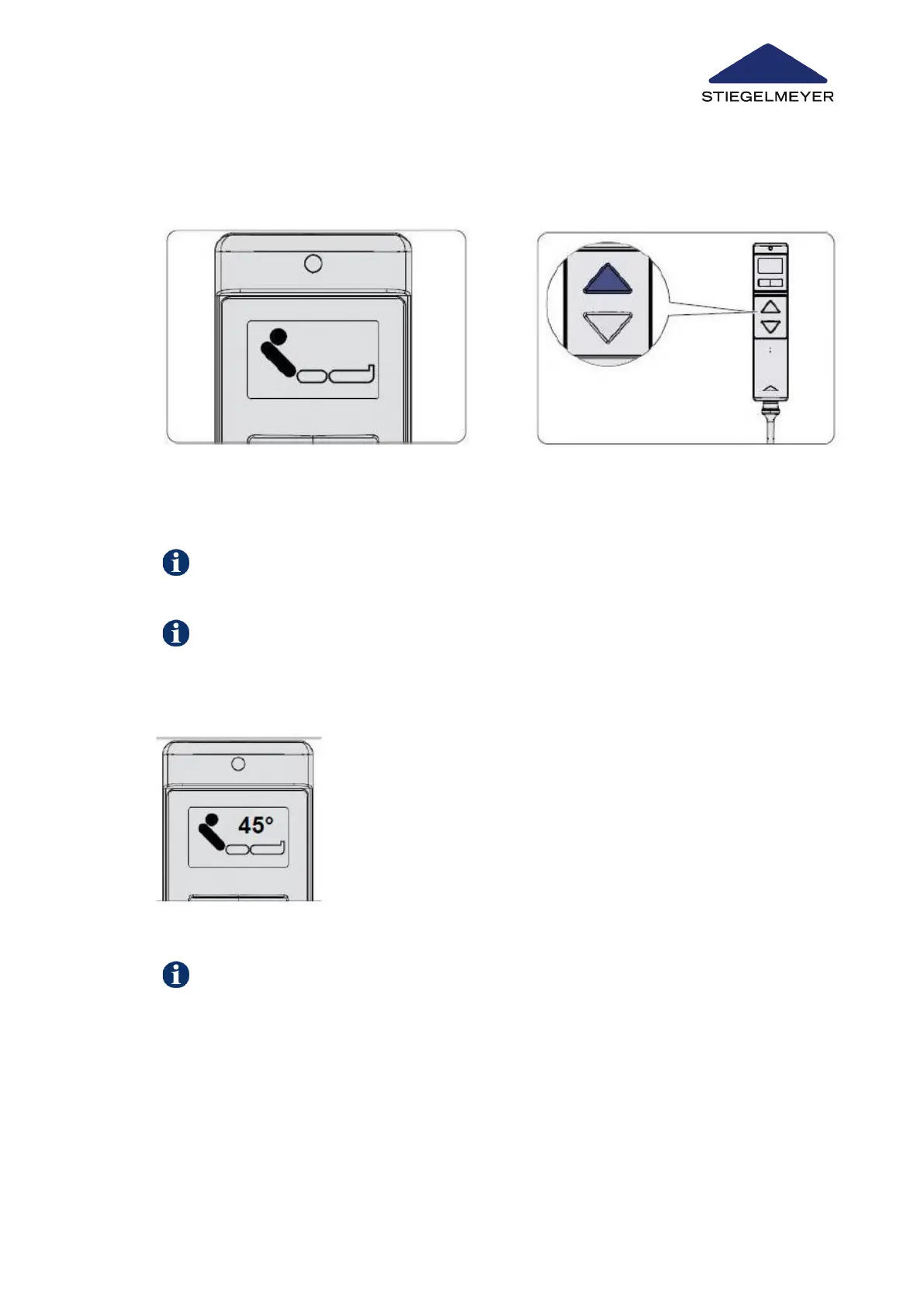
9.5.2 On the LCD handset (optional)
Press the DOWN button to lower the backrest.
The angle is shown in increments of 15° - 30° - 45° - 60° - maximum.
The angle is only indicated when running through and stopping at these increments; for
better readability, other intermediate angles are not indicated. All figures given are ap-
proximate values.
This function is factory programmed to an angle of 30°, and switches off at this angle. If
necessary, this function can be activated on the handset and the intermediate stop angle
reprogrammed as required.
1 Select the backrest adjustment func-
tion using the toggle switch.
2 Press the UP button to raise the back-
rest.
Optional: Multi-stage angle display with setting facility for automatic intermediate stop
Switching intermediate stop ON/OFF and reprogramming it
Use/routine
Instruction Manual 74



 To Next Page