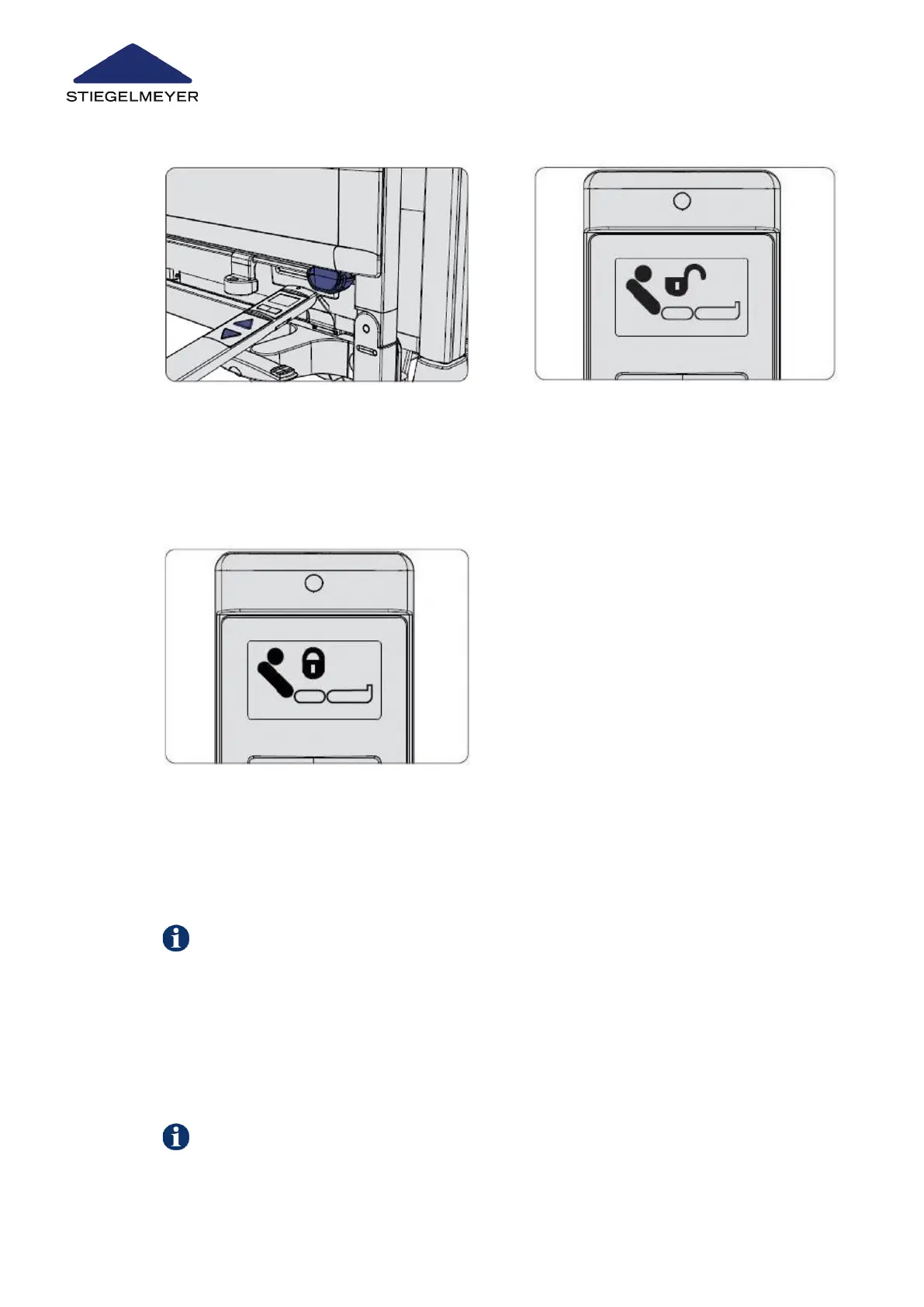
9.2.2 On the control box
To unlock the adjustment function, press the UP or DOWN button again.
Tip: Remove the control box from the linen holder.
1 Hold the top end of the LCD handset
briefly (for about ½ second) against
the orange magnetic unlocking key
to gain access to the staff control lev-
el on the LCD handset.
2 Use the toggle switch to select the ad-
justment function that you wish to lock.
On the display, an opened padlock will
appear above the symbol for the un-
locked adjustment function.
3 Press the UP or DOWN button. A
closed padlock will appear above the
symbol for the adjustment function.
This adjustment function is now
locked.
The control box is used to lock the drives for the backrest, thigh rest, reverse-Trendelenburg
and mattress base height. The orange LED in the unlock button concerned is on if the func-
tion is locked. The green LED is on if the function is unlocked.
Use/routine
71 Instruction Manual



 To Next Page