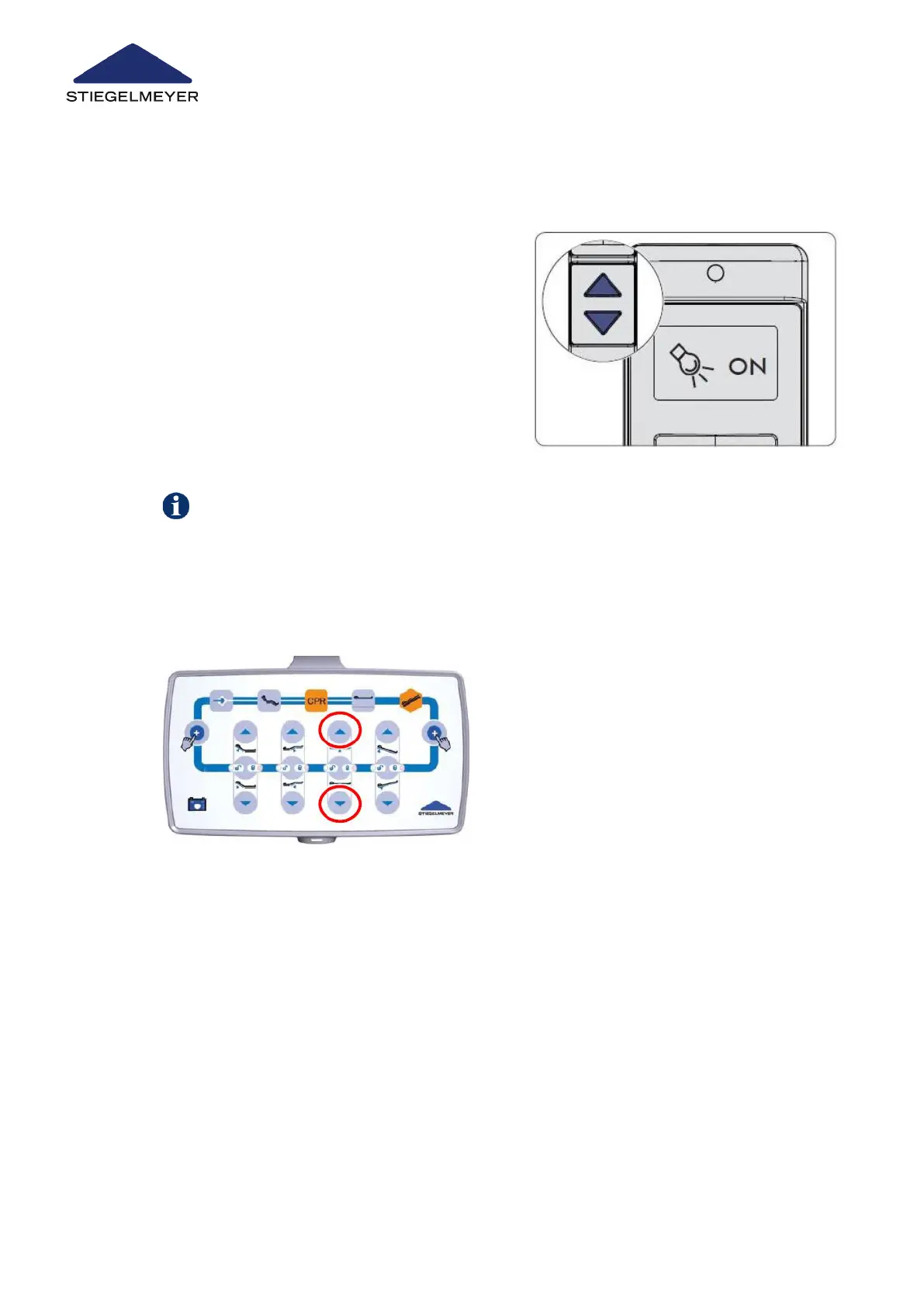
9.10.2 On the control box (optional)
9.11 “Easy Care” function
To switch the under bed light off, press the DOWN or UP button again (OFF status dis-
played).
the orange magnetic unlocking key
to gain access to the staff control lev-
el on the LCD handset.
on the display and an OFF status will
be displayed for the turned off under
bed light.
3 Press the UP or DOWN button. The
under bed light is now switched on
and an ON status is displayed.
1 Press and hold both marked buttons for approximately 3 seconds until the switching sta-
tus of the under bed light changes.
Repeat the procedure to change the switching status again.
This function is ideal for carrying out efficient bed adjustments during everyday patient care.
All bed adjustment functions that are useful for patient care are available on a single control
level for quick selection - including any functions that may be locked for patients’ use. When
Use/routine
83 Instruction Manual



 To Next Page