9.8.3 On the control box
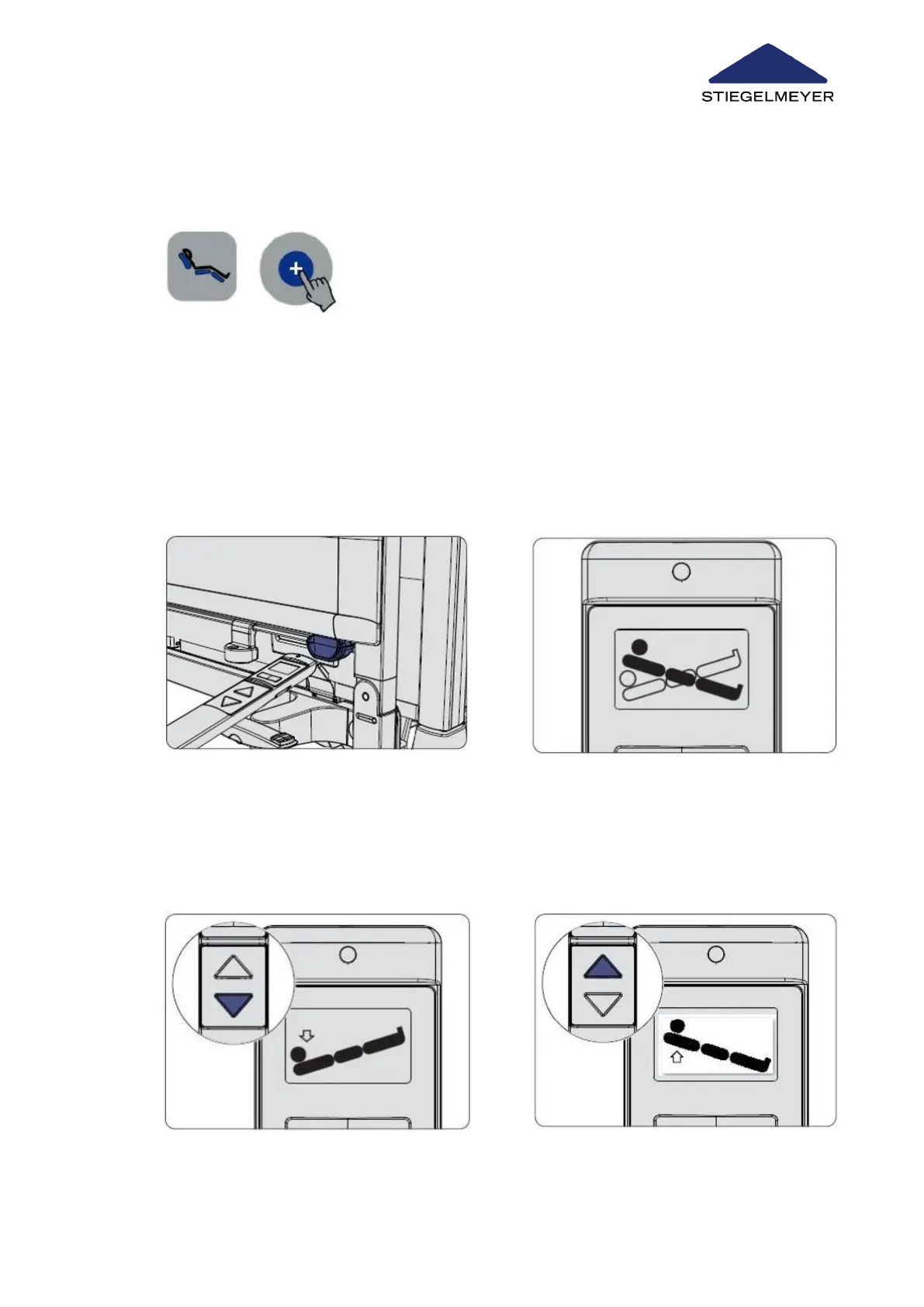
9.9 Setting a Trendelenburg or Reverse-Trendelenburg Position
9.9.1 Trendelenburg and reverse-Trendelenburg positions on the LCD handset
1
Press the sitting position button and unlock button
at the same time to set the bed to a sitting position.
1 Hold the top end of the LCD handset
briefly (for approx. ½ second) over the
orange magnetic unlocking key at the
foot end of the bed to gain access to
the staff control level on the LCD
handset.
2 Next, select the Trendelenburg position
using the toggle switch.
Use/routine
Instruction Manual 80



 To Next Page