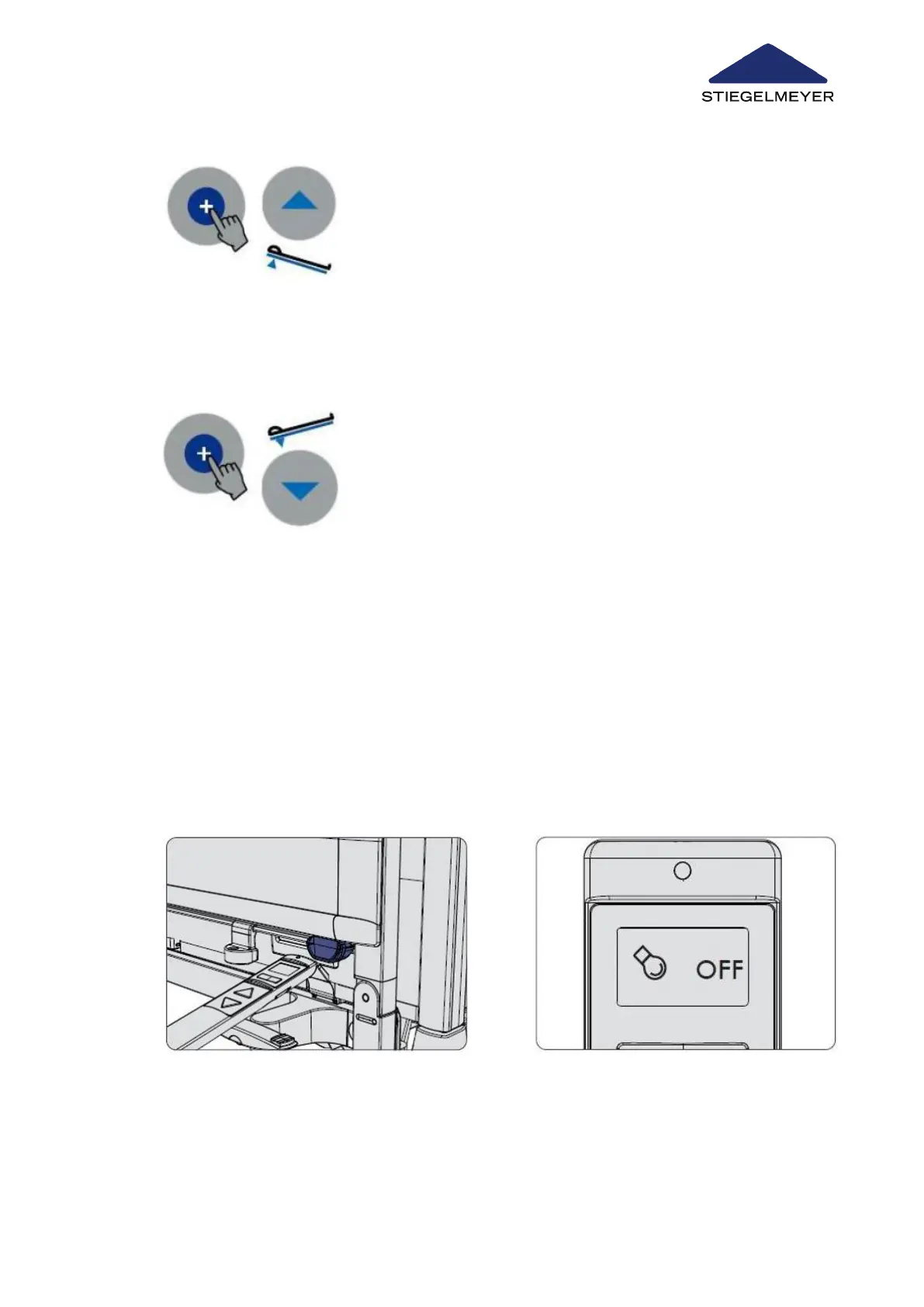
9.9.3.1 Reverting to horizontal bed position
9.10 Switching under bed light on/off (optional equipment)
9.10.1 On the LCD handset
1 Press the unlock button and the reverse-Trendelenburg posi-
tion button until the full extent or the desired position is
reached.
1 Press the unlock button and the Trendelenburg button at the
same time.
The mattress base automatically moves to the horizontal po-
sition, and stops there.
The under bed light is switched on automatically when plugged into the mains electricity sup-
ply once the bed reaches its lowest height. The light is switched off automatically once the
bed is raised or the mains cable is unplugged.
It is also possible to switch the light on or off by hand, using the LCD handset.
1
Hold the top end of the LCD handset
briefly (for about ½ second) against
2 Next, select the under bed light adjust-
ment function using the toggle switch.
The under bed light symbol will appear
Use/routine
Instruction Manual 82



 To Next Page