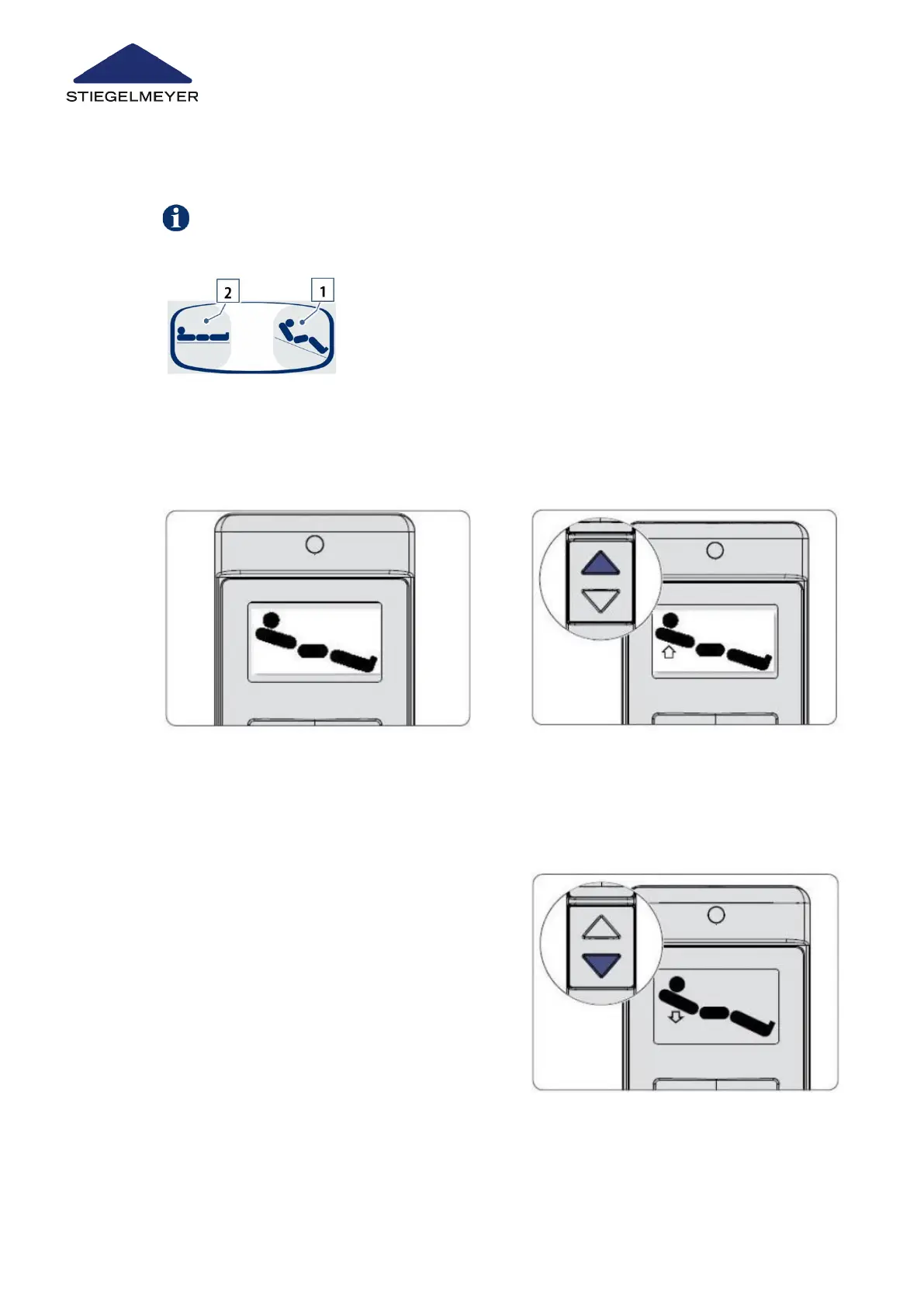
9.8.1 On the handset
9.8.2 On the LCD handset
The sleep position can only be activated using the handset.
1 Press button [1] to adjust the bed to a sitting position.
2 Press button [2] to adjust the bed to the sleep position.
1 Select the sitting position adjustment
function using the toggle switch.
2 Press the UP button until the bed is set
to a sitting position.
3 Press the UP button again to adjust the
backrest.
4 Press the DOWN button to initially
move the bed back to the lowest
mattress base level. After this, the
backrest and thigh rest are then low-
ered.
Use/routine
79 Instruction Manual



 To Next Page