15.5 Fault messages on control box
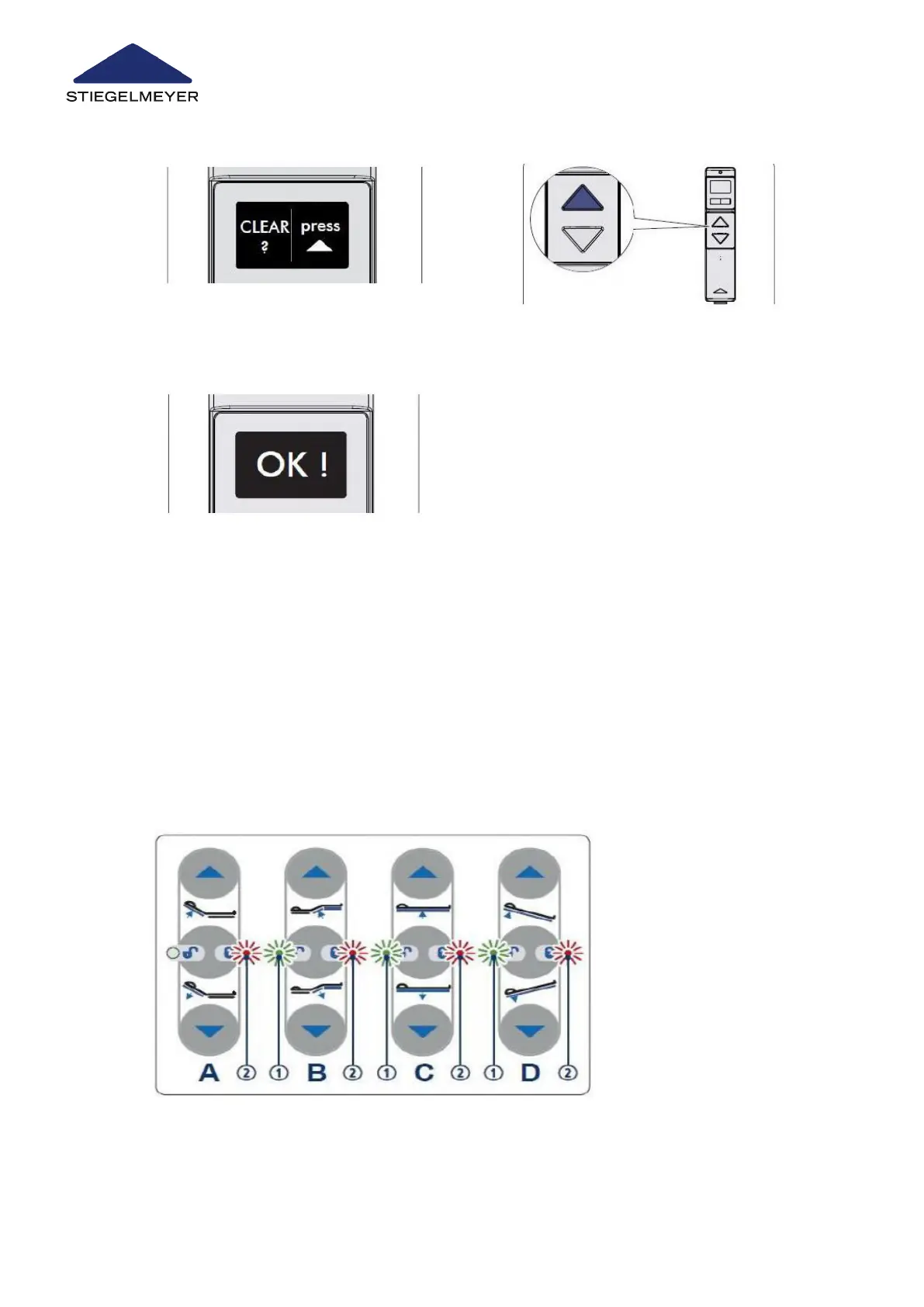
7 Select the CLEAR function by pressing the
toggle switch.
8 Press the UP button to confirm that the fault
should be deleted.
9 OK ! confirms the deletion.
If your bed is fitted with this equipment, it is easy to obtain a quick overview of the functional
status and to perform a RESET (to acknowledge fault messages) if necessary.
For safety reasons, if a serious error is detected, all functions are locked electronically.
Any faults that are recognised are displayed by the locking LEDs flashing on the control
units, making it easier to rectify the fault.
The table below shows the fault messages on the control box as well as possible solutions.
Image18:
Troubleshooting
137 Instruction Manual



 To Next Page