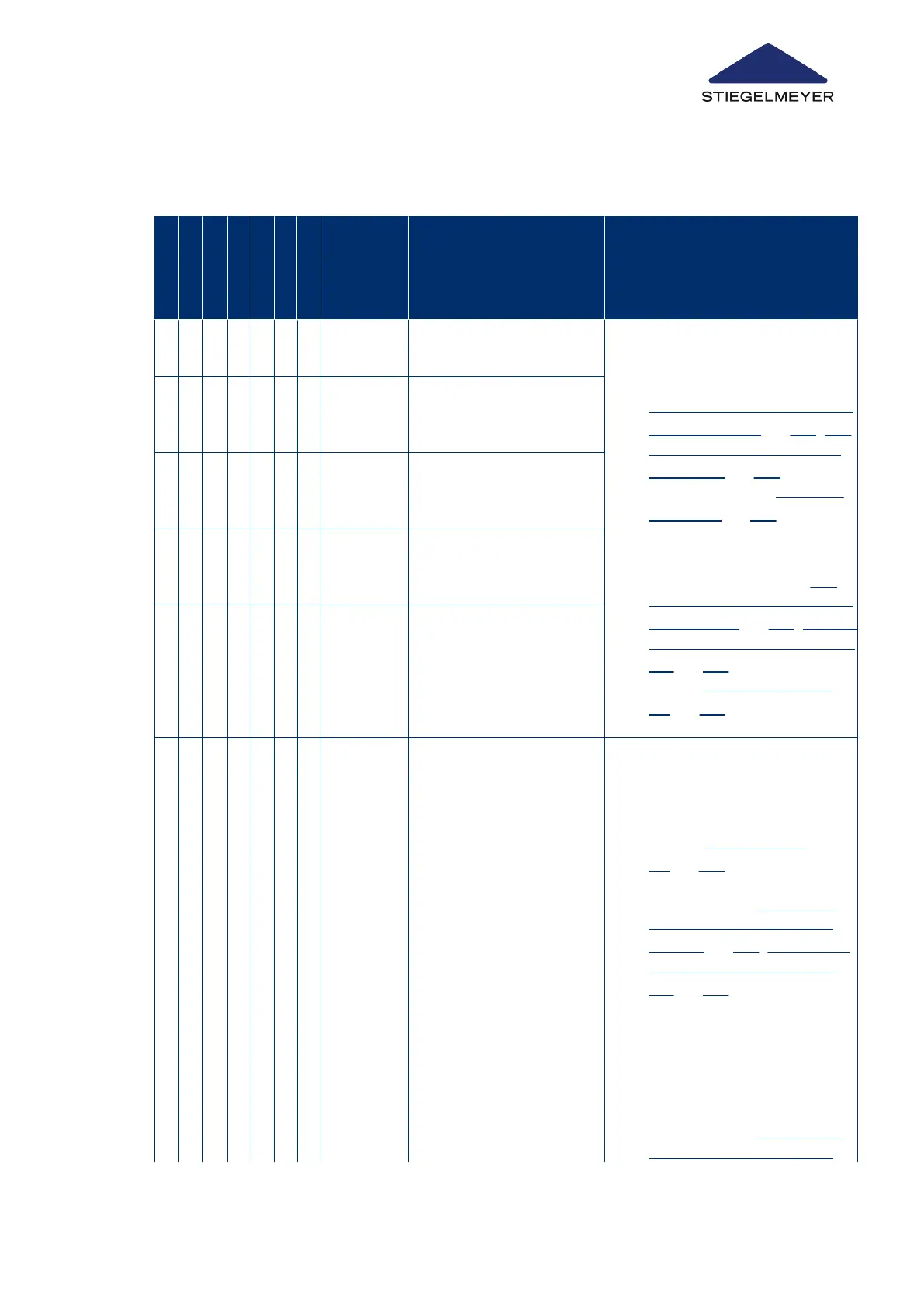
Fault indications on control box
A
2
B
1
B
2
C
1
C
2
D
1
D
2
Signal
when
button
pressed
Error Solution
X X Thigh rest motor (socket
2) limit switch
1.
Replace cable/check or re-
place plug + perform RESET
on control unit (→ chapter
RESET: Acknowledging faults
on LCD handset » 134; RE-
SET: Acknowledge faults on
control box » 140) + initiali-
sation (→ chapter Initialising
the control » 123)
2.
If error still persists: Replace
motor + perform RESET on
control unit (→ chapter RE-
SET: Acknowledging faults on
LCD handset » 134; RESET:
Acknowledge faults on control
box » 140) + initialisation (→
chapter Initialising the con-
trol » 123)
X X Mattress base height mo-
tor limit switch, head end
(socket 1)
X X X Position sensor for mat-
tress base height motor,
head end (socket 1)
X X Mattress base height mo-
tor limit switch, foot end
(socket 3)
X X X Position sensor for mat-
tress base height motor,
foot end (socket 3)
X X X X Malfunction in external
data bus (OpenBus
®
): of
connected control
units/bus junction boxes
(MJB).
Most likely causes:
1.
Malfunction of a
handset/control unit
(e.g. jammed button,
broken cable/short-
circuit)
2.
Unintended extended
activation of a button
(e.g. through sitting/
Systematic troubleshooting:
1.
Identify defective LCD hand-
set/control unit + replace it (→
chapter Replace hand-
set » 121 + perform RESET
with the replaced LCD hand-
set (→ chapter
RESET: Ac-
knowledging faults on LCD
handset » 134; RESET: Ac-
knowledge faults on control
box » 140). Next, disconnect
the bed from the mains power
supply for about 30 seconds
and then reconnect it.
2.
Find and eliminate cause of
extended activation of button
+ perform RESET on control
unit (→ chapter RESET: Ac-
knowledging faults on LCD
Troubleshooting
Instruction Manual 138



 To Next Page