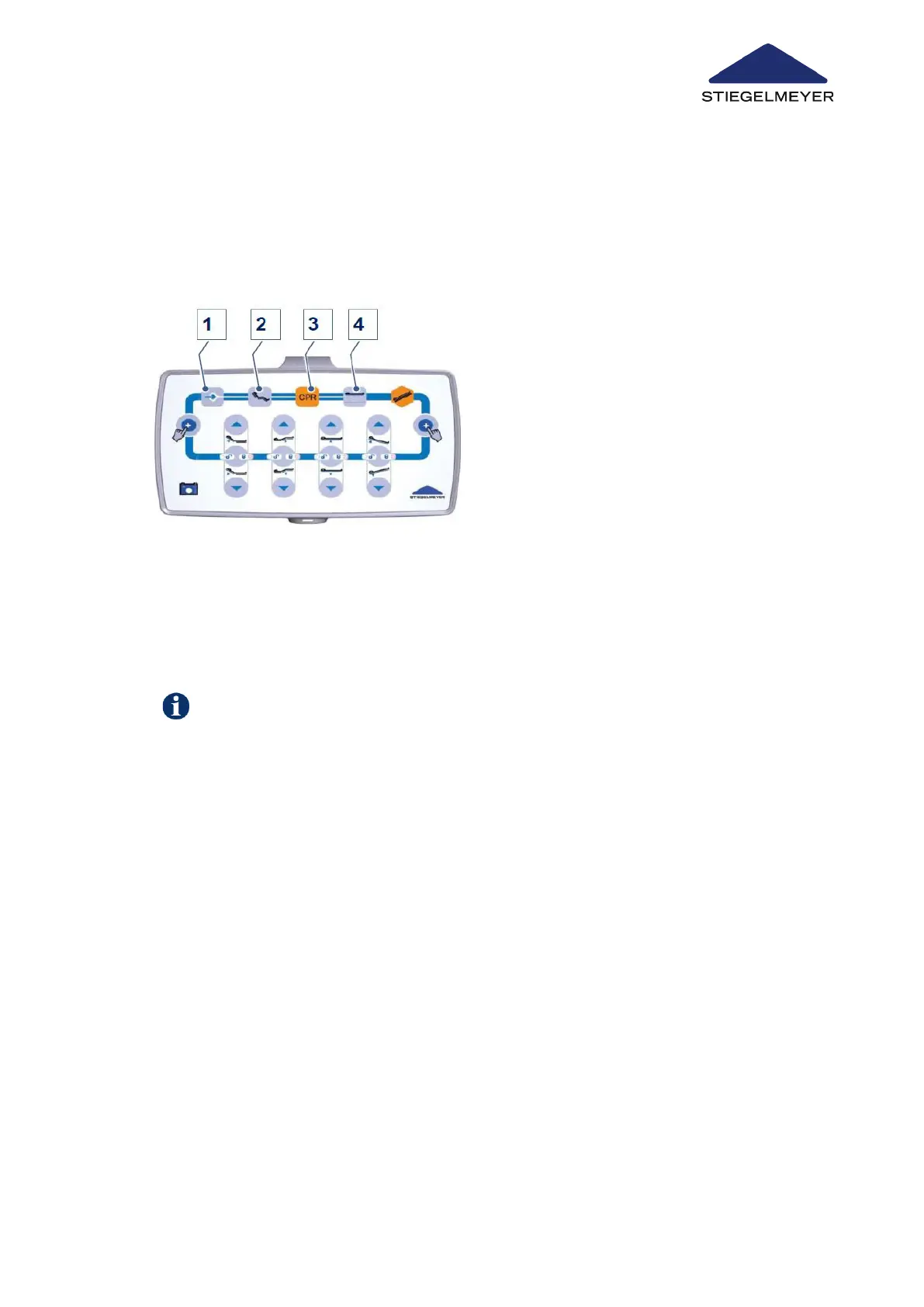
15.6 RESET: Acknowledge faults on control box
15.6.1 On the control box
After the reset has been successfully completed, all the functions will initially be locked
again: All the locking symbols light up orange. Now release the required adjustment func-
tion again.
1.
Press buttons 1-4 one after the other in the order 1+2+3+4 and keep them pressed.
A signal tone will sound. Unlocking is successfully completed once the signal tone has
stopped.
2.
Let go of the buttons.
Troubleshooting
Instruction Manual 140



 To Next Page