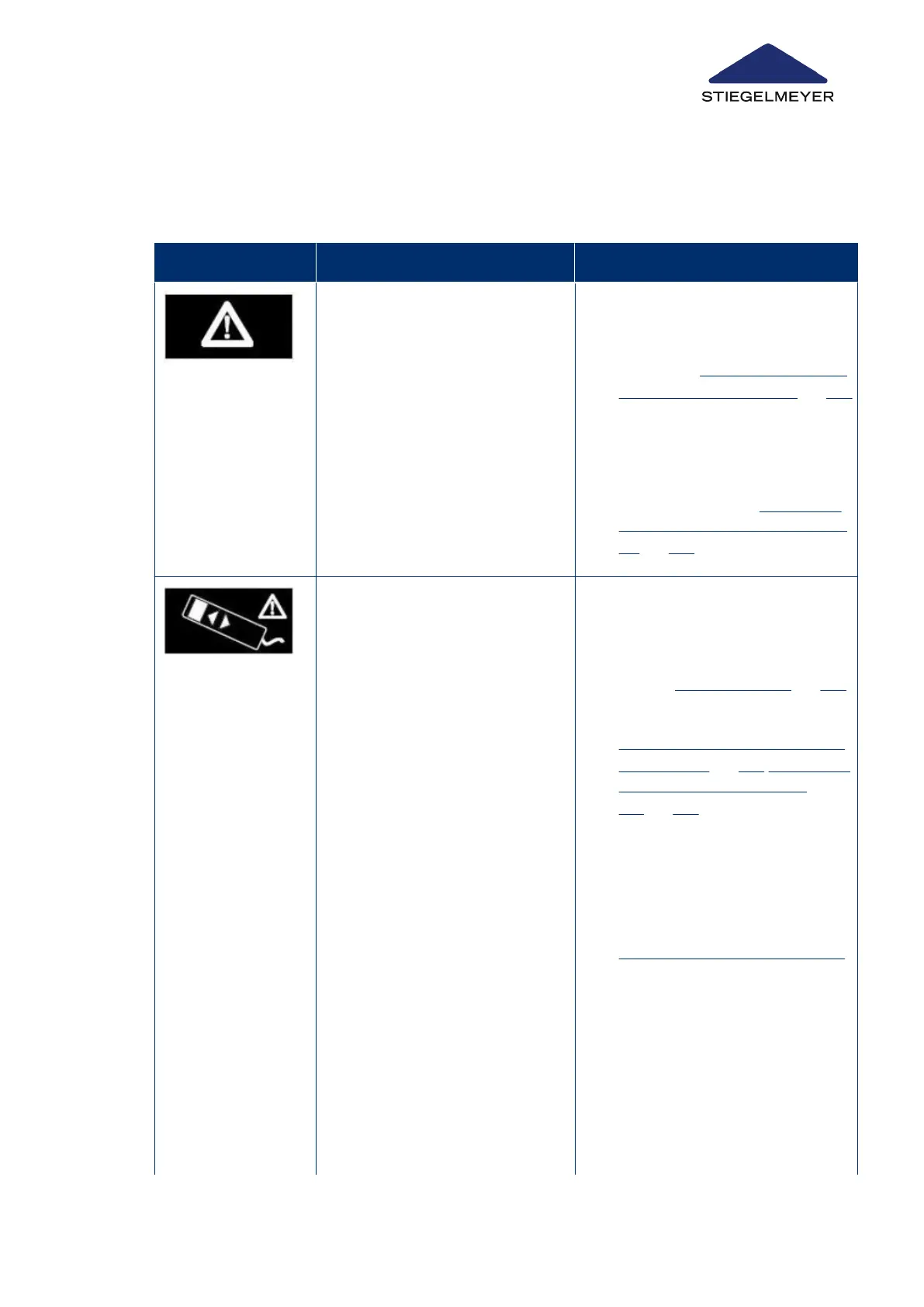
15.2 Fault display on LCD handset
Faults in the adjustment drives and the control units are indicated on the display.
Display screen Type of fault Solution
General fault indication on the dis-
play.
Adjustment drive cannot be activa-
ted.
A signal tone sounds when a but-
ton is pressed.
1.
Start the RESET procedure to dis-
play the exact error image accord-
ing to the troubleshooting guide
(→ chapter RESET: Acknowledg-
ing faults on LCD handset » 134)
2.
Resolve the fault according to the
troubleshooting guide
3.
Conduct the entire RESET proc-
ess completely to acknowledge
the fault (→ chapter RESET: Ac-
knowledging faults on LCD hand-
set » 134)
Malfunction in external data bus
(OpenBus
®
): of connected control
units/bus junction boxes (MJB).
Most likely causes:
1.
Malfunction of a handset/
control unit (e.g. jammed but-
ton, broken cable/short-circuit)
2.
Unintended extended activa-
tion of a button (e.g. through
sitting/lying on handset, solid
objects on the linen holder)
3.
Loose connection/moisture in-
gress in an OpenBus
®
plug
connection (MJB; control unit;
under bed light)
Systematic troubleshooting:
1.
Identify + replace defective LCD
handset/control unit + replace (→
chapter Replace handset » 121;
+ perform RESET with the re-
placed LCD handset (→ chapter
RESET: Acknowledging faults on
LCD handset » 134;RESET: Ac-
knowledge faults on control
box » 140). Next, disconnect the
bed from the mains power supply
for about 30 seconds and then re-
connect it.
2.
Find and eliminate cause of exten-
ded activation of button + perform
RESET on control unit (→ chapter
RESET: Acknowledging faults on
Troubleshooting
Instruction Manual 132



 To Next Page