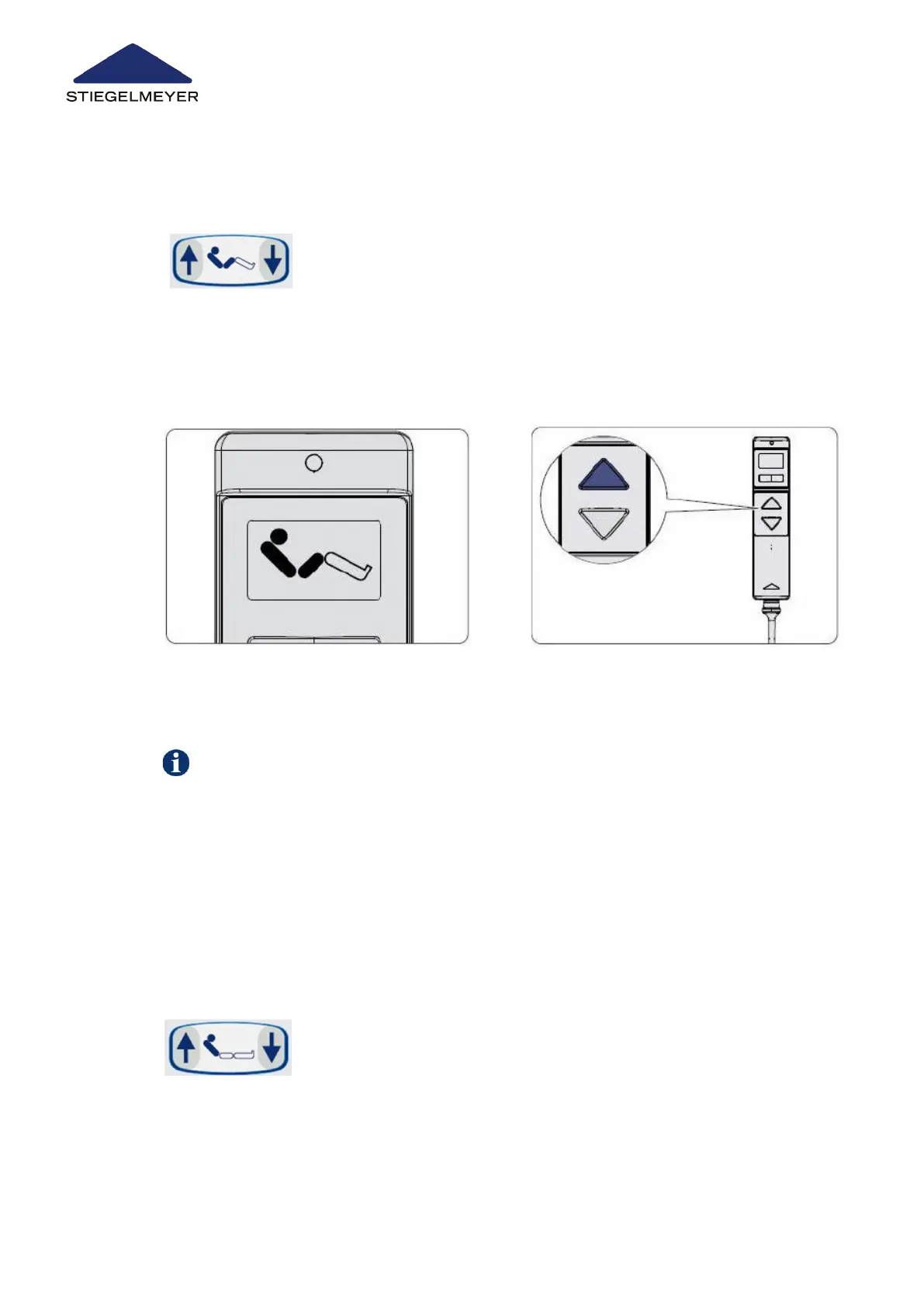
9.4.1 On the handset
9.4.2 On the LCD handset
9.5 Setting the backrest
9.5.1 On the handset
Press the DOWN button to move the drives back to the normal position.
1 Press the UP button to set the bed to the auto contour position.
2 Press the DOWN button to set the mattress base to a flat position.
1 Select auto contour using the toggle
switch.
2 Press the UP button to set the bed to
the auto contour position.
The backrest may be set at any angle between 0° and approx. 70°.
1 Press the UP button to raise the backrest.
2 Press the DOWN button to lower the backrest again.
Use/routine
73 Instruction Manual



 To Next Page