pg 28
Deco - tape saturation & doubletracker
Configuring Deco to Use MIDI (cont.)
STEP 1 SET EXP/MIDI JACK TO MIDI MODE
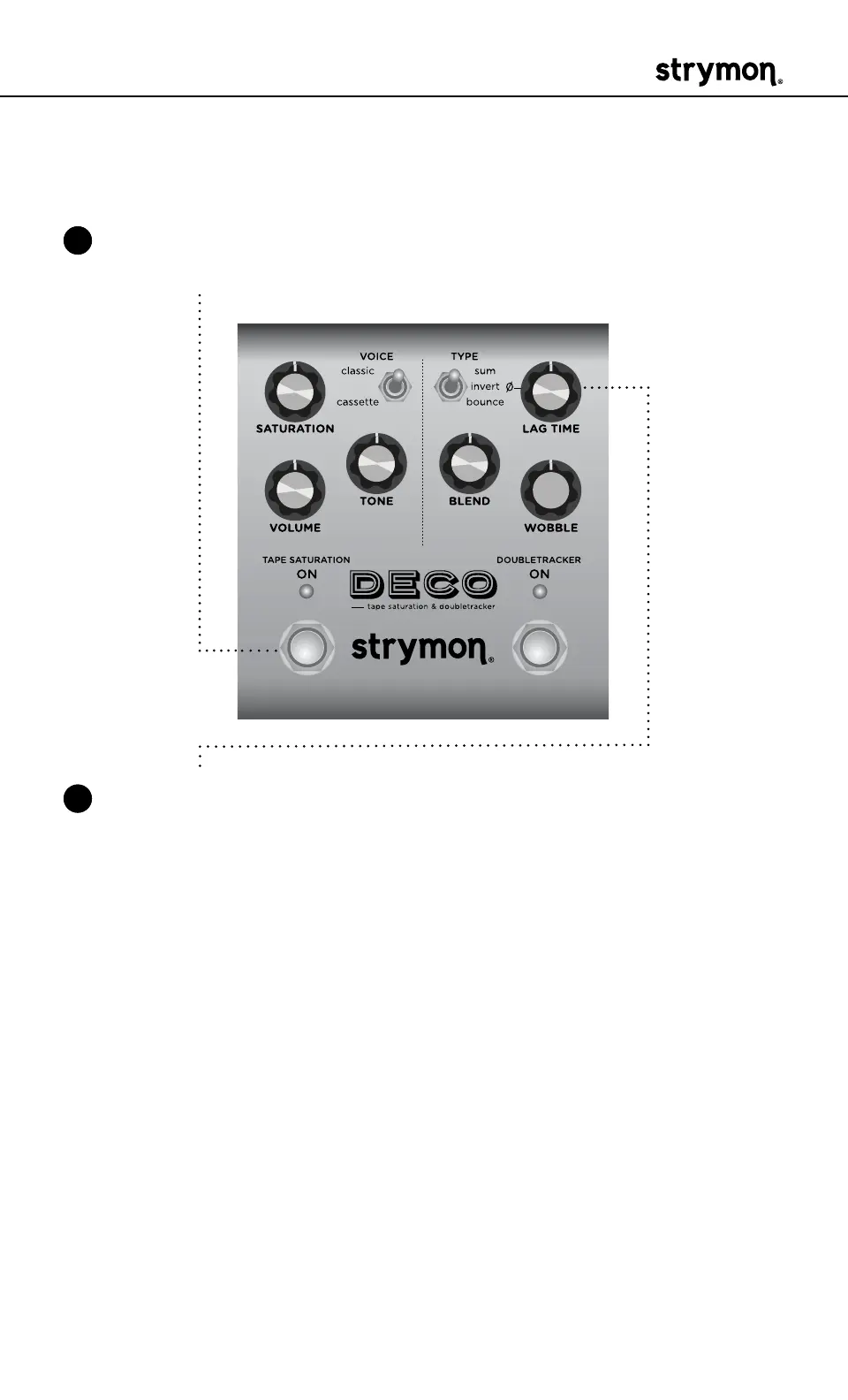
1 Press and hold the TAPE SATURATION footswitch while connecting
power to the pedal� Once both LEDs flash, release the footswitch�
2 Turn the LAG TIME knob clockwise until the DOUBLETRACKER ON
LED is BLUE to select MIDI mode�



 To Next Page