1656 & 1657 Battery Element Tester Owner’s Manual
STS Instruments Page 31 of 88
5.3.2 Test Result Data Display
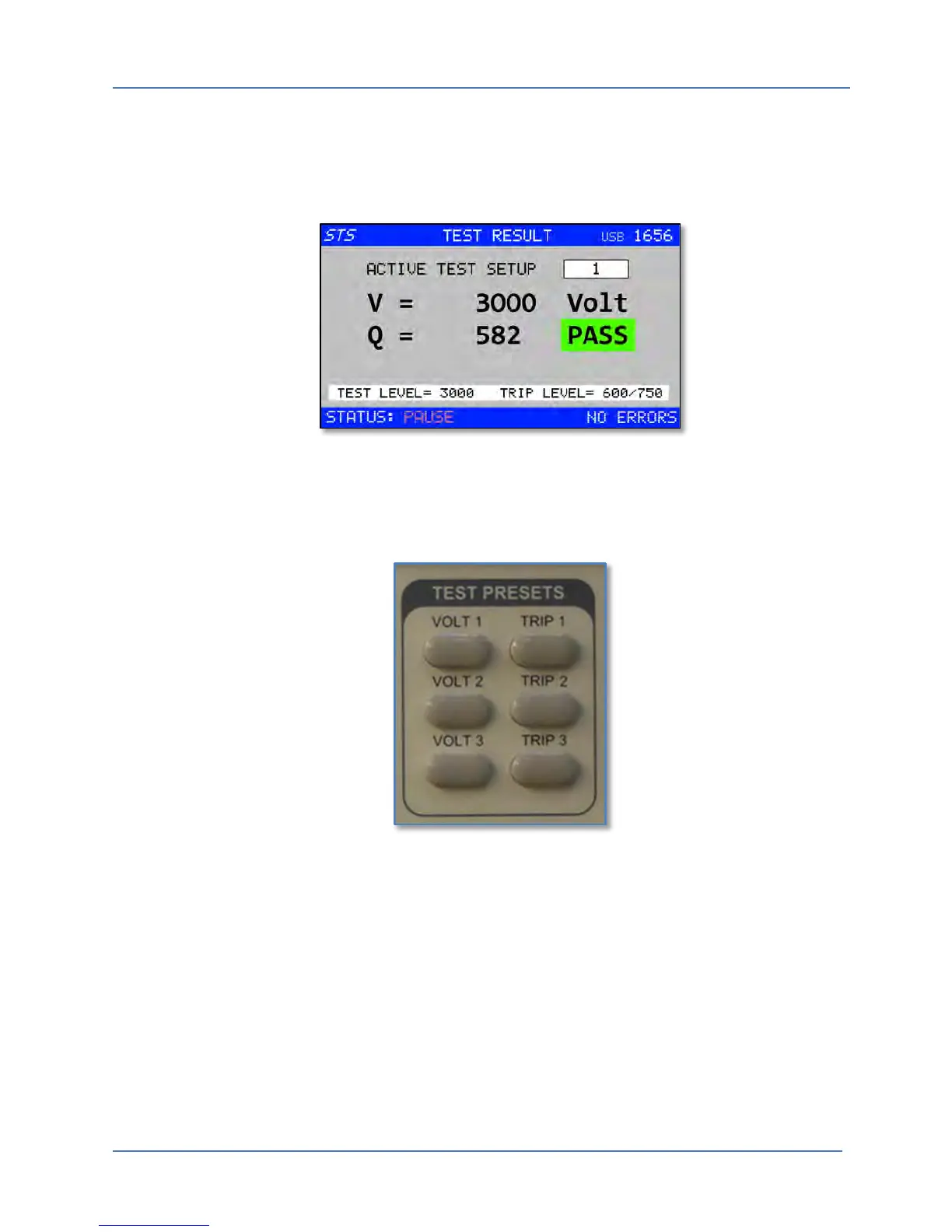
This is the default screen that comes up after power on once the initialization of the tester has
been completed. The STS Instruments logo will disappear and the normal test data display
window will be shown.
Figure 5-7: Test Results Screen
Note that there are 9 possible setups (1 through 9) that are stored in non-volatile memory. The
first three of these setups (1 through 3) are directly available using the VOLT n and TRIP n front
panel keys.
Figure 5-8: TEST PRESET keys for Test Setups 1 through 3
This screen also allows selection of the ACTIVE SETUP. The number of the Test Setup to use is
shown in the parameter field in the top right corner. In this example, Test Setup number 4 is
selected. The Shuttle can be used to scroll through available setup numbers 1 through 9. Push
the Shuttle (ENTER) to make your selection.



 To Next Page