1656 & 1657 Battery Element Tester Owner’s Manual
STS Instruments Page 37 of 88
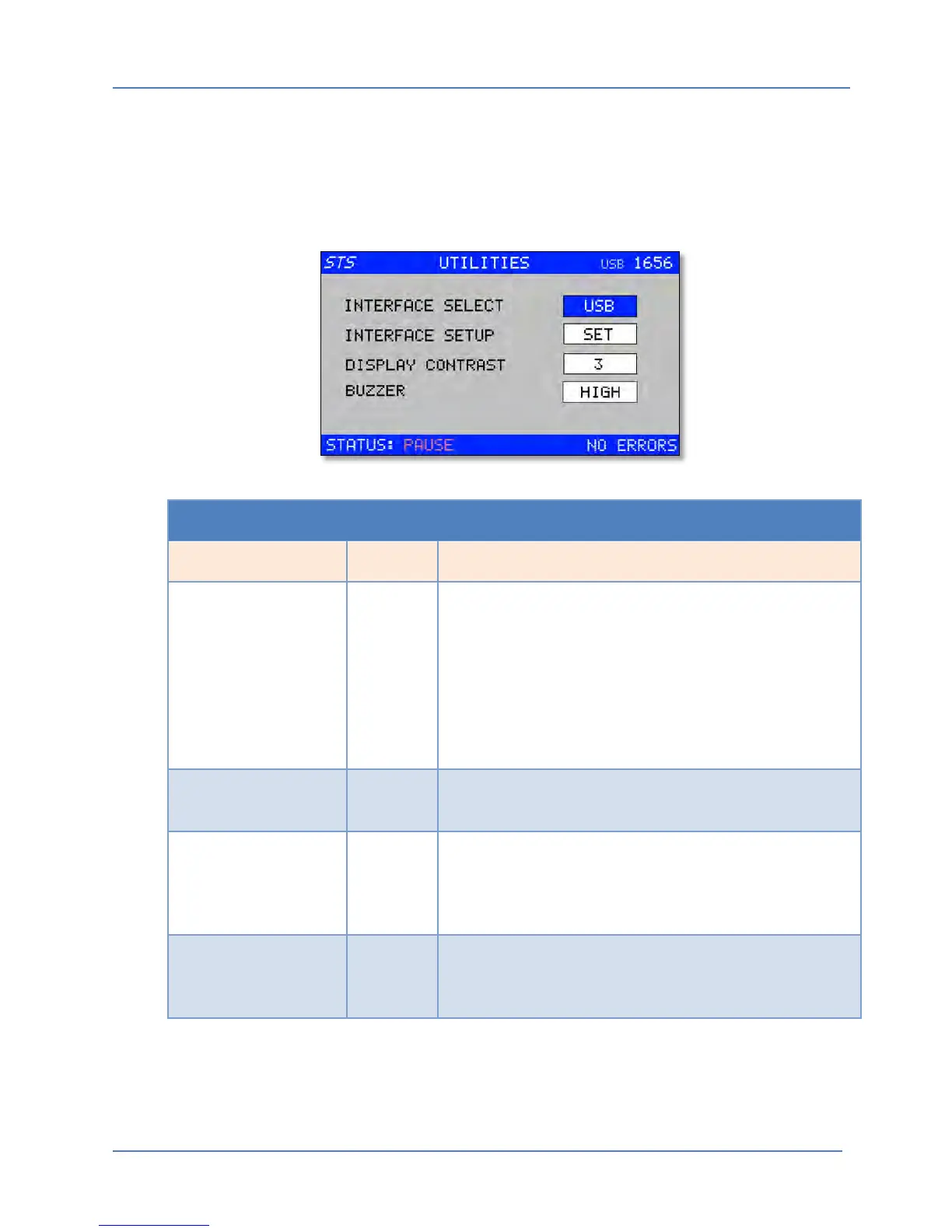
5.6 Utilities Menu
The Utilities menu combines several system level controls and parameters into a single menu. It
typically is used infrequently only to set general operating functions and settings like the
selected remote control interface (if any), the contrast level of the LCD display and the Buzzer
function.
UTILITIES MENU
Entry Type Description
INTERFACE SELECTION List Selects between available digital remote control
interfaces. The Model 1656/1657 offers interfaces such as
USB, RS232, RS485 or PLC.
Once the interface type is selected, any interface specific
parameters such as baud rate can be made from a lower
level menu that will appear.
If no Interface is installed, --- will be displayed to indicate
that no interfaces are available.
INTERFACE SETUP List Allows parameter settings for the RS232 or RS485 serial
interface.
DISPLAY CONTRAST Parameter Sets the LCD contrast and viewing angle for best visibility.
This setting ranges from 1 through 9. Depending on
ambient lighting and operator viewing angle, adjust this
parameter using the EDIT MODE for optimal viewing.
BUZZER List The Audible buzzer can be disabled (OFF) or enabled
(HIGH or Low). Use the EDIT MODE to toggle through the
various Buzzer options.



 To Next Page