1656 & 1657 Battery Element Tester Owner’s Manual
STS Instruments Page 38 of 88
5.7 Calibration Menu
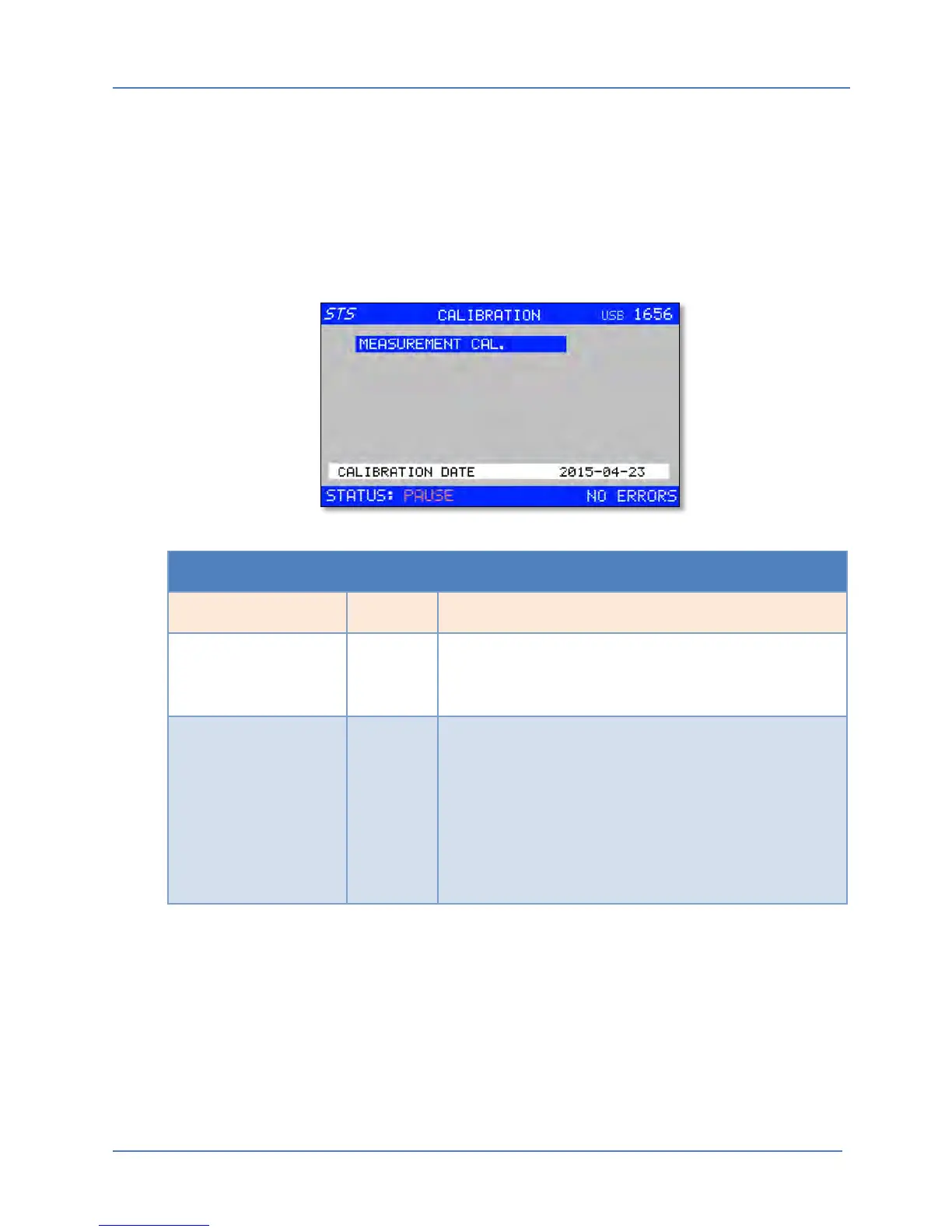
The Calibration menu is used to access the Q measurement calibration coefficient data.
Calibration coefficients are stored in non-volatile FLASH memory. Note that output test voltage
calibration requires a special automated calibration software program that calculates and stores
the required output calibration coefficients in FLASH based on an external reference
measurement. It is not recommended that the end-user performs this test voltage calibration.
See Section 9 – “Calibration” for more details.
CALIBRATION MENU
Entry Type Description
Q METER Menu Enters Quality Measurement calibration mode. A 4 digit
key code will have to be entered to enter calibration
mode. This prevents unauthorized calibration access.
CALIBRATION DATE Display This field is not user accessible or editable and only
serves to display the last calibration date. It is set to the
current date and time when ever calibration coefficients
are saved.
Note: Approximately 11 months after the last
calibration date, a reminded message will appear on
screen at power-on reminding the operator the unit is
coming up on its calibration interval.



 To Next Page