1656 & 1657 Battery Element Tester Owner’s Manual
STS Instruments Page 32 of 88
5.3.3 EDIT Mode
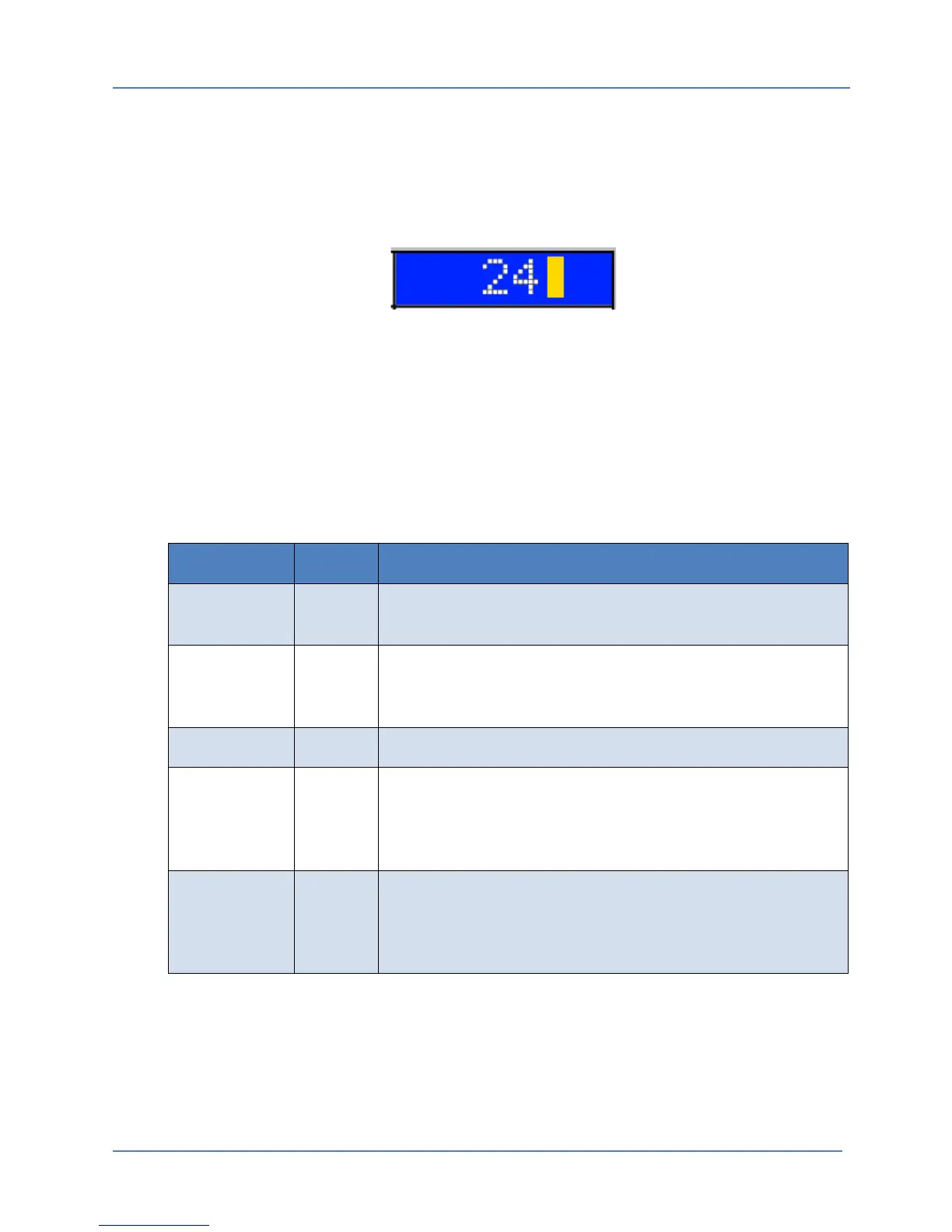
Parameters and data value can be changed by using the EDIT MODE. To enter EDIT MODE, make
sure the selector bar (BLUE Highlight) is position on a parameter field (White Background).
Press the Shuttle to enter into EDIT MODE. This mode is indicated by a blinking cursor block to
the right of the selected parameter.
While in EDIT MODE, the selected parameter value can be incremented or decremented using
the Shuttle. To accept the new value and exit EDIT MODE, press the Shuttle again (ENTER).
5.3.4 Menu Field Types
Several types of fields can be contained in a single menu screen. Not all fields are of the same
type. Depending on the nature of the field, some fields are editable, other are not.
The non-editable fields are either used to display information only or to show an available menu
entry for a lower level menu (sub-menu).
The following field types exist:
FIELD TYPE EDITABLE DESCRIPTION
Menu No Allows selection of a sub-menu by pushing in the Shuttle knob
(ENTER) while the Menu item is selected (BLUE SELECTION BAR).
Display No Displays a value or condition. This if for information to the user
only. Display fields cannot be selected using the SELECTION BAR
nor can they be edited/changed by the user.
Action No Performs the indicated action when the Shuttle is pressed.
Parameter Yes Display current setting of indicated parameter and allows value
to be changed using EDIT mode. Parameter fields allow a
numeric value to be set by scrolling the shuttle while in EDIT
mode.
List Yes Display current setting of indicated parameter and allows value
to be changed using EDIT mode. . List fields allow a non-numeric
value to be set by scrolling the shuttle while in EDIT mode.
Examples of non-numeric values are “ON”, “OFF”, “USB” etc.
Table 5-1: Available Menu Field Types



 To Next Page