Micro Series
1-4 Micro Series
Document generated: 29.06.17
SW V1.1
1.2.1.1 Front side connectors
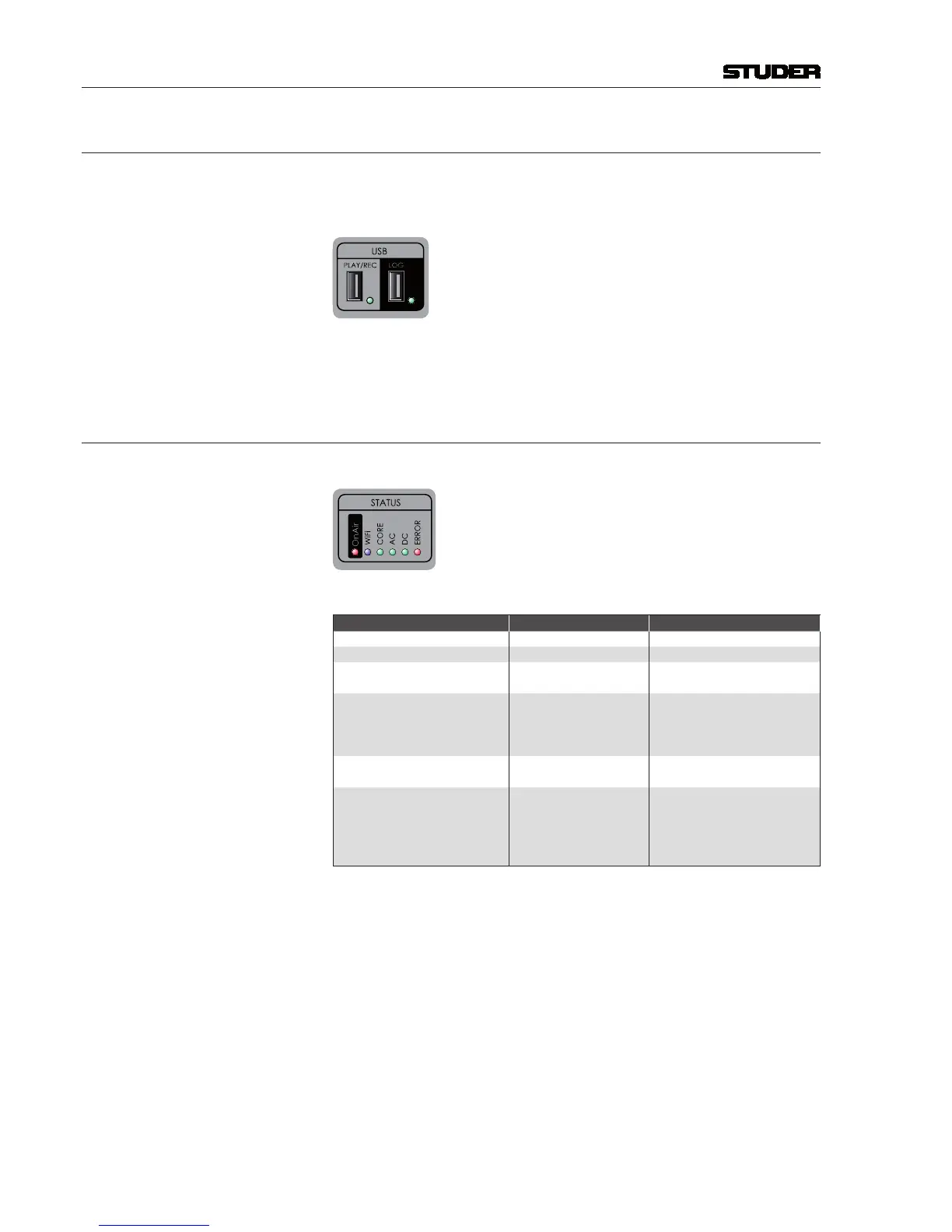
USB for logging (not enabled in SW V1.0)
USB for playback and recording
WLAN antenna (not enabled in SW V1.0)
The LED next to the playback and recording USB port becomes green after
the inserted media has been performance-tested and is ready for operation.
1.2.1.2 Front side status LEDs
The Core Status indication LEDs are described in the table below.
Status Colour Description
Power AC Green AC Power OK
Power DC Green DC Power OK
Core Ready Green
Core started up and ready for
operation
Error Red
The system detected an error or
warning.
Refer to the Error Status page
for more details.
Wi-Fi Blue
Illuminated as long as Wi-Fi is
active
OnAir Red
Illuminated if the Micro Core is
onair.
For details refer to chapter 2.1.8
OnAir
Red Light Indication.



 To Next Page