SummaCut cutter User’s Manual
Basic Operation 2-10
12
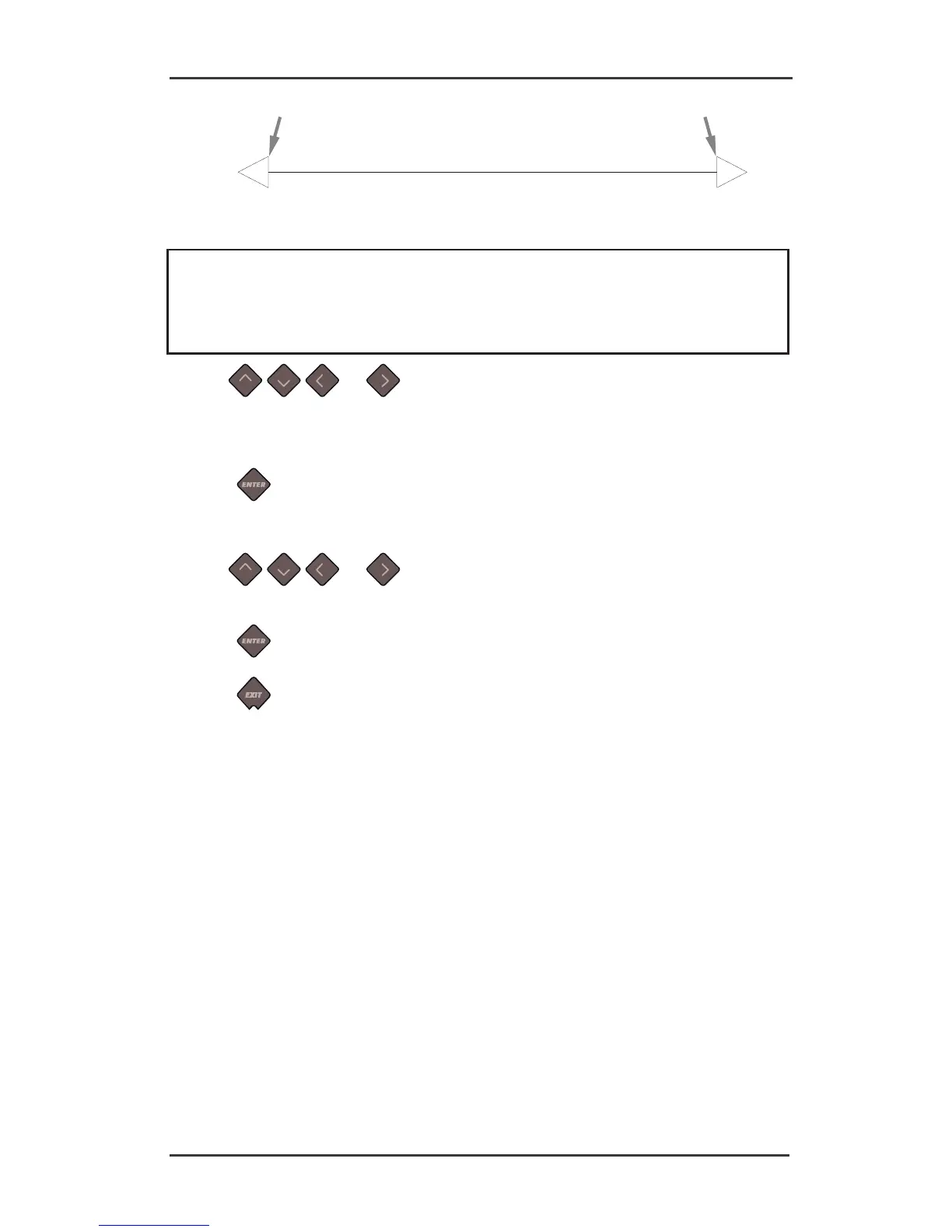
FIG 2-7
2-3 LENGTH CALIBRATION PATTERN
NOTE: The cutter will only be as accurate as the accuracy of the calibration. If the ruler
(measuring device) is inaccurate, then re-calibrating may make the cutter’s accuracy worse.
The accuracy of calibration will be directly reflected in the cuts. Set the cutter to Metric to
do the calibration. It is more accurate than the English unit system (see Error! Reference
source not found.).
7. Use , , and to change the value on the LCD to the measured length
of the distance between the two lines down the length of the vinyl roll.
Value will change on the LCD.
8. Press
to confirm.
Value for the Y axis will appear on the LCD.
9. Use
, , and to change the value on the LCD to the measured length
of the distance between the two lines down the width of the vinyl roll.
10. Press
to confirm.
11. Press
twice to leave the menu.





 To Next Page