SummaCut cutter User’s Manual
Contour Cutting 3-9
3.3.3 Printing the graphic
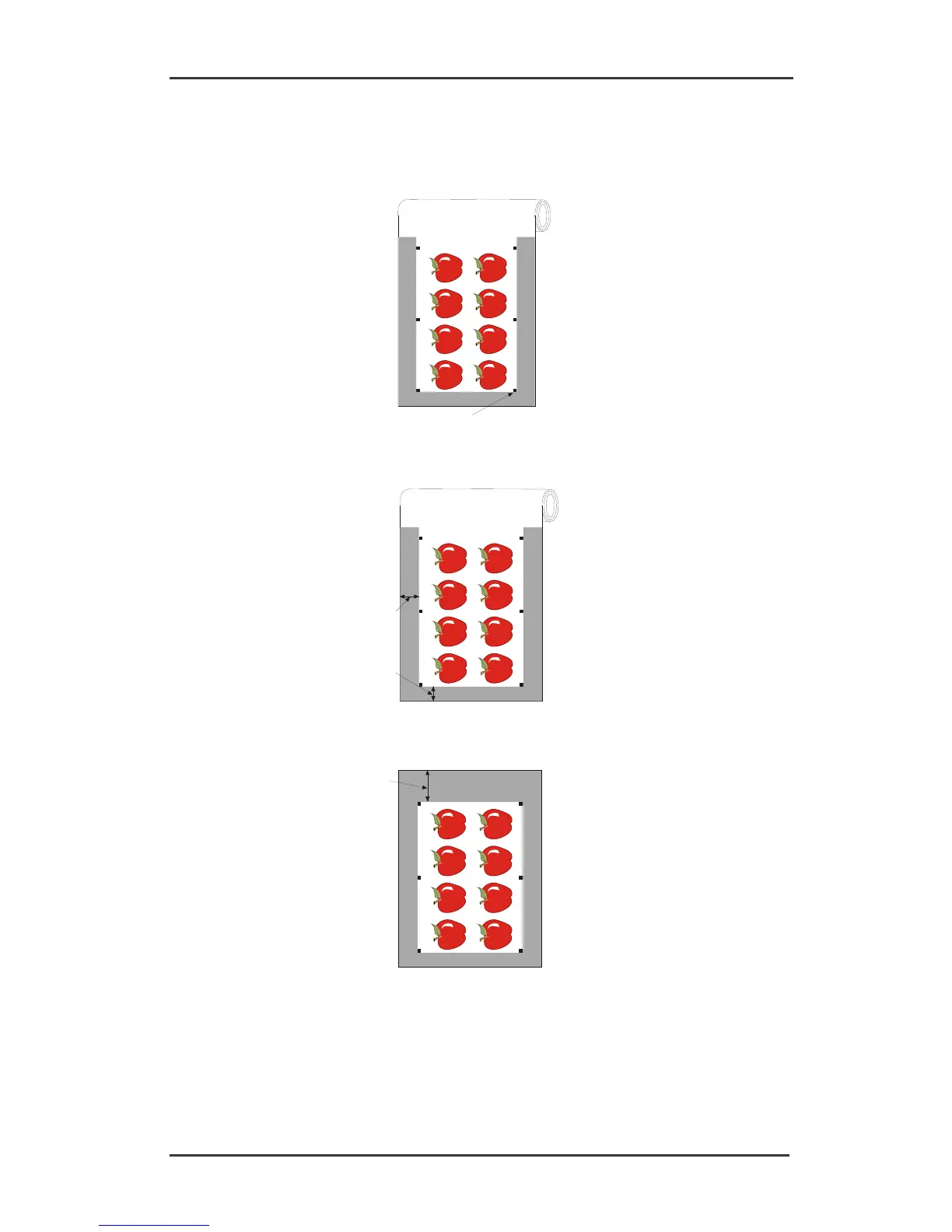
1. Print the graphic and its markers with a printer (scale = 100%). When printing on a roll,
make sure that the graphic’s Origin marker coincides with the media’s origin (1).
1
2. Make sure there is at least a 1cm (0.4in) margin on each side of the graphic (2). A 2cm
(0.8in) margin is preferable. There must also be a front margin of 1 cm (3).
3. Leave a margin of at least 4cm (1.6in) following the print when using sheets or when
cutting the print off a roll (4).





 To Next Page