SummaCut cutter User’s Manual
Contour Cutting 3-21
13. Use or to scroll through the menu until ‘Panels’ is reached, press .
‘ON’ or ‘OFF’ will appear on the LCD, depending on whether paneling is already on or not..
14. Press
or to choose the Panel-parameter that needs to be changed.
The menu can scroll through from on or off, panels size, recut and sorting.
15. Press
or to change the value of the chosen parameter.
The value will change on the LCD.
16. Press
to confirm.
An asterisk will appear before the value, indicating it is now the selected setting.
Note: Recommended settings are: Panels: ON; Panel size: 3-10cm; recut: OFF sorting: ON.
17. Press
twice.
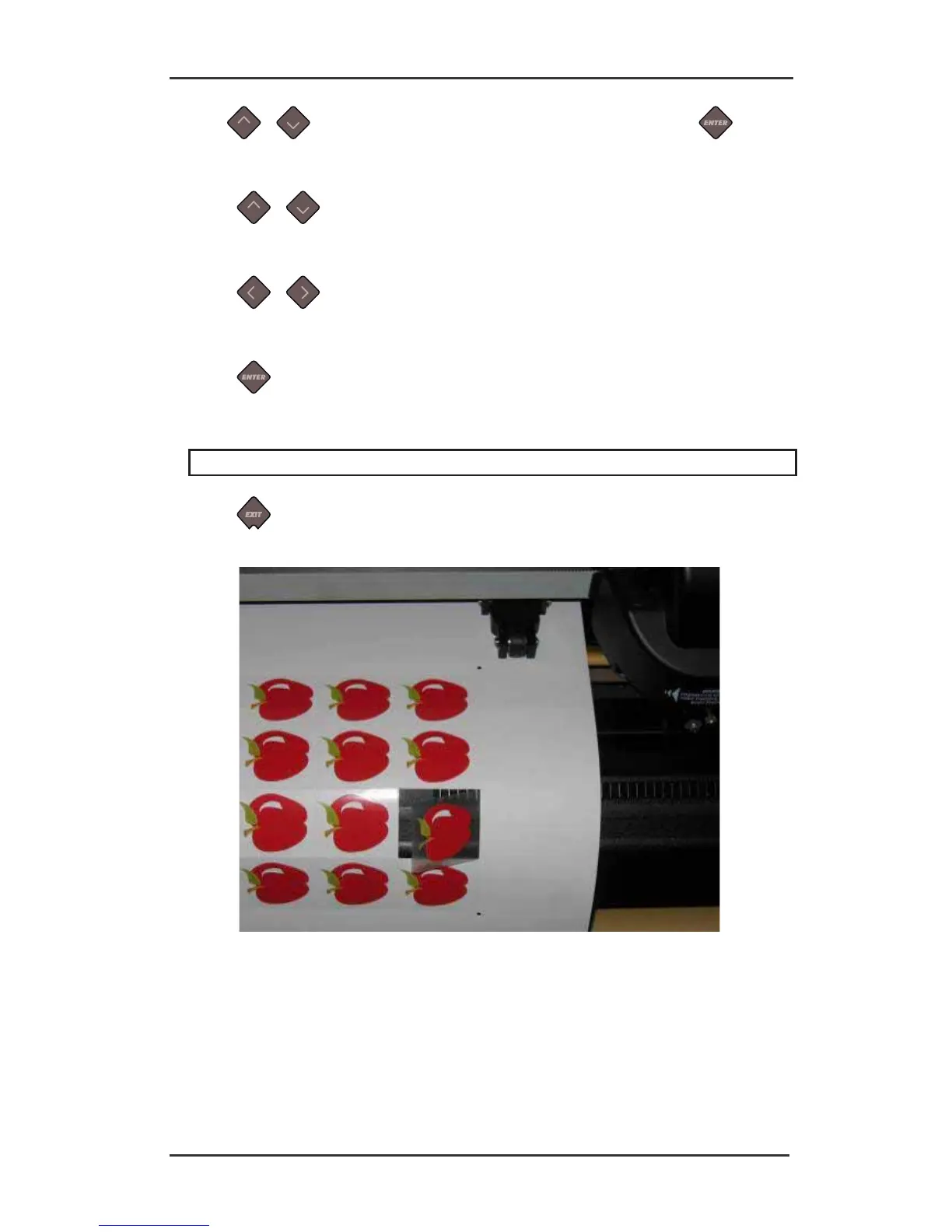
FIG 3-4
3-5 COMBINED CONTOUR CUT AND CUTTING THROUGH





 To Next Page