SummaCut cutter User’s Manual
Contour Cutting 3-10
3.3.4 Loading the graphic into the cutter
Load the printout into the cutter as described in section 1.5. Make sure that the marker
indicating the Origin is situated at the bottom right corner of the cutter.
3.3.5 Setting the parameters for the OPOS sensor
The OPOS parameters are variables that define the distance, size, and number of markers.
Most cutting software sets these parameters automatically and even starts the special load
procedure.
Range
X distance 30 mm to 1300 mm
Y distance 30 mm to 1600 mm
X size 1.2 mm to 10 mm
Y size 1.2 mm to 10 mm
Marker Count on one line 2 to 54
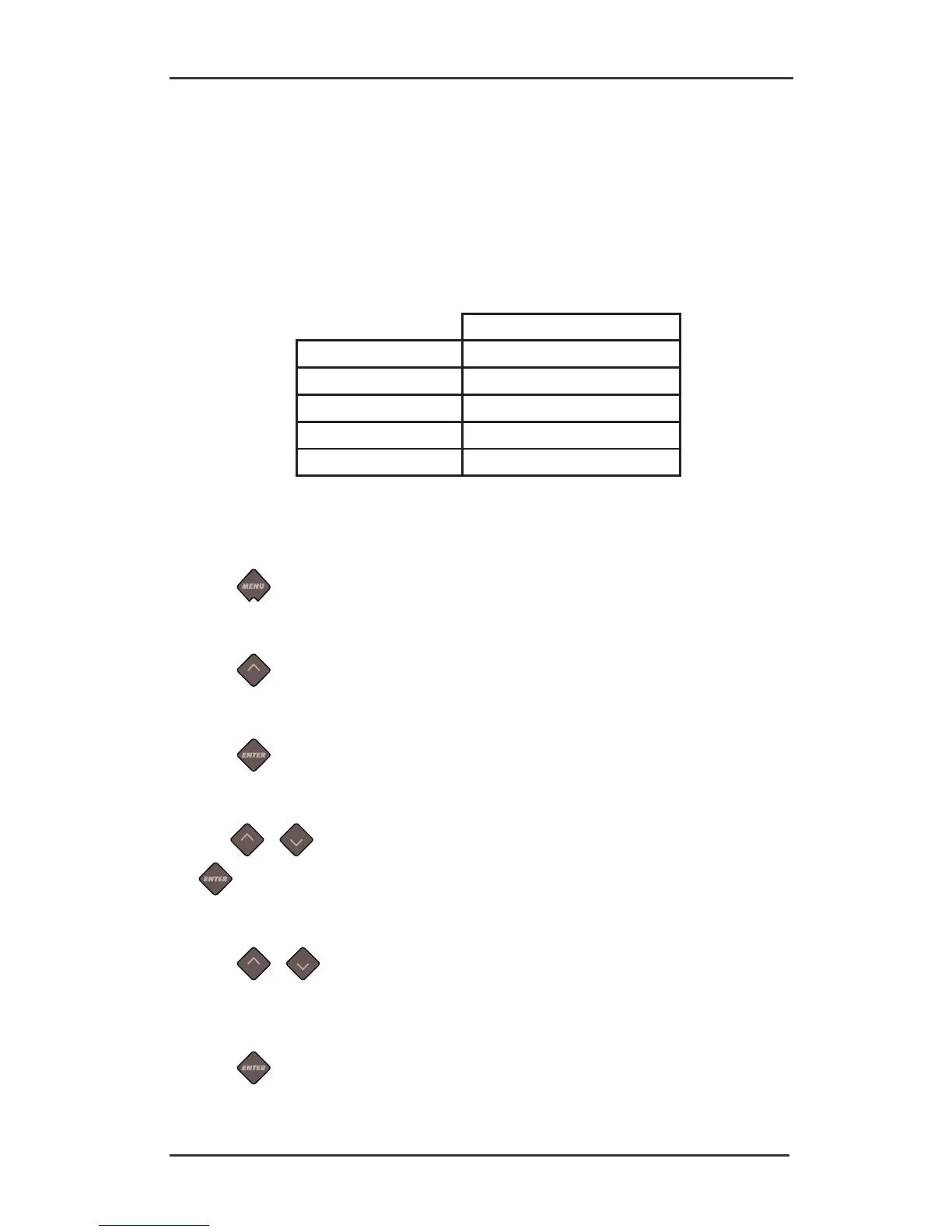
Changing OPOS setting manually:
1. Power on the cutter.
2. Press
.
‘Velocity’ will appear on the LCD.
3. Press
.
‘System Setup’ will appear on the LCD.
4. Press
.
‘Confidence’ will appear on the LCD.
5. Use
or to scroll through the menu until ‘OPOS Settings’ is reached, press
.
‘X Distance’ will appear on the LCD.
6. Press
or to choose the parameter that needs to be changed (checked).
The menu can scroll between ‘X Distance’, ‘Y distance’, ‘X size’, ‘Y Size’, ‘Marker count and
‘Sheet Mode’ (see section 3.4.2).
7. Press
to confirm.
The value of the chosen parameter will appear on the LCD.





 To Next Page