SummaCut cutter User’s Manual
Contour Cutting 3-17
3.4.3 OPOS Barcode
The SummaCut cutters can also read a barcode. Certain RIP’s have the ability to print a
barcode together with the OPOS markers. This barcode can then be used to identify the job
and retrieve the needed cut data automatically from the computer.
The complete procedure is normally started from the computer. The cutting software will
usually have a button or a command called ‘scan a bar code’. First make sure that the media
is loaded.
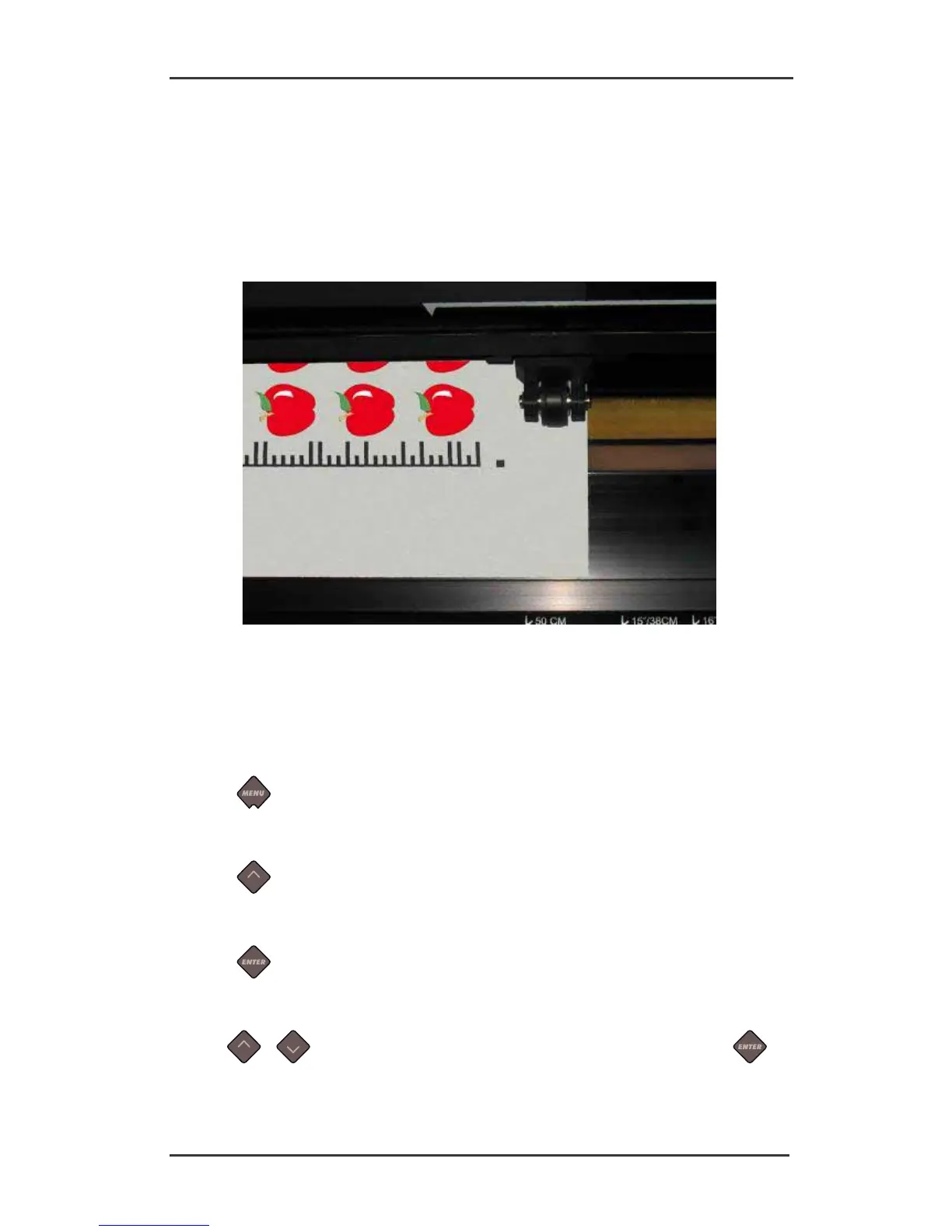
FIG 3-2
3-2 OPOS BARCODE JOB LOADED
Start the procedure from the computer or start from the touch screen.
To start from touch screen:
1. Power on the cutter.
2. Press
.
‘Velocity’ will appear on the LCD.
3. Press
.
‘System Setup’ will appear on the LCD.
4. Press
.
‘Confidence’ will appear on the LCD.
5. Use
or to scroll through the menu until ‘Align Mode’ is reached, press .
The current align mode will appear on the LCD.





 To Next Page