SummaCut cutter User’s Manual
Contour Cutting 3-7
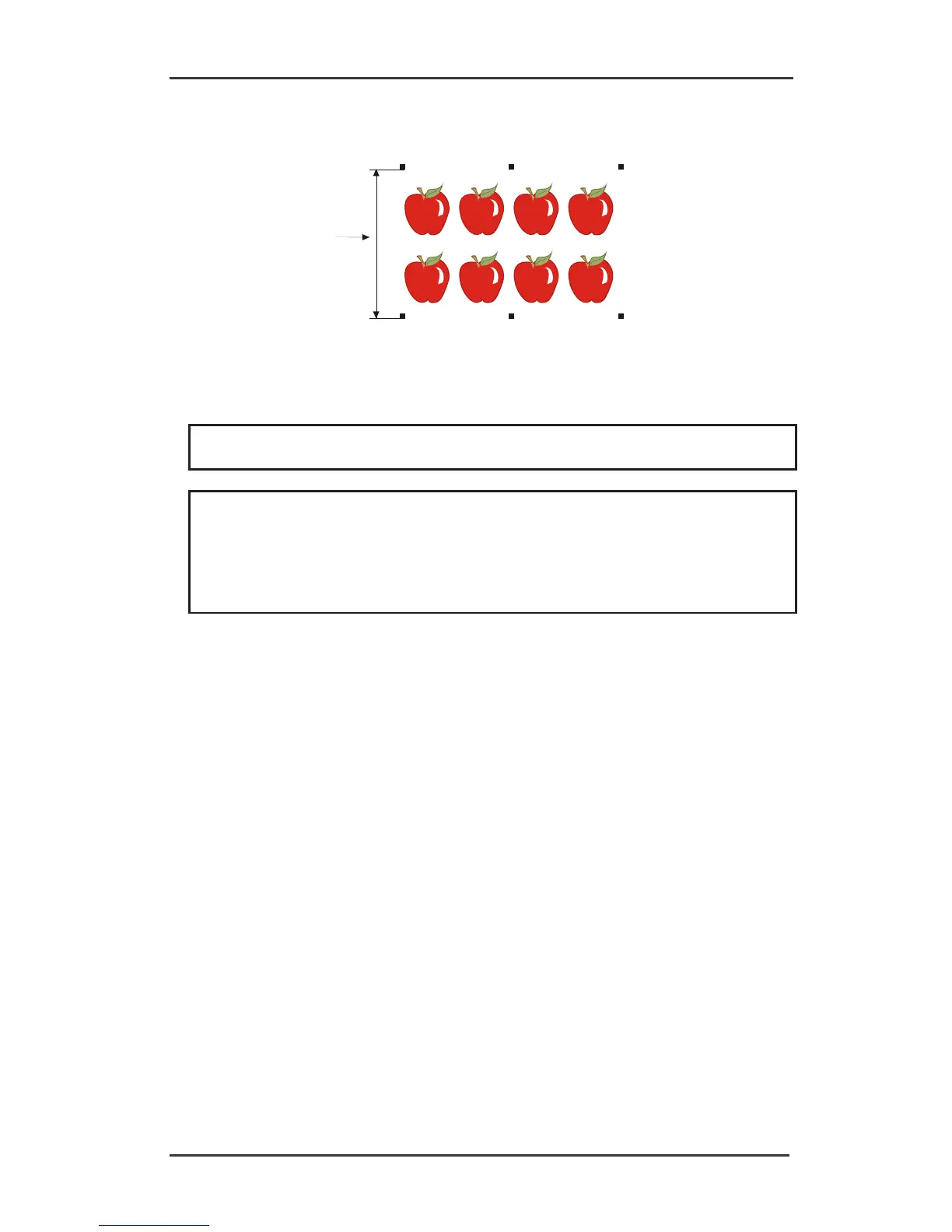
The Y-Distance (2) is the distance from the bottom of one marker to the bottom of the next
marker along the Y-Axis. The Y-Distance must be known when setting the OPOS parameters
manually.
2
10. Make sure the two rows of markers have not shifted along the X or Y Axes.
11. Check to be sure that graphics, markers and contour are each in a separate layer. Copy
the origin marker for origin reference in the layer of the contours.
NOTE: The layer with the graphic and the layer with the markers must be printed out.
The layer with the contour lines and the origin reference must be cut out.
NOTE: The optimum marker size depends on the type of printer and the X and Y
distance of the markers.
Inkjet printers with a lot of bleed require slightly larger markers. Some tests will be
needed with the printer in question to decide on the right marker size.
If the X distance is relatively large (> 800mm), then slightly larger markers could be
used.





 To Next Page