SummaSign Pro T-series Cutters User’ s Manual
General Information 1-32
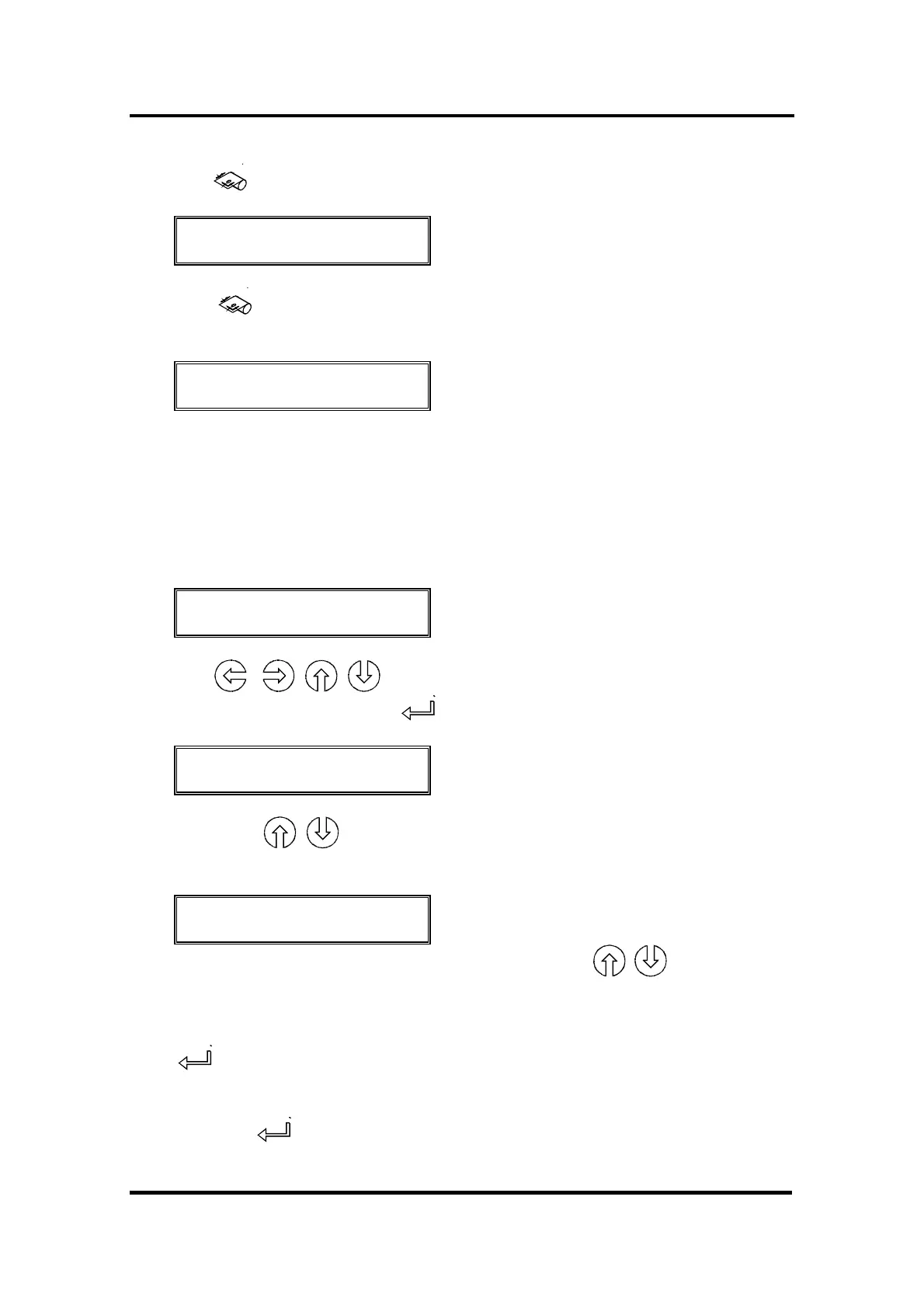
Press the key and the following message will appear on the LCD screen :
SET ORIGIN
X=0 Y=YYYY
↵
Press the key again and the following message will appear on the LCD
screen :
LOAD
1= ROLL 2= SHEET
Press the 1 key if you want to load media from a roll. Press the 2 key if you
want to load media in sheet form.
If you choose “sheet” and the sensors are enabled, then the sheet is
automatically loaded.
If you choose “roll”, the following display will appear on the LCD :
SET ORIGIN
X=0 Y=YYYY
↵
Using the , , , jogging keys, you can position the knife (i.e. the
origin) at any location. Press the key to confirm the selected point of origin.
MEDIA WINDOW
↑↓ ↵
By pressing the , jogging keys, you can enter the length of the media
you need for your task.
MEDIA WINDOW
XXXX YYYY
↵
The XXXX-value is the media length you define with the , jogging keys.
The YYYY-value is the cutting width of the media measured by the cutter.
Note : when the media length displayed is zero (0), the default media length
will be used.
Press to confirm the length and the cutter will start “shuffling” the vinyl in
order to establish a track on the vinyl.
If you pressed instead of the jogging keys for defining the media window,
the default media length is displayed :



 To Next Page