SummaSign Pro T-series Cutters User’ s Manual
General Information 1-33
DEFAULT WINDOW
↓↑ XXXX mm
↵
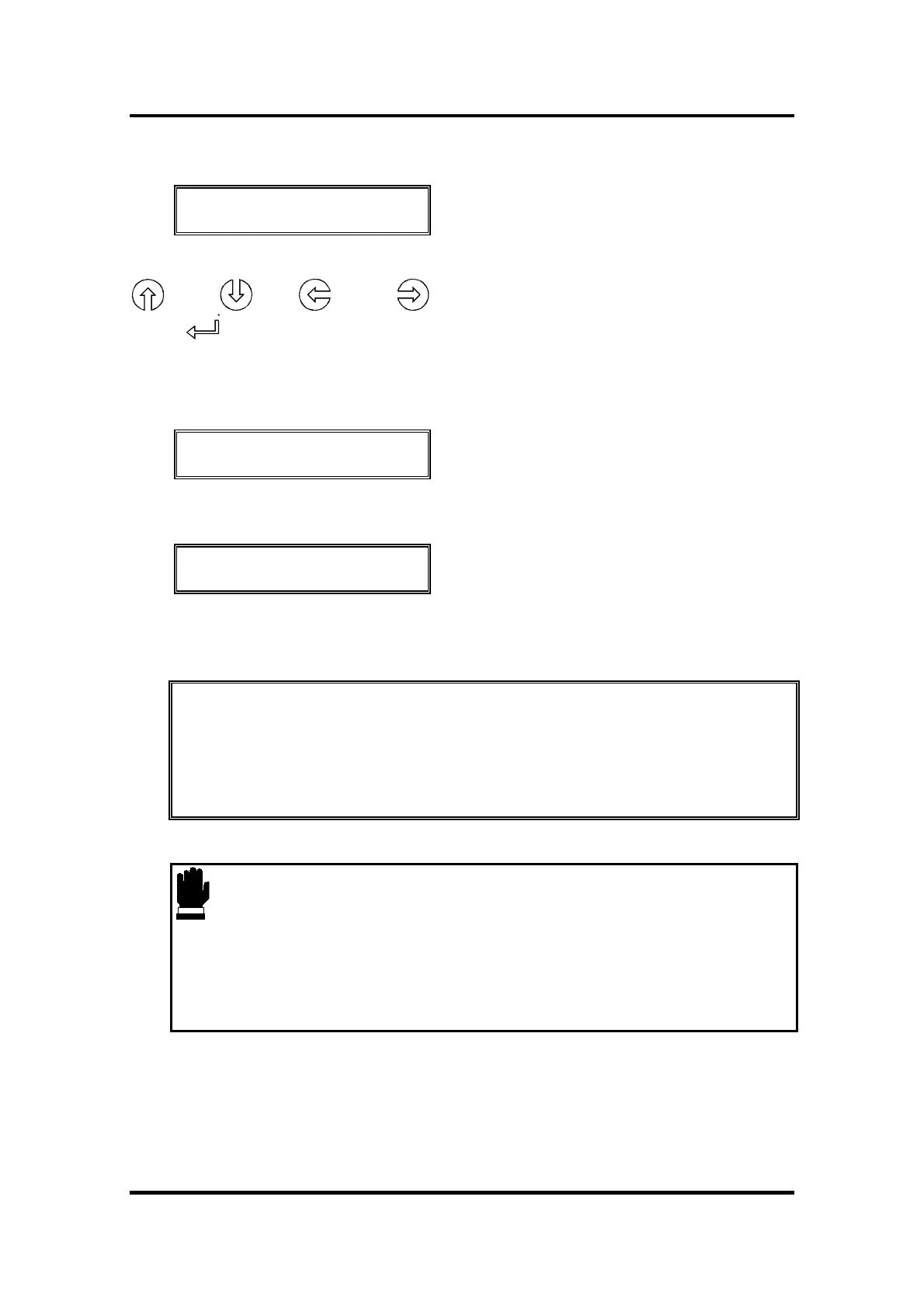
An XXXX-value appears. You can change the default value by pressing the
(+10), (-10), (-100), (+100) jogging keys.
Press to confirm the length and the cutter will start shuffling the vinyl in
order to set a track on the vinyl.
After shuffling, you get the following display :
800mm/s 120 g K
ONLINE 1
The cutter is now ready to receive a file.
800mm/s 120 g K
*ONLINE 1
The cutter has been selected by the computer.
When the built-in media sensors detect the end of the roll the message
END OF MEDIA will be displayed. The display will show the actual length
loaded.
If that area is sufficient, press 1 to ACCEPT.
If not, press 2 to ABORT and the media will automatically return to its
origin.
CAUTION
When you accept the loaded area in sheet mode, the cutter will clip the
sign to be cut in case of insufficient media. Compare the area loaded with
the area needed for the sign !



 To Next Page