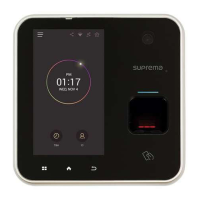
16
※
Opening Mode
-
Temporary Open
: When the door is open, it is automatically closed after a specific time.
- Toggle: The door is open after the first authorization success and it remains unlocked
until the second authorization success.
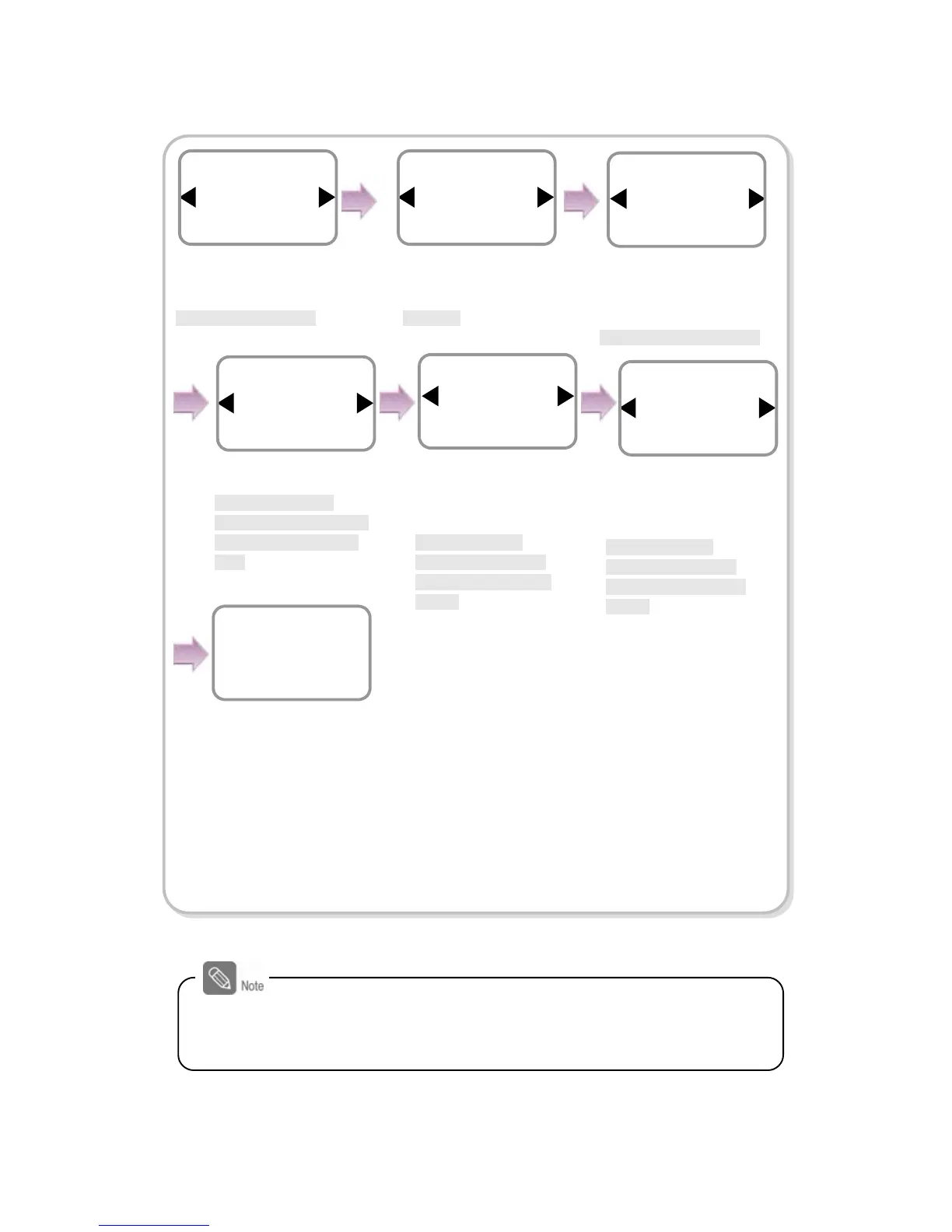
Enter the time and
press OK.
*The time is set for
automatically closing the
door after the specified
time.
Use ◀/▶ buttons to
select Not Use for
Held
Open Alarm
and press
OK.
*Not Use/Sound/
Backlight/Sound and
Light/SIO Relay0/SIO
Relay1
Door Sensor
Input 1
Internal
Held Open Alarm
Not Use
Door
Use ◀/▶ buttons to
select N.O and press
OK.
*N.O/N.C
Use ◀/▶ buttons to
select Input 1 and press
OK.
*Not Use/Input0/Input1
Use ◀/▶ buttons to
select Temporary Open
for opening mode and
press OK.
* Temporary Open/ Toggle
Opening Mode
Temporary Open
Door
Type
N.O
Door Sensor
Open Time
3
Door
Use ◀/▶ buttons to
select Not Use for
Forced Open Alarm and
press OK.
*Not Use/Sound/
Backlight/Sound and
Light/SIO Relay0/ SIO
Relay1
The completion
message window
appears.
Forced Open Alarm
Not Use
Door
Complete
When you exit from the menu before completing the relay setup, the
configuration is not stored so please finish configuration until the
message “Complete” appears.

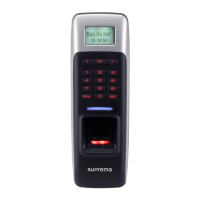

 To Next Page