37
3.2 Backlight
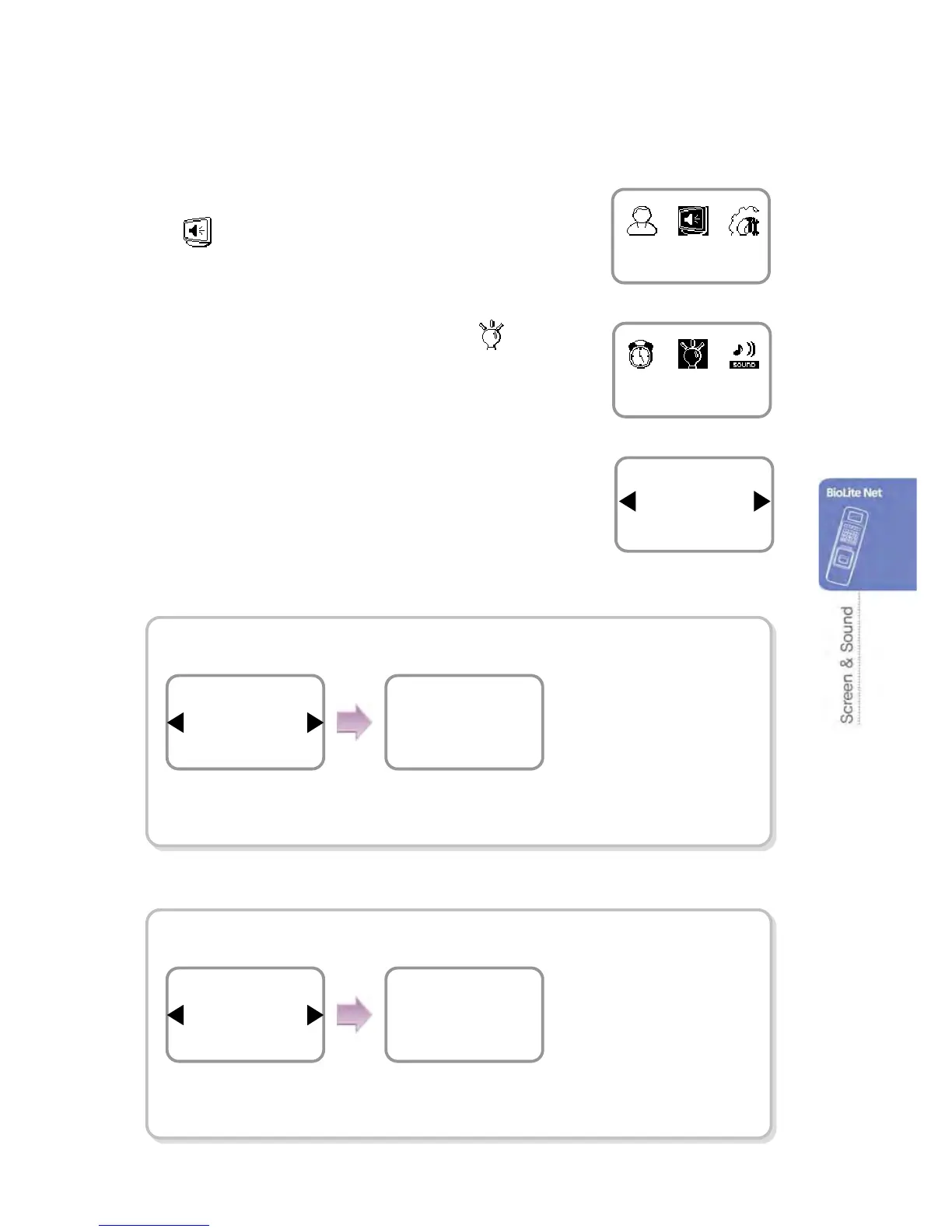
1. Use ◀/▶ buttons to select the Screen, Sound
(
) icon and press OK.
2. Use ◀/▶ buttons to select Backlight ( ) icon
and press OK.
3. Use ◀/▶ buttons to select a backlight operation
status and press OK.
All On At Use (FW V1.21 or later)
Always On
When no operation is made,
it sets the time (second) to
switch the screen.
Mode
Always On
Backlight
Timeout(sec)
20
Menu Duration
※When no input is made, it sets the time to exit from
the menu.
Screen, Sound
Backlight
Mode
All On At use
Backlight
Use ◀/▶ buttons to
select the Always On and
press OK.
Enter the backlight-on time
(second) on the menu
window.
Mode
All On At Use
Backlight
Timeout(sec)
20
Backlight
※ When no input is made
on the menu window, it
sets the time to
automatically turn off the
LCD/Keypad backlight.
Use ◀/▶ buttons to select
the Always On At Use
and press OK.


 To Next Page