52
4.3 System
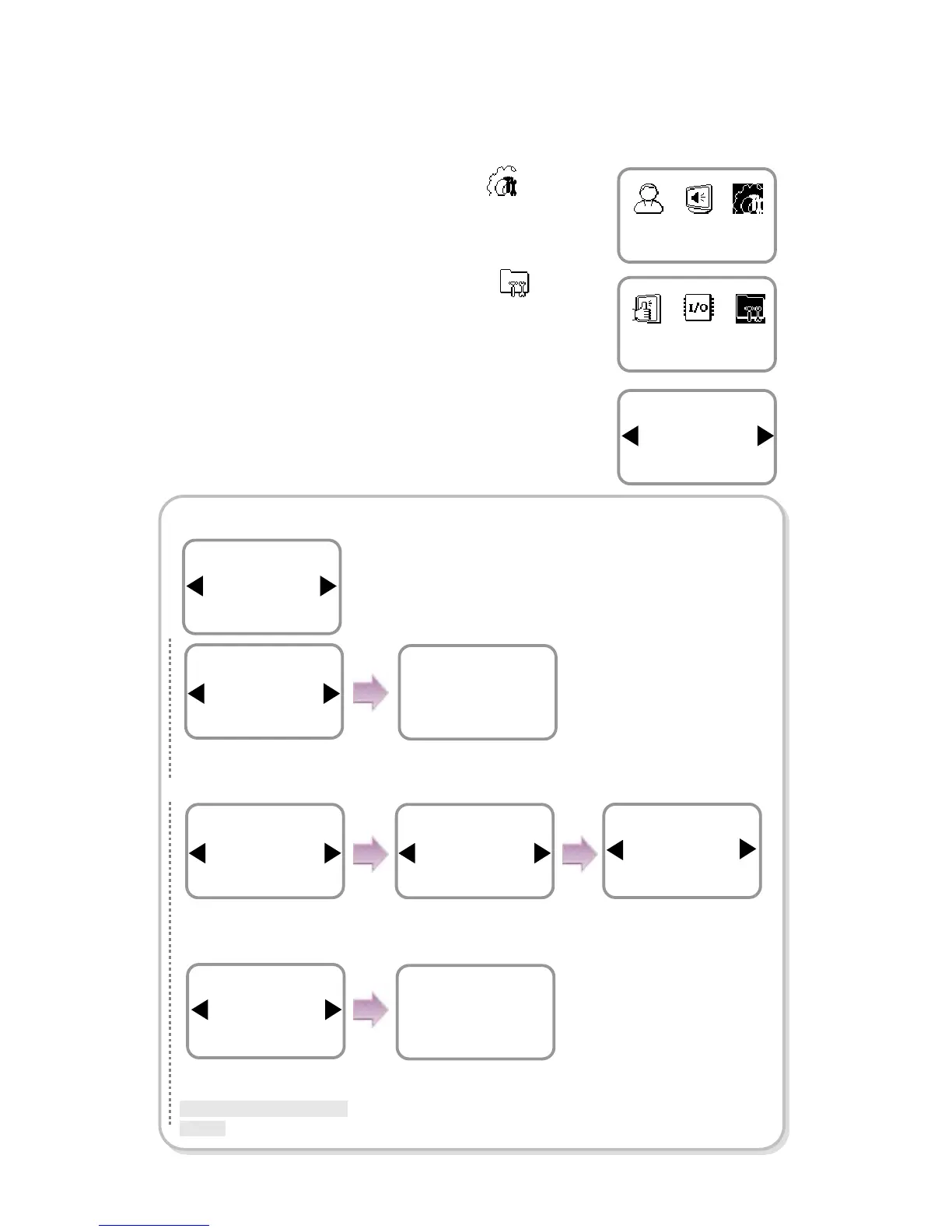
1. Use ◀/▶ buttons to select the Device ( ) icon
and press OK.
2. Use ◀/▶ buttons to select the System ( )
icon and press OK.
3. Use ◀/▶ buttons to select any of Information,
Factory Default, Delete All Log, Delete User DB,
and Language and press OK.
In case of Information
Device
System
Item
Information
System
Item
Log
Information
Use ◀/▶ buttons to
select Not Use
and
.
Filter
Not Use
Log
The entire logs appear.
(Use ◀/▶ buttons to see
the previous/next logs.)
6/18 16:21(1)
Set Time
6/18 14:20(3)
Delete OK
Use ◀/▶ buttons to
select Log
and press
OK.
Use ◀/▶ buttons to
select Use
and press
OK.
Filter
Use
Log
User
All
Filter
Use ◀/▶ buttons to
select any of All and
Select ID
and press
OK.
Use ◀/▶ buttons to
select any of All and
Specify Date
and press
OK.
The log filtering result
appears on the screen.
(Use ◀/▶ buttons to see
the previous/next logs.)
6/18 14:20(3)
Delete OK
6/18 13:46(3)
Enroll OK
Use ◀/▶ buttons to select
the event type
and press
OK.
*All/Success/Failure/In/Out/
System
Date
All
Filter
Event
All
Filter
※
Filter
-
Not Use
: Displays all.
-
Use
: Only the specified log
is displayed.
(ID/Date/Event Type)
※When the date is specified,
the logs occurred earlier than
the specified date appear.



 To Next Page