29
2.1.2 Registration on the card
The information of a new user can be saved on a card.
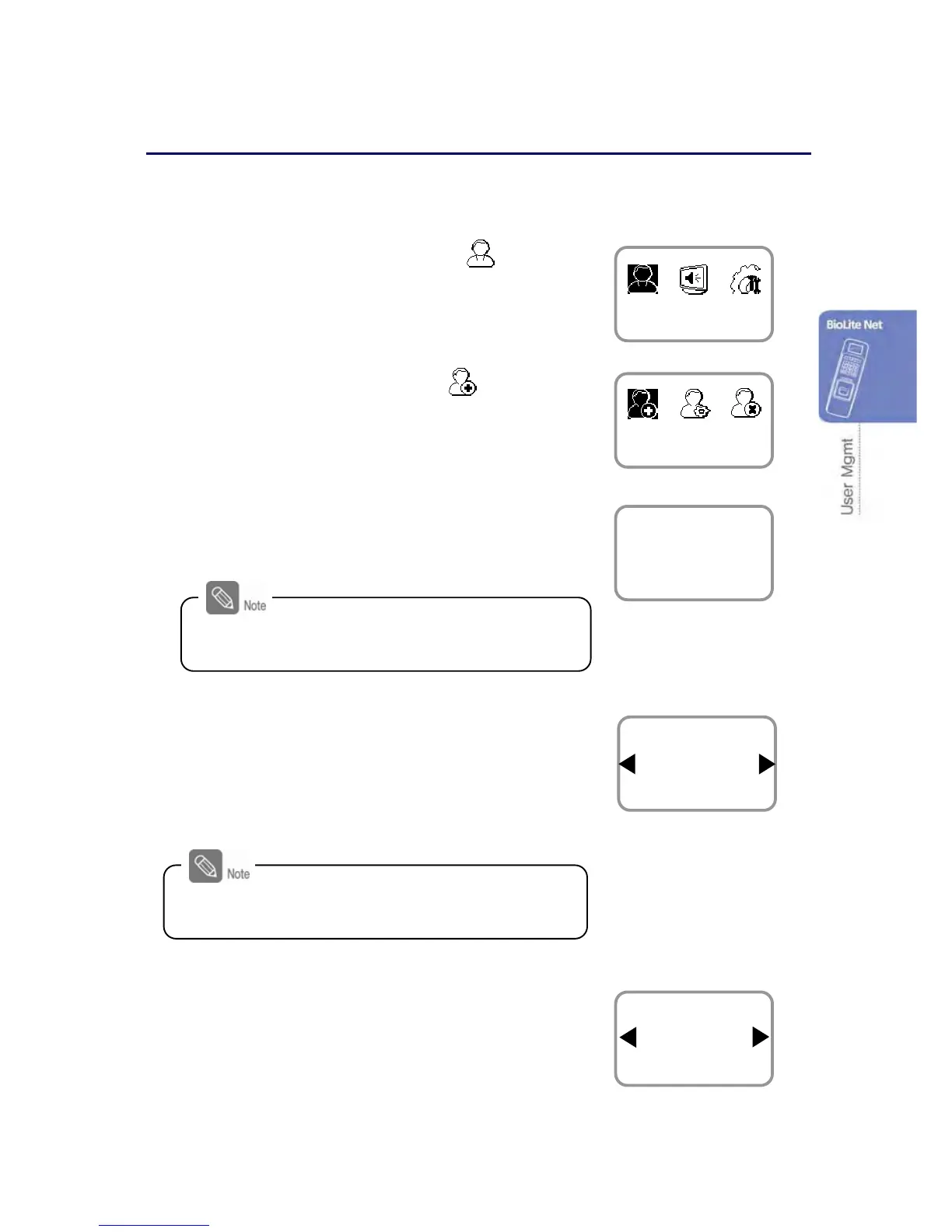
1. Use ◀/▶ buttons to select the User ( ) icon
and press OK.
2. Use ◀/▶ buttons to select Enroll ( ) icon and
press OK.
3. The ID that can be used appears. Use it or enter
another ID and press OK.
(1–8 digit number)
4. Use ◀/▶ buttons to select Card on the Enroll
To and press OK.
※ You can save the user information
(including finger print) on your terminal or
card.
5. Use ◀/▶ buttons to select Level and press OK.
(Level: General /Administrator)
※The user enrollment and environment configuration
are enabled only in Administrator level.
Only a rewritable card such as Mifare card can
save the user information.
User
Enroll
Enter ID
3
Enroll
ID is used to edit or delete the user data so
please keep it carefully.
Enroll To
Card
Enroll
Level
General
Enroll



 To Next Page