59
In case of Manual
※Manual: It is convenient to those who need to change an event type manually
everytime they enter or leave..
5.3.2 Auto
When the operation mode is set to “Auto,” this mode is used.
This mode can set the corresponding time zone for each attendance event through the
dedicated PC software. Then the fixed event is set for the corresponding time zone.
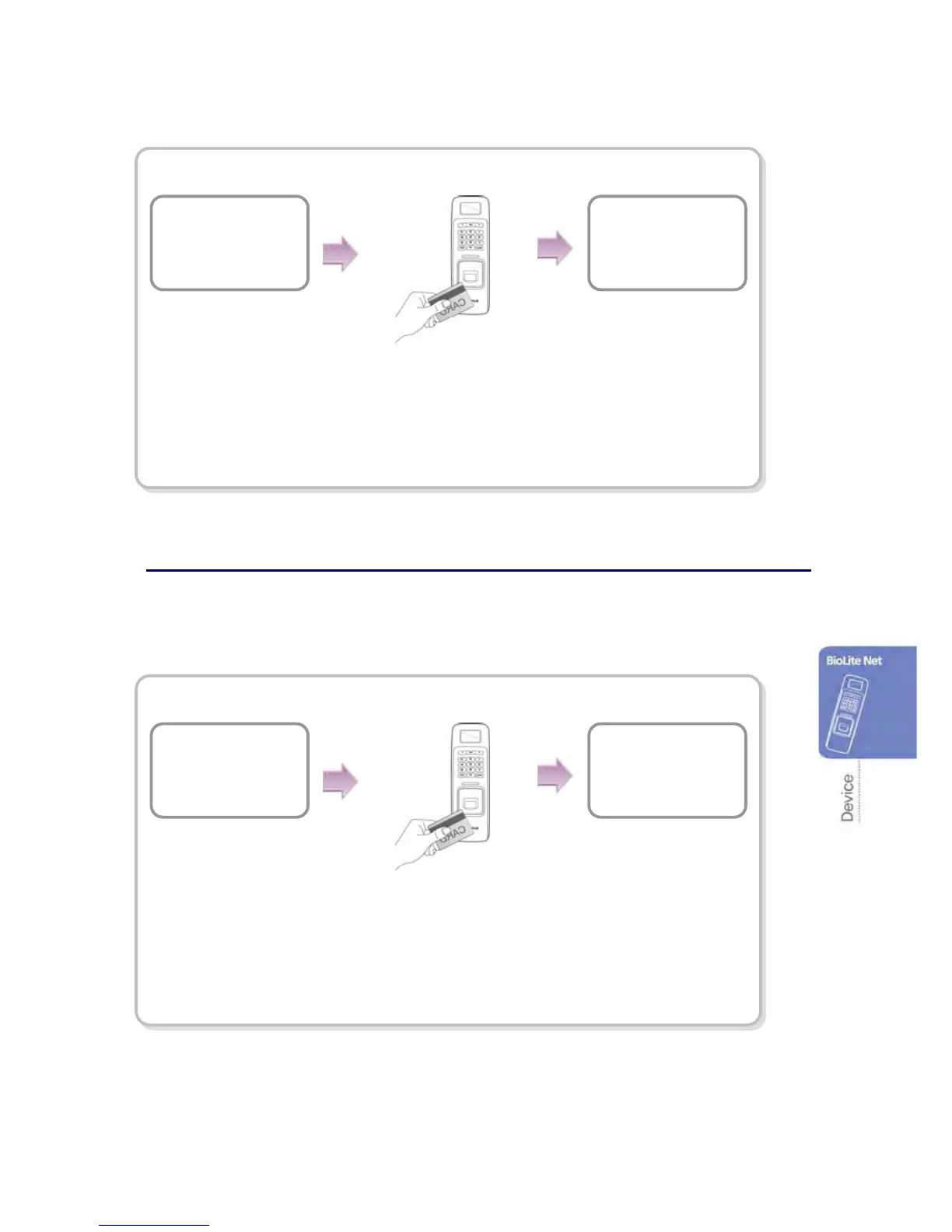
In case of Auto
Auto※ : While the event type and time zone are set through the dedicated
PC software, you can totally use this mode for all the users who are
entering or leaving.
The Users identify the card
or fingerprint according to
the authorization method.
In
08:30:43
12/01/2008
The door opens
with a confirmation
message.
The users identify the card
or fingerprint according to
the authorization method.
Out
18:35:55
12/01/2008
The door opens
with a confirmation
message.
ID: 8
Out
The event for the
corresponding time
zone appears.


 To Next Page