5
Safety Instructions
Installation
In Use
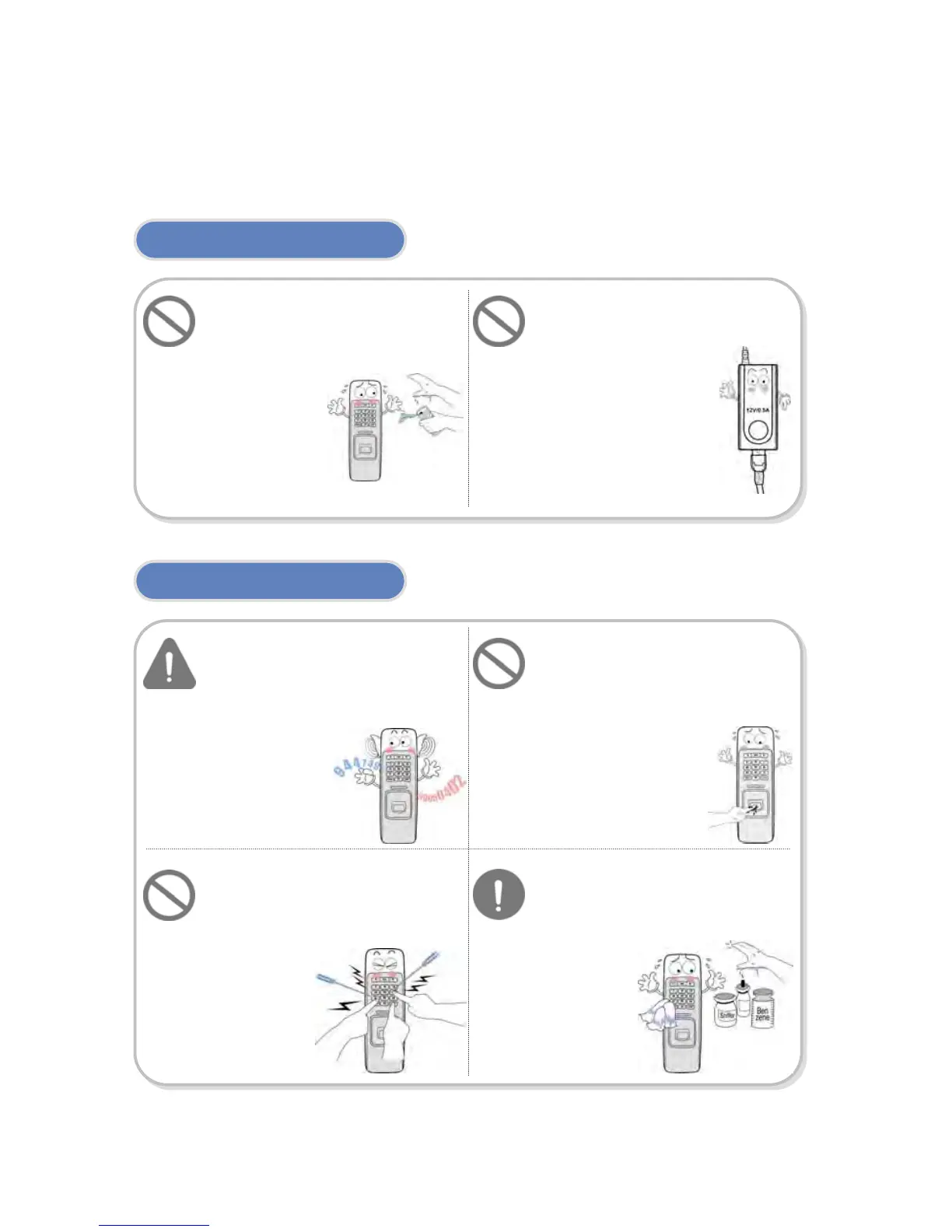
Do not arbitrarily install or
repair the product.
The warranty does not apply to
any product damage
caused by an
arbitrary
installation or
repair.
Use the power adapter
provided or one for 12V 0.5A
or above.
Endure that password does
not exposed to unauthorized
individuals. Frequent change
of password is
recommended.
Any illegal access to
your product may
ha
en.
Be cautioned for the
fingerprint contact area not
to be contaminated or
damaged by dirty hands or
foreign materials.
It may affect fingerprint
recognition performance
or cause a failure.
Do not forcibly press the
buttons of the product and
avoid any contact with sharp
object to the device.
It may cause
a failure.
Do not clean the device with
any form of liquid. Use soft
and dry cloth only.
When sharing the power with
other devices such as electric
door lock, check the power
capacity considering power
requirements for each device.
If appropriate power is not used,



 To Next Page