12
1.4.2 Network configuration
The network configuration is required to connect the dedicated PC software or other
devices via network. Configure the settings according to the communication
environment in your place.
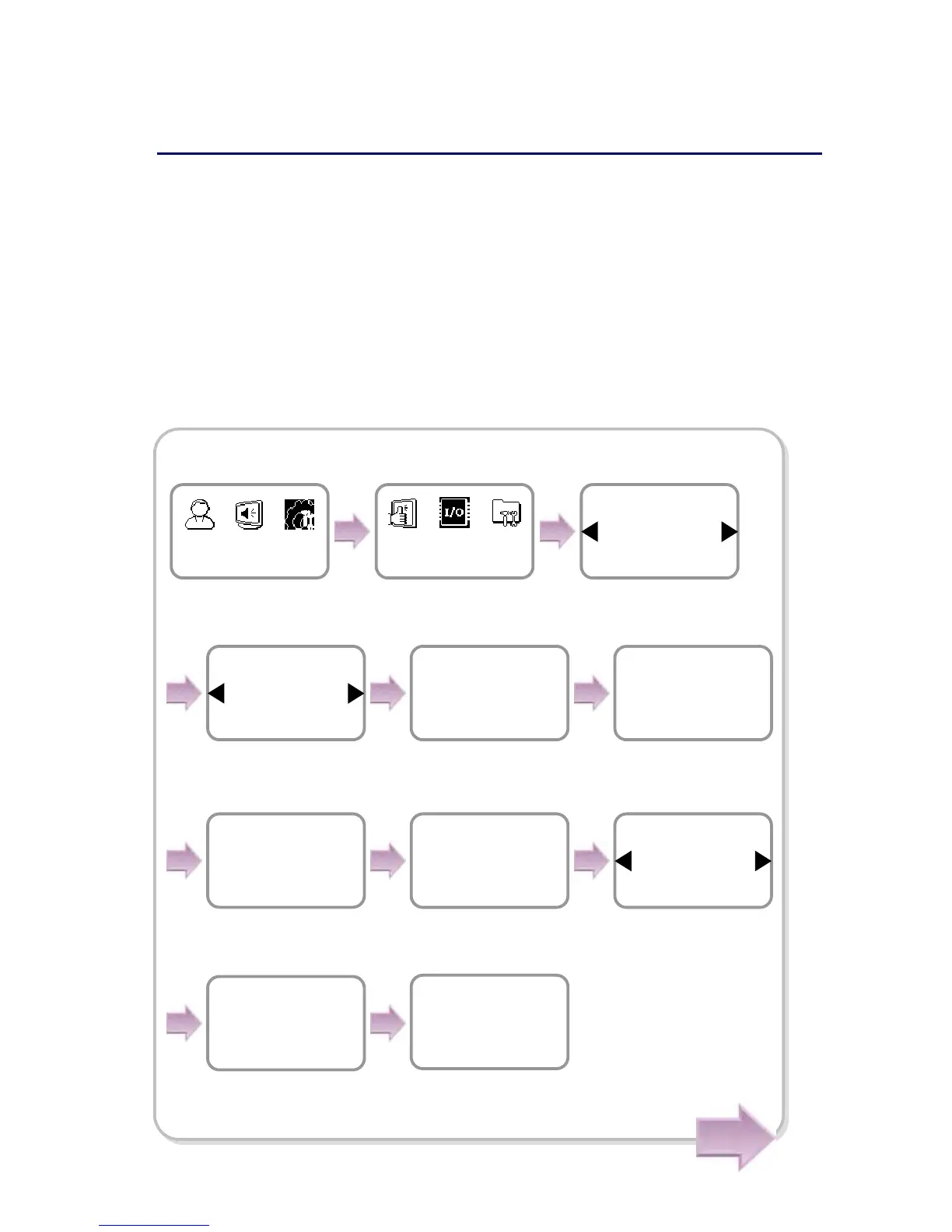
[In case of configuring the network via Ethernet]
1. Connect the terminal to the computer that has the dedicated PC software according
to the network environment after seeing “6.4.6 Connecting network.”
2. Configure the settings for TCP/IP port and server according to the installation
environment.
Use ◀/▶ buttons to set
whether or not to use
DHCP and press OK.
Server IP
192.168.1.30
TCP/IP
Server Port
1480
TCP/IP
Subnet Mask
255.255.255.0
TCP/IP
Server
Use
TCP/IP
Port
1471
TCP/IP
Item
TCP/IP
In/Out
Device
In/Out
DHCP
Not Use
TCP/IP
IP Address
192.168.1.35
TCP/IP
Gateway
192.168.1.10
TCP/IP
※ The following example explains how to directly connect the server PC without
usin



 To Next Page