31
2.2 Editing a user data
You can modify the data of the previously enrolled user.
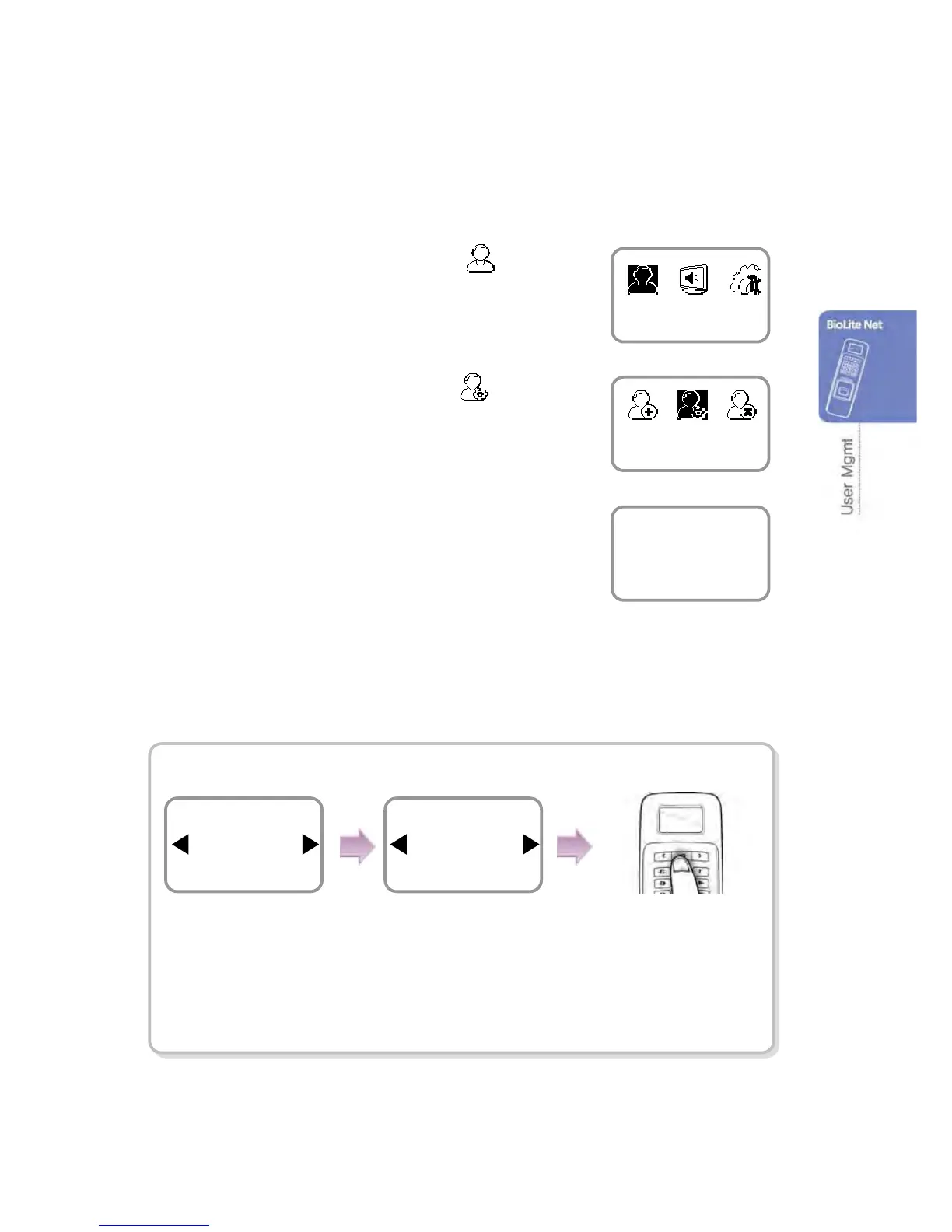
1. Use ◀/▶ buttons to select the User ( ) icon
and press OK.
2. Use ◀/▶ buttons to select the Edit ( ) icon
and press OK.
3. Enter the ID or fingerprint of the desired user and
press OK.
4. Use ◀/▶ buttons to select the desired item and press OK.
※ select any of Level/Operation Mode/Security Level/Finger/PIN/Access Group(1~4)
Changing the user level
※The settings for user, screen/sound, device, and such can be configured
only by the administrator level.
User
Edit
Enter ID/Fin



 To Next Page