19
1.5 Authorization methods
For changing the terminal authorization method, see the operation mode selection case
in “4.1 Authorization.”
To separately set the authorization method for each user, see “2.2 Editing a user data.”
1.5.1 Finger Only
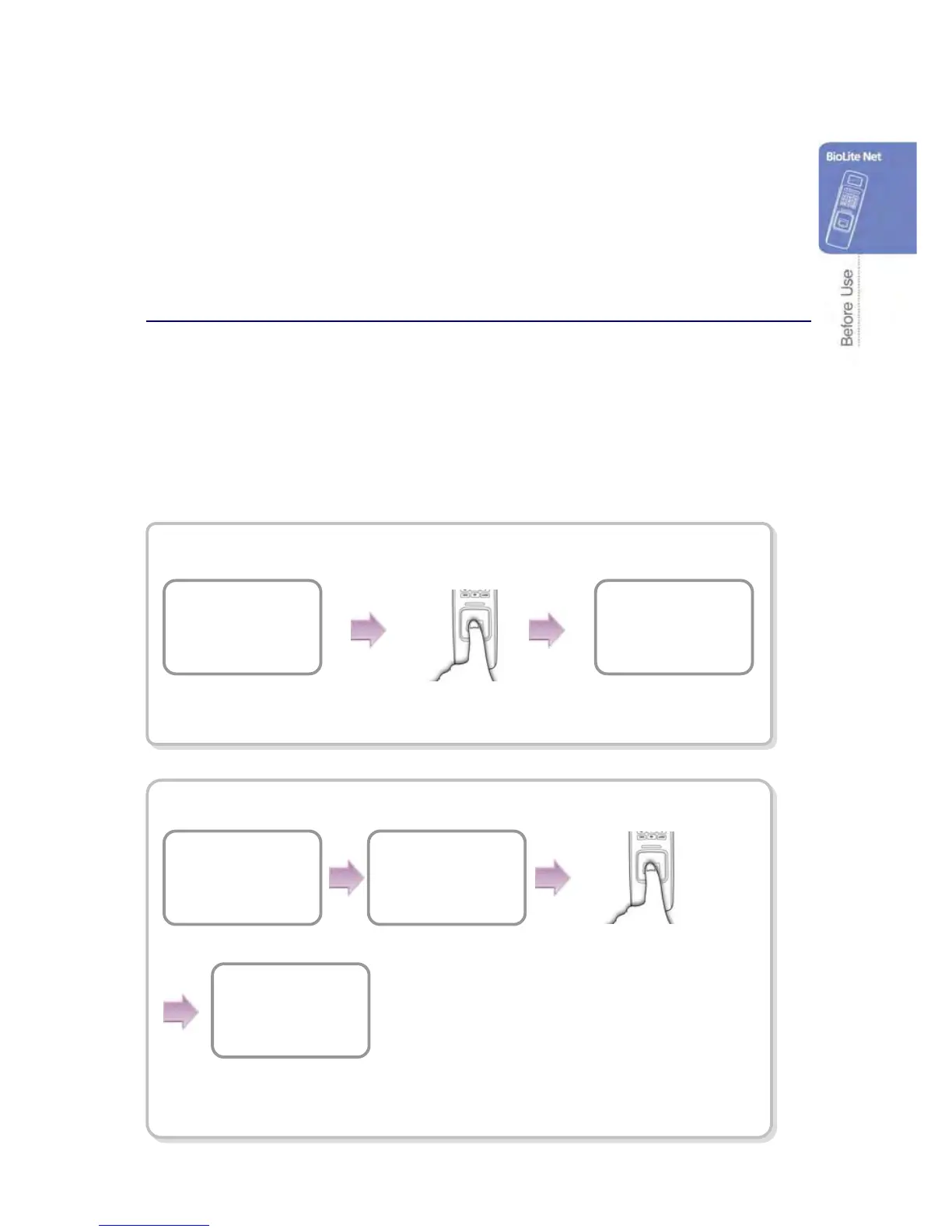
When the user authorization method is set to “Finger Only,” you can open the door by
using the three different methods:
1. Fingerprint recognition
2. Fingerprint recognition after entering ID
3. Fingerprint recognition after identifying user card
Fingerprint recognition
Fingerprint recognition after entering ID
Input the fingerprint of
the user.
The door is open with
the authentication
success messa


 To Next Page