36
3. Configuration for Screen and
Sound
3.1 Date, Time
You need to set the current system date and time.
After setting the date and time, the log data can store correct information.
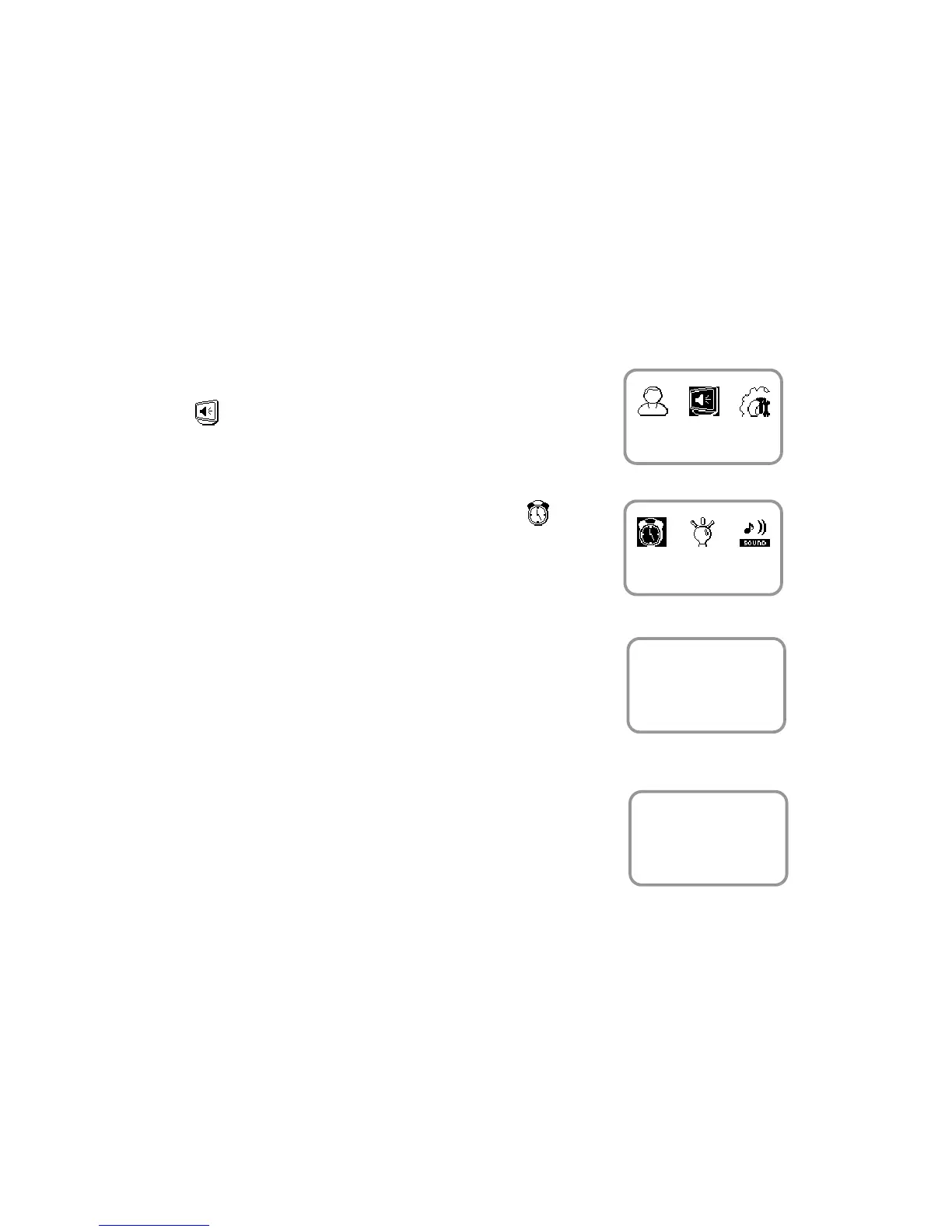
1. Use ◀/▶ buttons to select the Screen, Sound
( ) icon and press OK.
2. Use ◀/▶ buttons to select the Date, Time ( )
icon and press OK.
3. Enter the current date by following the suggested
format and press OK.
For example, in case of November 15 in 2008,
enter “20081115” and press OK.
4. Enter the current time by following the suggested
format and press OK.
For example, in case of 10:20 55 AM,
enter “102055” and press OK.
Screen, Sound
Date, Time
Date



 To Next Page