13
※IP Address/Gateway/Subnet Mask Setup: If DHCP is used, the values for
IP address, gateway, and subnet mask are automatically assigned. Otherwise, set DHCP
to Not Use and enter the corresponding values.
(When the right arrow is pressed, “.” is entered while the left arrow deletes characters
one by one.)
※Server: To directly connect the server of the dedicated PC software that enables
monitoring and setting the terminal, use Server for its setup and enter the values for
IP address and port number. (Refer to the dedicated PC software manual.)
※TCP/IP Port, Server Port: Should be the same values defined in the dedicated
PC software. It is recommended to set the TCP/IP port to “1471” and Server to “1480.”
(When the port number is modified as you want, TCP/IP communication may not be active.)
The completion
message window
appears.
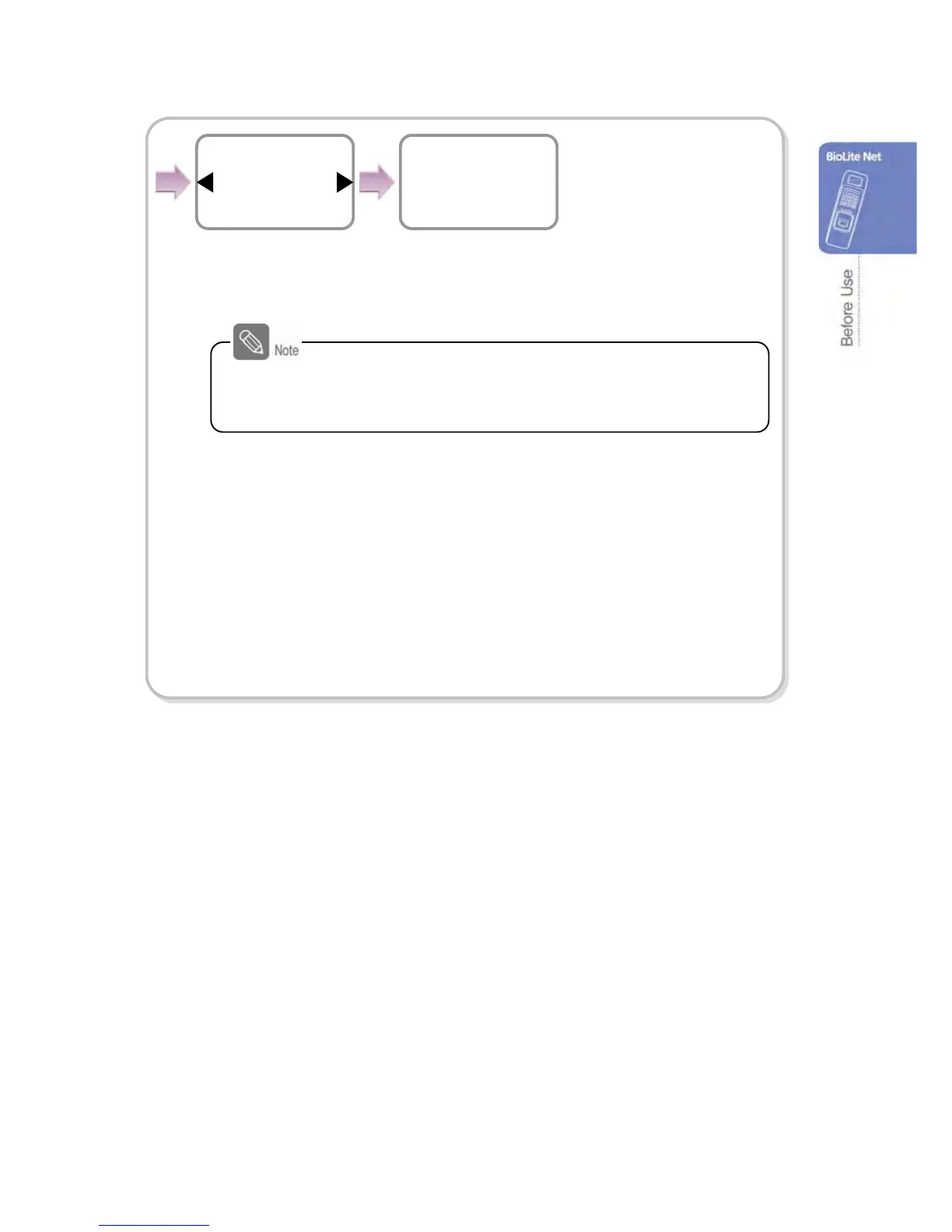
Use ◀/▶ buttons to
set whether or not to
support 100Base-T
and press OK.
Completed
100Base-T support
Not support
TCP/IP
When you exit from the menu before completing the TCP/IP
setting, the data is not stored so please finish the remaining
steps until the setting completion message appears.


 To Next Page