51
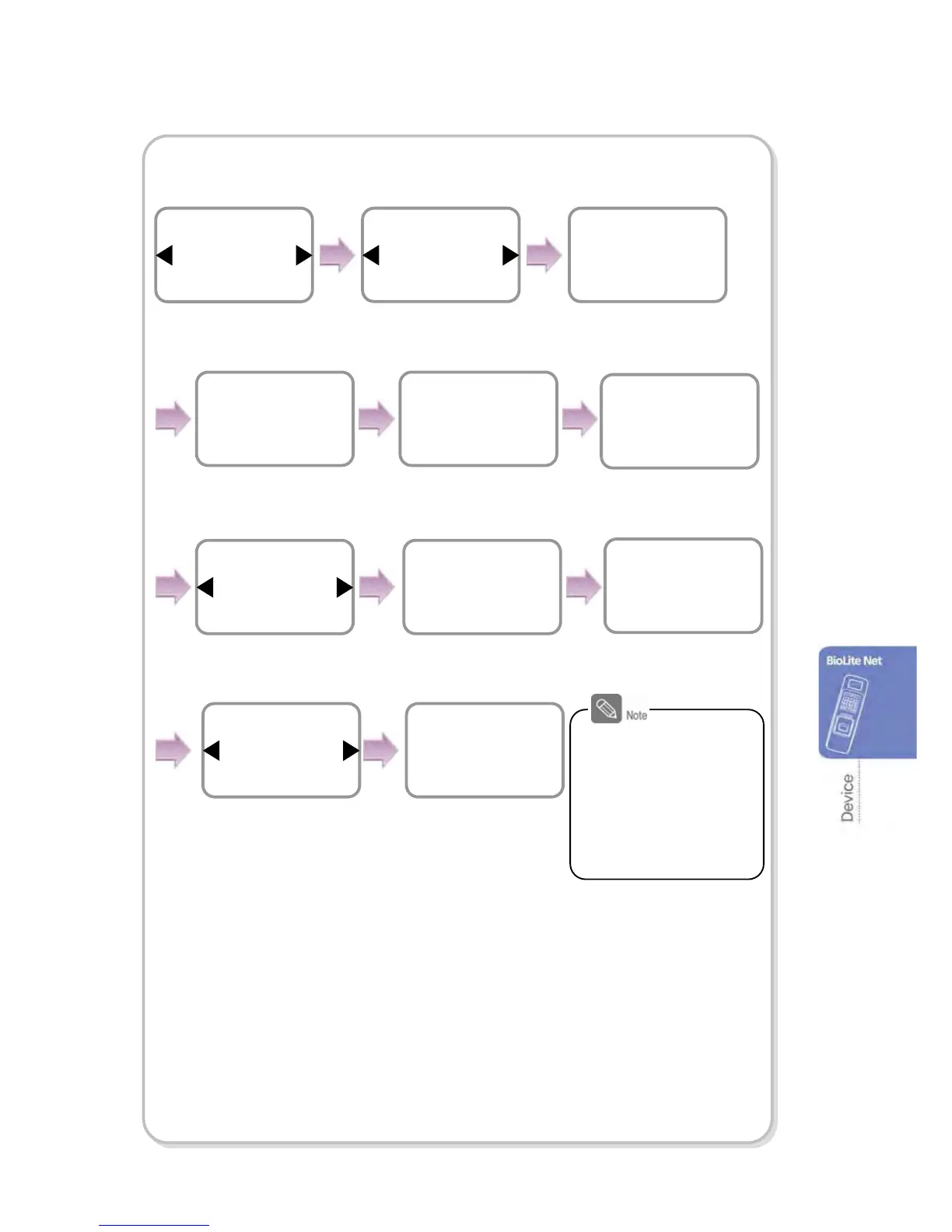
In case of TCP/IP
.
※IP Address/Gateway/Subnet Mask Setup: If DHCP is used, the values for
IP address, gateway, and subnet mask are automatically assigned. Otherwise, set DHCP
to Not Use and enter the corresponding values.
(When the right arrow is pressed, “.” is entered while the left arrow deletes characters
one by one.)
※Server: To directly connect the server of the dedicated PC software that enables
monitoring and setting the terminal, use Server for its setup and enter the values for
IP address and port number.
(Refer to the dedicated PC software manual.)
※TCP/IP Port, Server Port: Should be the same values defined in the dedicated
PC software. It is recommended to set the TCP/IP port to “1471” and Server to “1480.”
(When the port number is modified as you want, TCP/IP communication may not be active.)
When you exit before
finishing the TCP/IP
setting, the change is
not stored so proceed
with the settings until
the message
“Completed” appears.
Item
TCP/IP
In/Out
Use / ◀▶buttons to set
whether or not to use
DHCP and press OK.
DHCP
Not Use
TCP/IP
IP Address
192.168.1.35
TCP/IP
Gateway
192.168.1.10
TCP/IP
Subnet Mask
255.255.255.0
TCP/IP
※It directly connects to the server for the dedicated
PC software without usin



 To Next Page