27
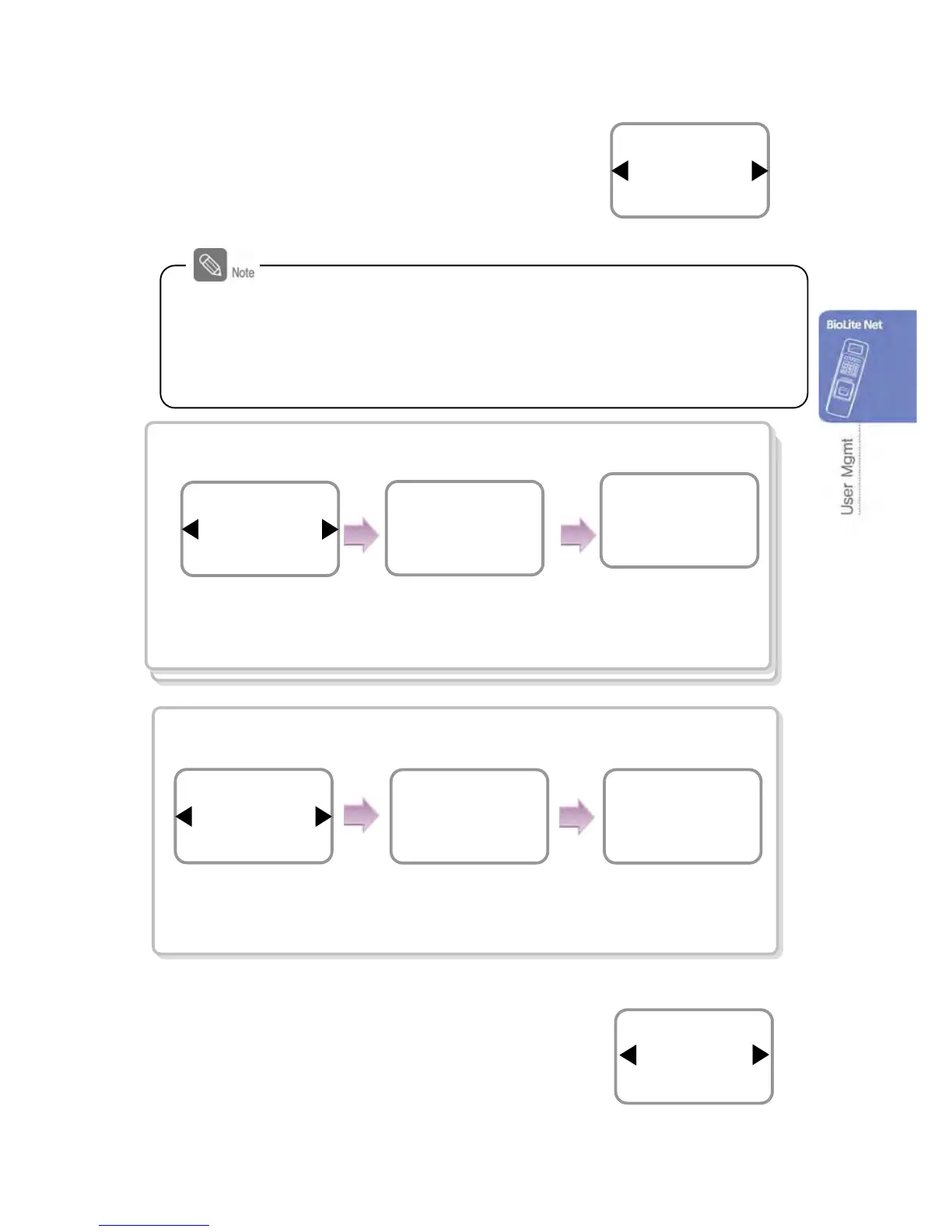
5. Use ◀/▶ buttons to select a card ID entry type
and press OK.
※Not Use/Read Card/Manual Input/User ID
In case of Read Card
In case of Manual Input
6. Use ◀/▶ buttons to select Level and press OK.
(Level: General /Administrator)
※The user enrollment and environment configuration
are enabled only in Administrator level.
Level
General
Enroll
Card
Read Card
Enroll
※Card ID: Not Use/Read Card/Manual Input/User ID
- Not Use: Only the finger print data is saved.
- Read Card: The card ID must be identified by touching the card on the
terminal.
- Manual Input: The card ID (maximum 10 digits) must be directly entered.
- User ID: The selected User ID is used as Card ID (Card ID=User ID)
Card ID
2691057484
Facility Code
0
Card
Manual Input
Enroll
Card ID
2691057484
Manual Input
Facility Code (0-255)
Manual Input
Use ◀/▶ buttons
to select Read Card
and press OK.
When identified, enter
the Facility Code.
Use ◀/▶ buttons to
select Manual Input
and press OK.
Directly enter the card
ID through the keypad.
Enter the Facility Code
Place the user card on the
SUPREMA logo area.
Place the Card
Card
Not Use
Enroll


 To Next Page