33
Changing the fingerprint of the user
Changing the PIN of the user
Changing the access group
Item
Access Group1
Edit
Select
Full Access
Access Group1
Setting the access groups other than Full Access or No Access is
enabled through the dedicated PC software only. Using the terminal,
you cannot add or edit them but only selecting them is enabled
for each user.
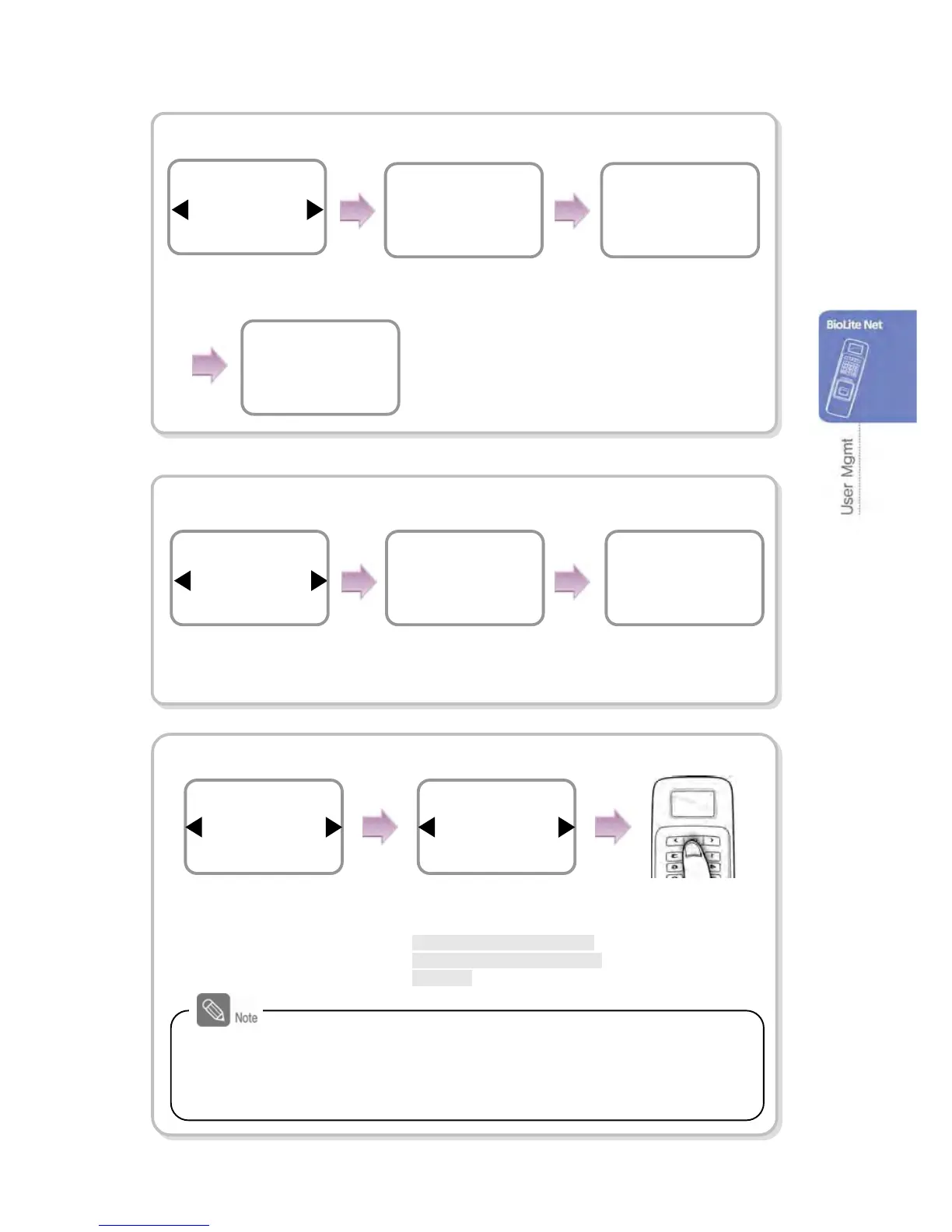
Use ◀/▶ buttons to
select Fingerprint and
press OK.
Place the first finger on
the sensor.
Place the same finger
on the sensor again.
Enroll the second fingerprint
in the same manner.
Item
PIN
Edit
Use ◀/▶ buttons to
select PIN and press OK.
Enter the desired
password and press
OK.
After re-entering the
password of the
user, press OK.
Enter PIN
****
Edit
Confirm PIN
****
Edit
Press OK.
Use ◀/▶ buttons to
select any of Access
Group and press OK.
Use ◀/▶ buttons to select
access privilege for selected
Access Group
*Full Access/No Access/Not
Use/Or user designated Acce
ss Group



 To Next Page