43
Cont.
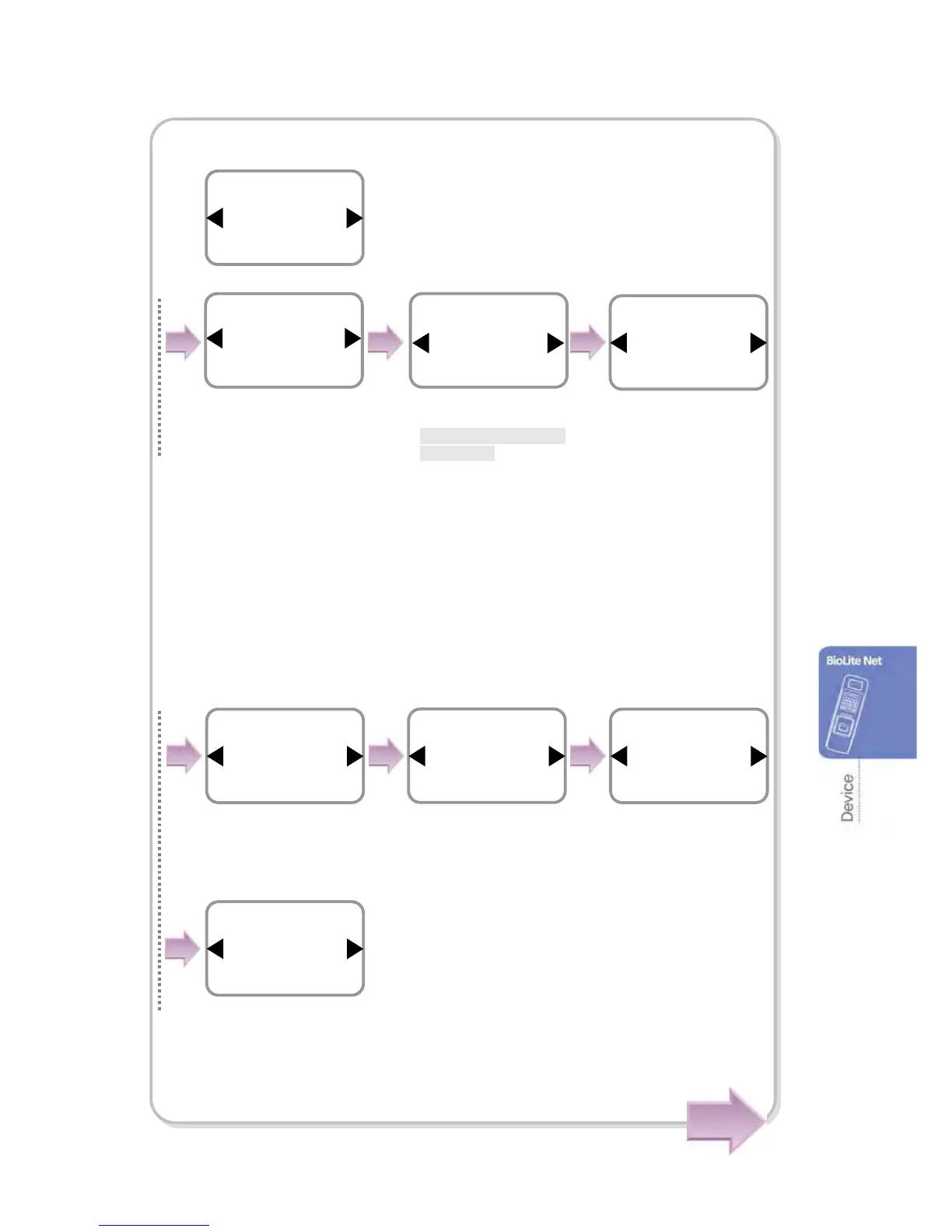
In case of Operation Mode
※
Sensor Mode: *
Always On
/ID Entered/OK Pressed
-
Always On: The sensor always waits for a fingerprint input.
- ID Entered/OK Pressed: If you enter ID or press OK, you can enter the time zone
for using the sensor.
※
Applied time: Use the dedicated PC software for setting the time zone except
All Time and Not Use. With the terminal, you cannot add and edit it but only selection
is not possible.
※Auth Mode: *Finger Only/PIN Only/Finger or PIN
/ Finger and PIN /Card Only
If no authorization setting exists for each user,
the user authorization method that has been set
on the terminal is applied.
※Double Mode: When consequent two users are
authorized successfully, entrance
and exit are allowed.
Use / buttons to ◀▶
select the applicable
time zone and press
OK.
Schedule
All Time
Always On
Item
Operation Mode
Authorization
Use ◀/▶ buttons to
select Sensor Mode
an



 To Next Page