54
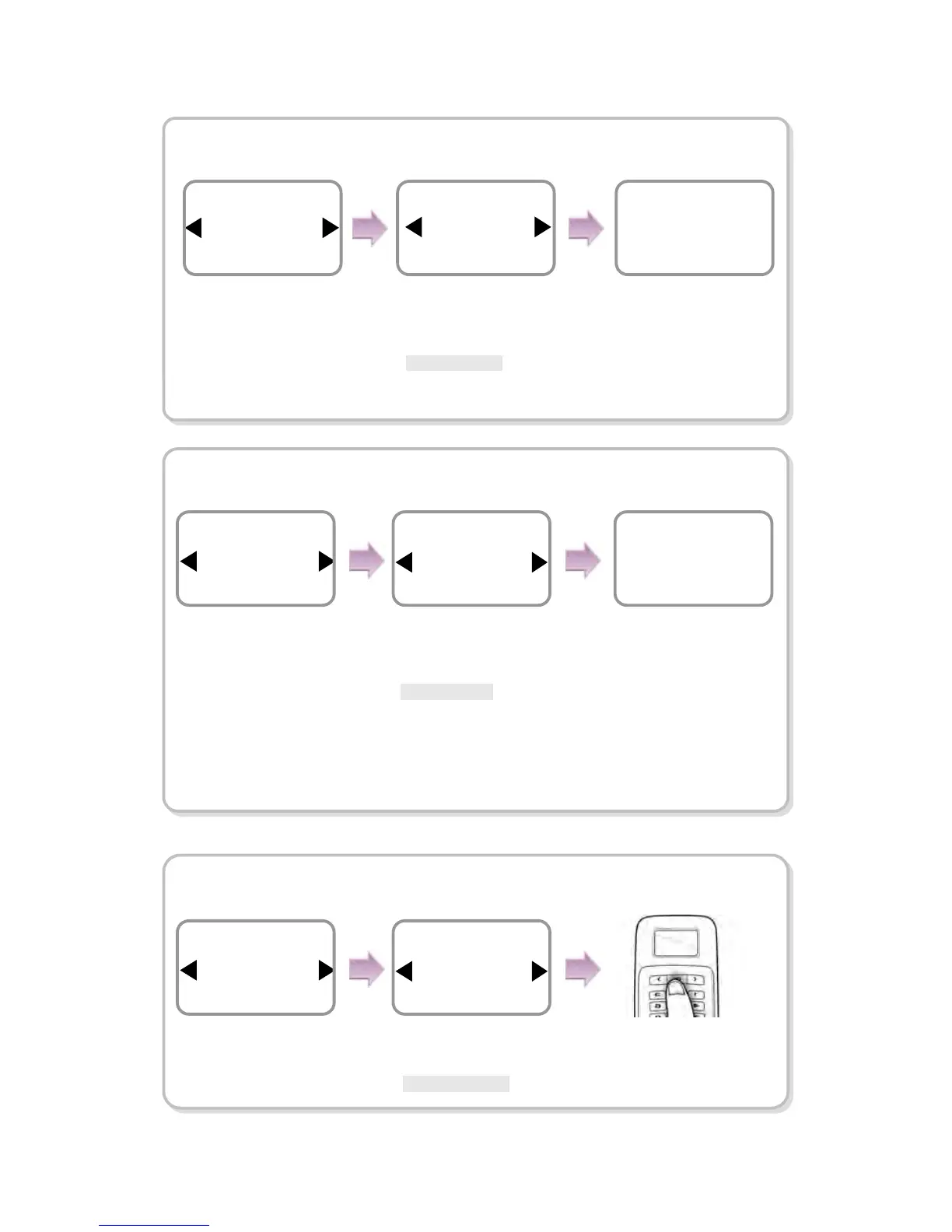
In case of Delete All Log
※In this case, all users’ in/out data are deleted and they cannot be recovered.
In case of Delete User DB
※In this case, the users’ DB is completely deleted so you must immediately
register the initial administrator (see 1.4.1).
※When the user DB is deleted, it cannot be recovered.
In case of Language
In case of Delete,
the message
Deletion appears.
Use ◀/▶ buttons to
select Delete All Log and
press OK.
Use ◀/▶ buttons
to determine
whether or not to
delete them.
*Cancel/ Delete
Item
Delete All Log
System
Delete?
Delete
Delete All Log
Deletion
Item
Delete User DB
System
In case of Delete,
the message
Deletion appears.
Use ◀/▶ buttons to
select Delete User DB
and press OK.
Use ◀/▶ buttons
to determine
whether or not to
delete the user DB.
*Cancel/Delete
Delete?
Delete
Delete User DB
Deletion
Use ◀/▶ buttons to
select Language and
press OK.
Use ◀/▶ buttons
to select the
language.
* English/ Korean
Press OK.
Item
Language
System
Item
English
Language


 To Next Page
 Loading...

