SUPVAN Chapter 5 Operation of Function Key
43
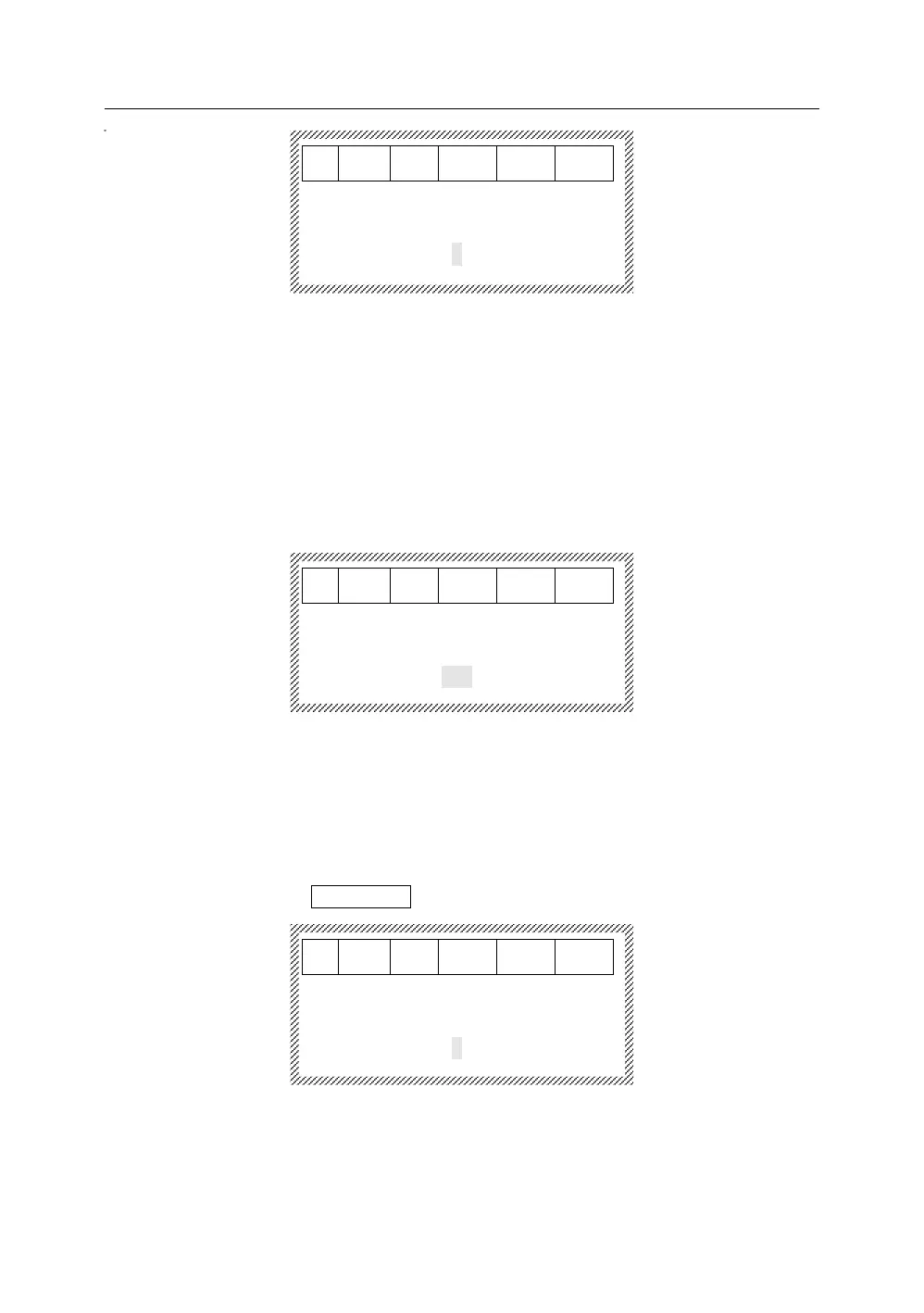
[Half cut depth]
4.0 Tube:
-3 -2 -1 0 1 2 3
Press【→】or【←】to select an appropriate Half-cut depth, and complete
the selection of tube Half-cut depth. The Half-cut depth will be increased
from -3 to 3.
If there is still not any satisfied Half cut effect after selecting Depth of
Half-cut 3, this indicates that the cutter unit may need to be replaced.
5.21.3 Adjustment of label half cut depth
Press 【↑】or【↓】to select the model of pre-adjusted label. After selecting
9 mm label, press【Enter】, it will display as below:
[Half cut depth]
9mm Label
-3 -2 -1 0 1 2 3
Press【→】or【←】to select, press【Enter】to complete the selection of
label half cut depth. The Half cut depth will be increased from -3 to 3.
If there is still not any satisfied half cut effect after selecting Half-cut Depth
3, this indicates to replace the cutter unit necessarily.
5.21.4 Adjustment of heat shrink tube half-cut depth
After selecting Shrink tube, press【Enter】, it will display as below:
[Half cut depth]
Shrink tube:
-3 -2 -1 0 1 2 3
Press【→】or【←】to select, press【Enter】to complete the selection of
heat shrink tube Half-cut depth. The half-cut depth will be increased from
-3 to 3.
If there is still not any satisfied half-cut effect after selecting Half-cut Depth



 To Next Page