Accessories 2-21
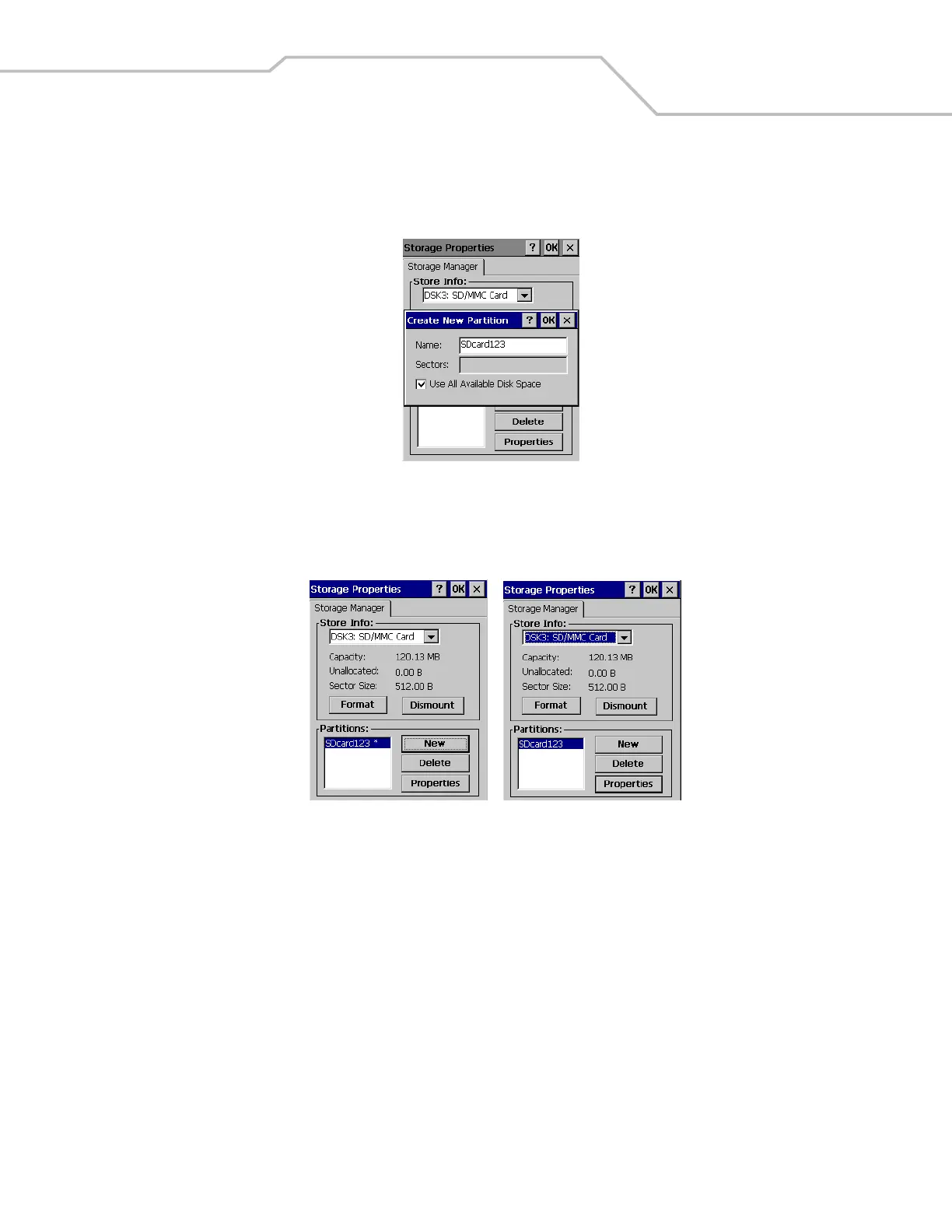
5. If the SD card does not have an existing partition, tap New. The Create New Partition dialog box appears. If a partition
exists, proceed to step 7.
Figure 2-23. Create New Partition Window
6. In the Name: text box enter a partition name, and tap OK. The Storage Properties window appears.
Figure 2-24. Storage Properties Window
7. The Storage Properties window displays the new partition name in the Partitions: box. The asterisk next to the partition
name, indicates that the partition is mounted. The partition must be dismounted before it can be formatted.
8. Tap Dismount, the asterisk next to the partition name disappears indicating that the partition is dismounted.



 To Next Page