MC3000 Integrator Guide2-22
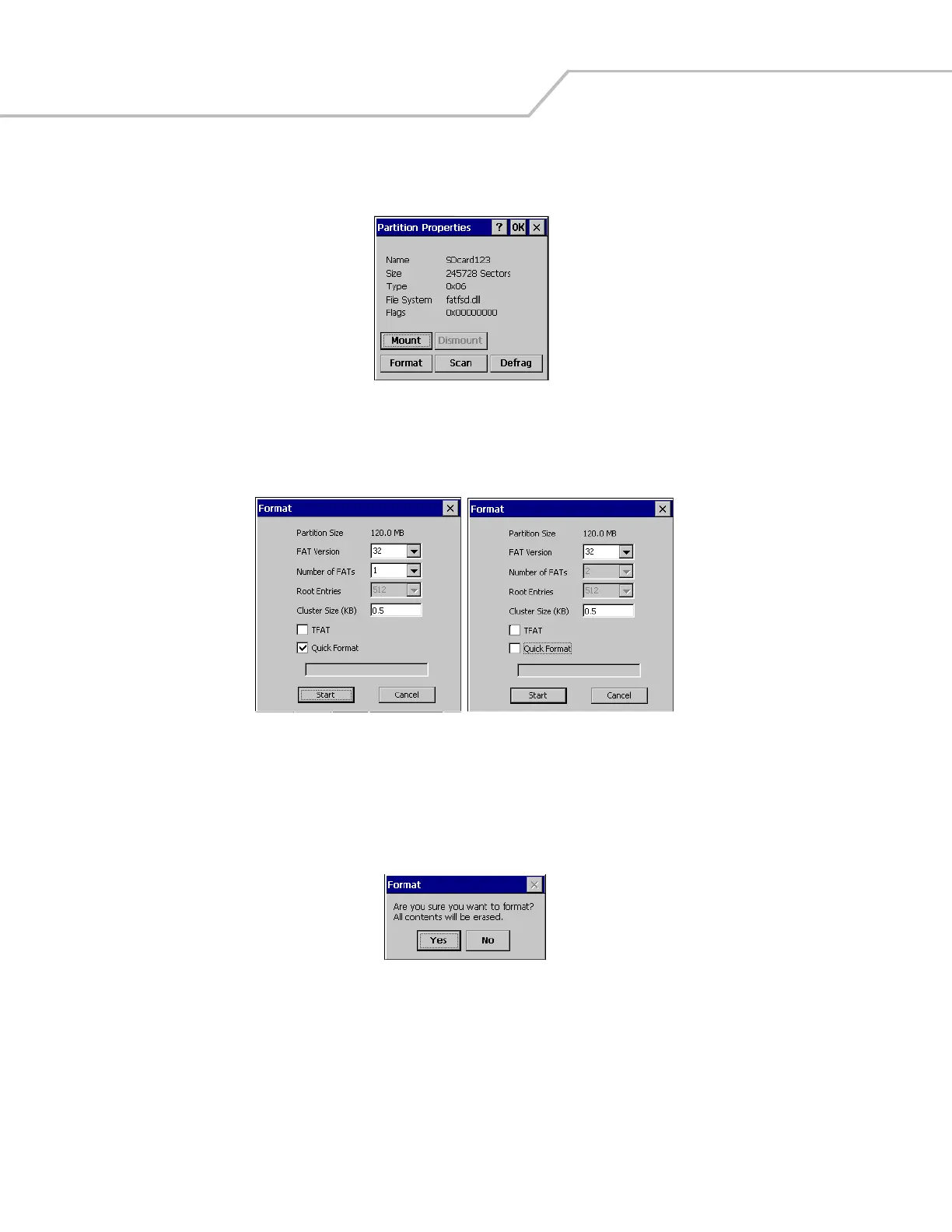
9. Tap Properties, the Partition Properties window appears.
Figure 2-25. Partition Properties
10. Tap Format, the Format window appears.
Figure 2-26. Format Windows
11. The default settings for the Format window are to perform a Quick Format. To perform a full format tap the Quick Format
check box to uncheck.
12. Tap Start, the Format confirmation window appears.
Figure 2-27. Format Confirmation Window



 To Next Page