ActiveSync 3-7
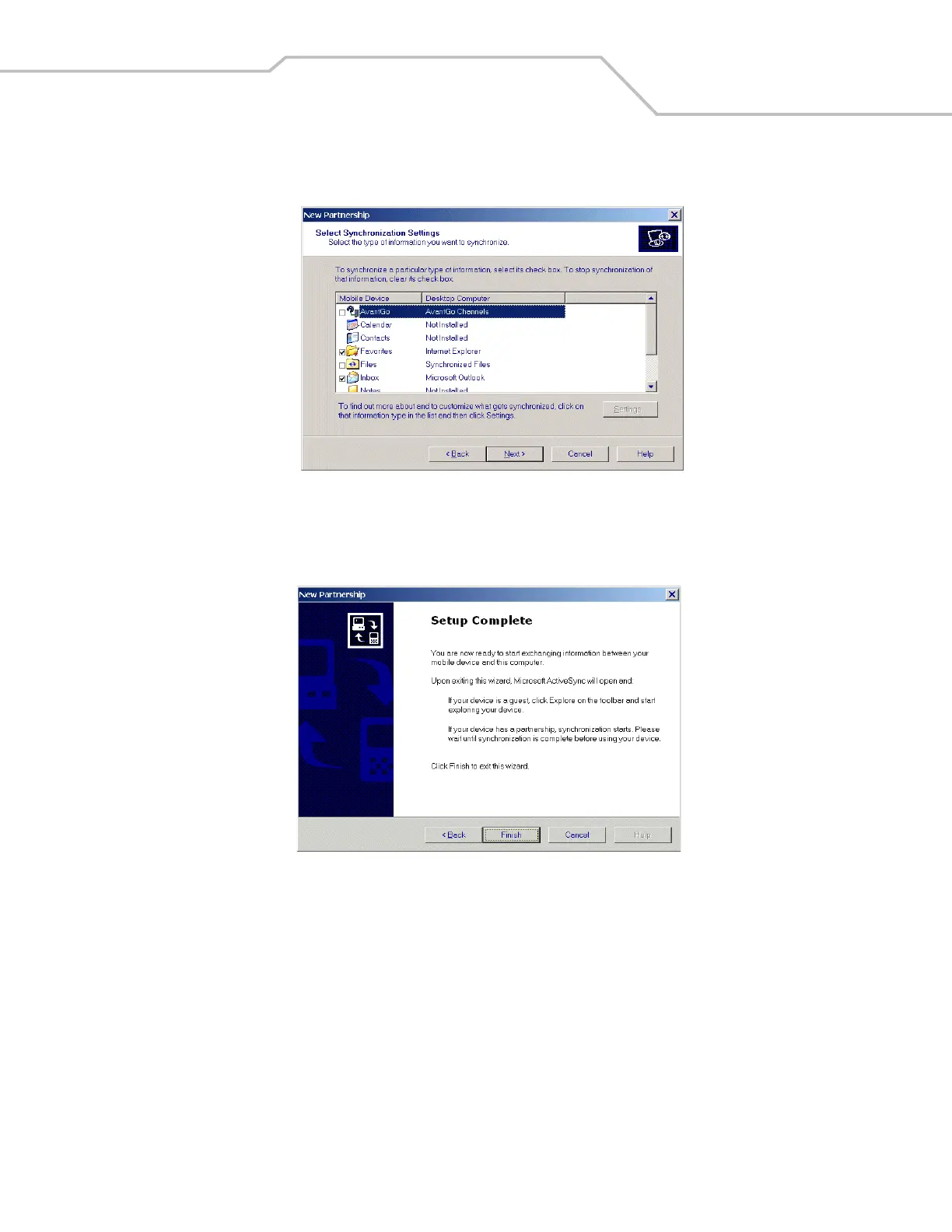
7. Click the Yes, I want to synchronize with only this computer radio button and then select Next. The New Partnership/Select
Synchronization Settings window appears.
Figure 3-8. Select Synchronization Settings Window
8. To synchronize a particular type of information, select its check box. To stop synchronization of that information, clear its
check box.
9. Click Next. The New Partnership/Setup Complete window appears.
Figure 3-9. Setup Complete Window



 To Next Page