e1600 User Manual, Issue 1 © Synectic Systems Group Ltd 2012. All Rights Reserved
Specifications subject to change. E&OE Page 16
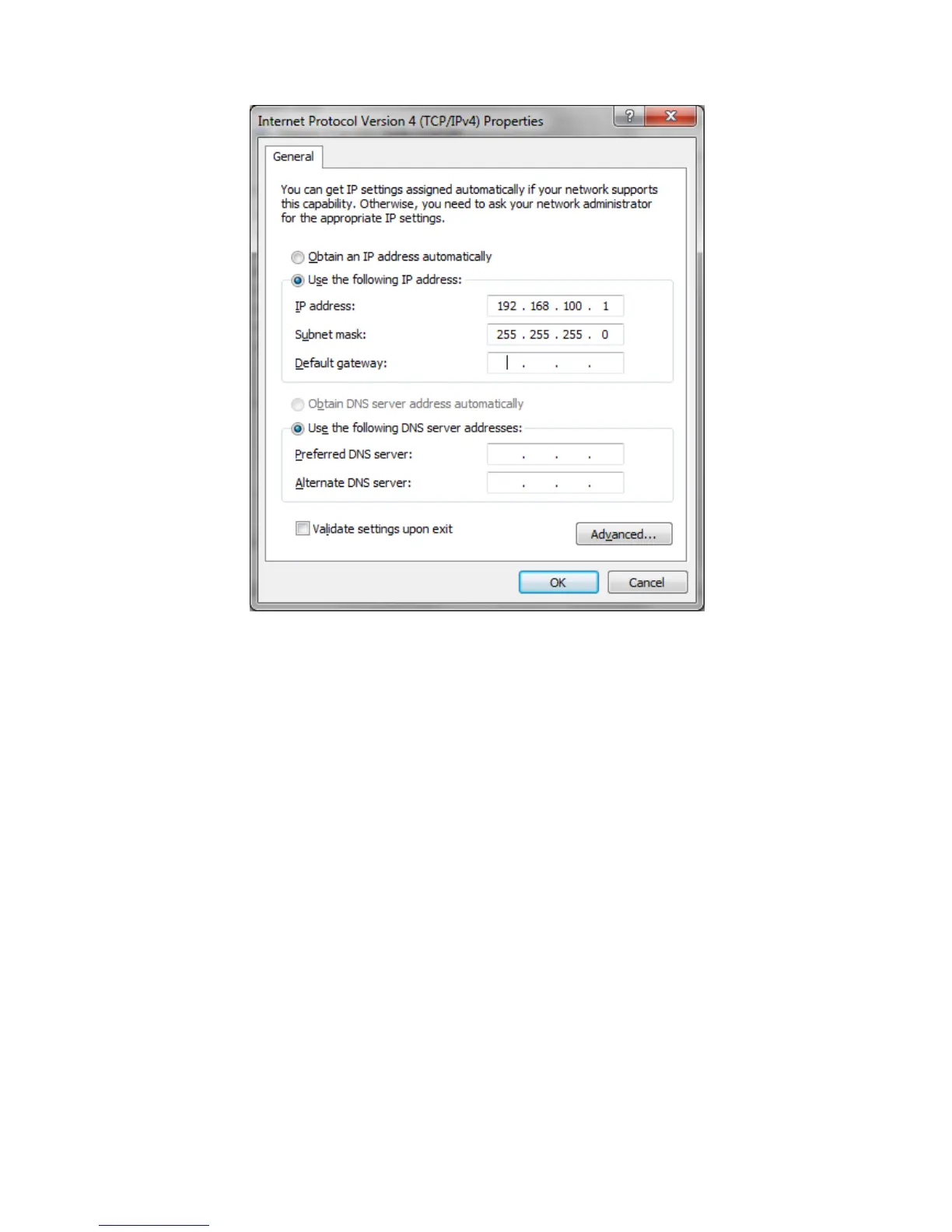
Click OK to close the Internet Protocol Version 4(TCP/IPv4) Properties dialog. Then click Close to
close the Local Area Connection Properties dialog.
Now open your internet browser and in the address bar type in the IP address of the unit:
192.168.100.123. The PC will connect to the unit and display the Home configuration page.
You need to Login. The default username and password are: admin, admin. See section 3.2.1 for
more details,
From the menu on the left select Network under General Settings. The Network Configuration
page is displayed.
From the Use DHCP or static IP? drop down list select Static IP.
Change the IP address, Subnet and Gateway fields with values suitable for your network.
You can then connect the unit to your network and you will be able to access it from other PCs on the
same subnet of the network.



 To Next Page