Status Area – SP-50 – IPU Layout
Sysmex House, Garamonde Drive, Wymbush, Milton Keynes, MK8 8DF, United Kingdom · Phone +44 333 320 3460 · Fax +44 1908 267 901
academy.training@sysmex.co.uk· www.sysmex.co.uk
Indicator
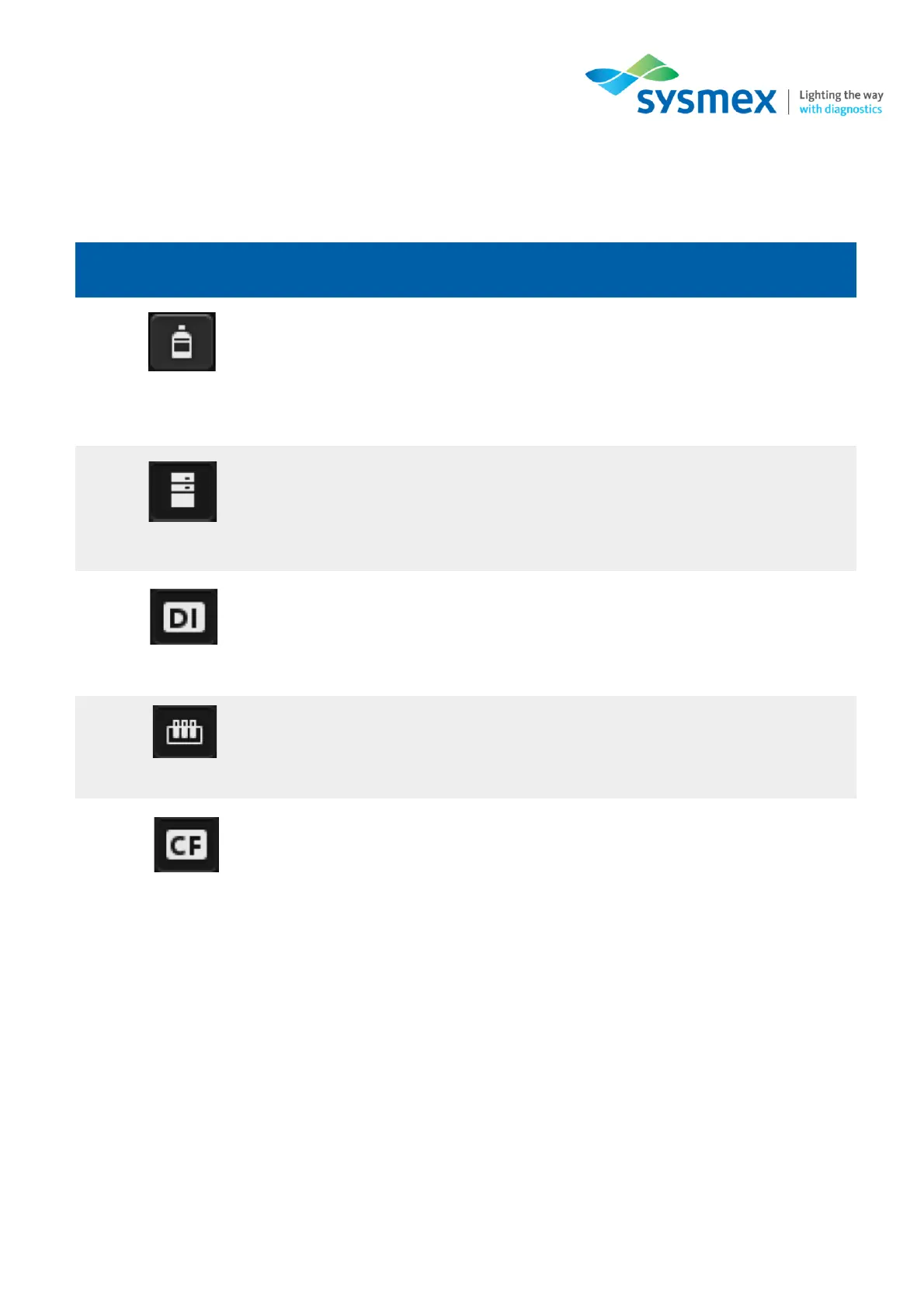
The statuses of the instrument, connected reagents and peripheral devices are displayed by icons.
If a reagent or device is not connected, an icon does not appear.
Slide Preparation Mode
Displays the selected slide preparation mode.
Sample Number
Displays a sample number. [>] at the beginning of the sample number indicates that the instrument
is ready to aspirate the next sample. If the sample number is not read, or if it has not been entered
manually, a message is displayed to prompt the input of the number.
Touch to display the [Reagent Replacement] dialog box.
Changes to orange when reagent volume is low.
Changes to red when reagent has run out.
Changes to red if there is a connection error.
Present on analysers connected to the DI-60.
Changes to red if there is a connection error.
Changes to red if there is a sampler error.
Present on analysers connected to a CF-70.
Changes to red if there is an error occurs.



 To Next Page